Haz clic para ver la imagen completa · Referencia del resultado original
Fuente del ejemplo
@wolfaidev ↗ · Ejemplo #91
Se conserva el contenido original del ejemplo. Los resultados dependen de la versión del modelo, las imágenes de referencia y los parámetros; este sitio no garantiza reproducir el mismo resultado.
Diseño de interfaces / PROMPT #91
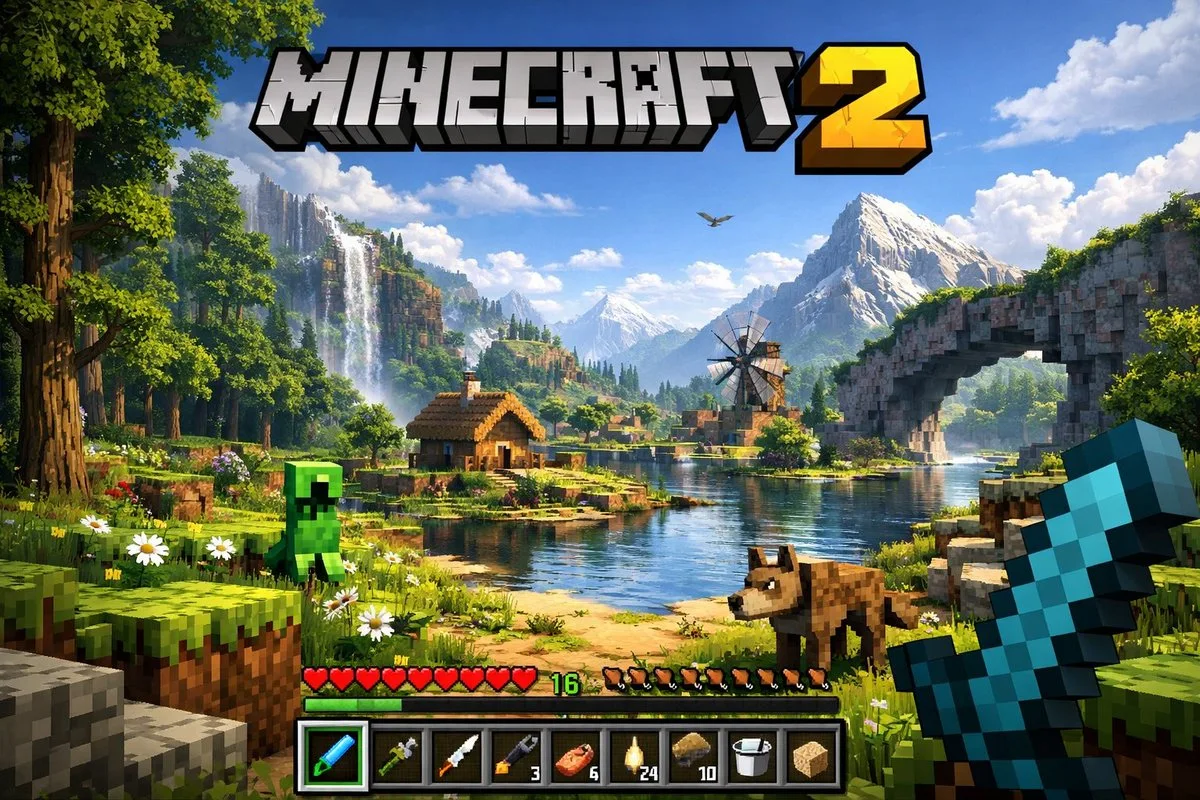
Captura de interfaz de juego
Revisa la imagen y luego copia el prompt original. Si contiene variables, puedes personalizarlas a continuación.
01 / Configura tu versión
No se detectaron variables en este ejemplo. Tras copiarlo, puedes modificar el sujeto, los colores, el texto y las proporciones.
02 / Prompt completo · Original
A highly detailed, realistic first-person video game screenshot of a next-generation voxel-based world. At the top center, a large, bold 3D logo reads "{argument name="game title" default="MINECRAFT 2"}". The scene features a {argument name="environment" default="lush, blocky landscape with a river, a small wooden cabin, a windmill, a waterfall, and majestic mountains in the background"}. The world blends realistic lighting, volumetric clouds, and high-resolution textures with cubic, voxel geometry. In the foreground on the left, a {argument name="mob 1" default="blocky green creeper"} stands on the grass, while a {argument name="mob 2" default="blocky brown wolf"} stands on the dirt path to the right. On the far right, the player's hand holds a {argument name="held item" default="pixelated blue diamond sword"} in a first-person perspective. At the bottom of the screen is a game user interface featuring a health bar with 10 red hearts, a green experience bar with the number '16', a hunger bar with 10 brown meat icons, and a 9-slot inventory hotbar. The hotbar contains, from left to right: a selected blue tool with a green highlight box, a green tool, a knife, a wrench with the number '3', a piece of meat with '6', a lantern with '24', a dirt block with '10', a bucket, and a sponge block.Copia el texto en tu generador de imágenes preferido. Este sitio ofrece exploración y edición de prompts, no genera imágenes directamente.
03 / Comprobación antes de generar
- Reemplaza las variables por tu contenido y comprueba si necesitas subir una imagen de referencia.
- Define el texto final si la imagen incluye palabras y compruébalo con atención tras la generación.
- Modifica solo un elemento a la vez (sujeto, iluminación o composición) para comparar resultados fácilmente.
Explora más inspiración similar
Más ejemplos de Diseño de interfaces
Diseño de interfaces
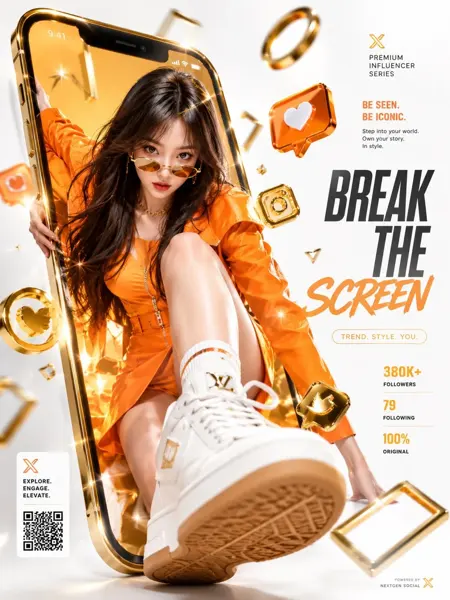
Anuncio comercial de lujo con pantalla rota para redes sociales
Ver prompt completo ↗#404