
Klicken für Vollbild · Referenz des Originalbeispiels
Quelle des Beispiels
@wolfaidev ↗ · Beispiel #91
Originalinhalt beibehalten. Ergebnisse variieren je nach Modellversion, Referenzbildern und Parametern. Keine Garantie für identische Reproduktion.
UI & Interfaces / PROMPT #91
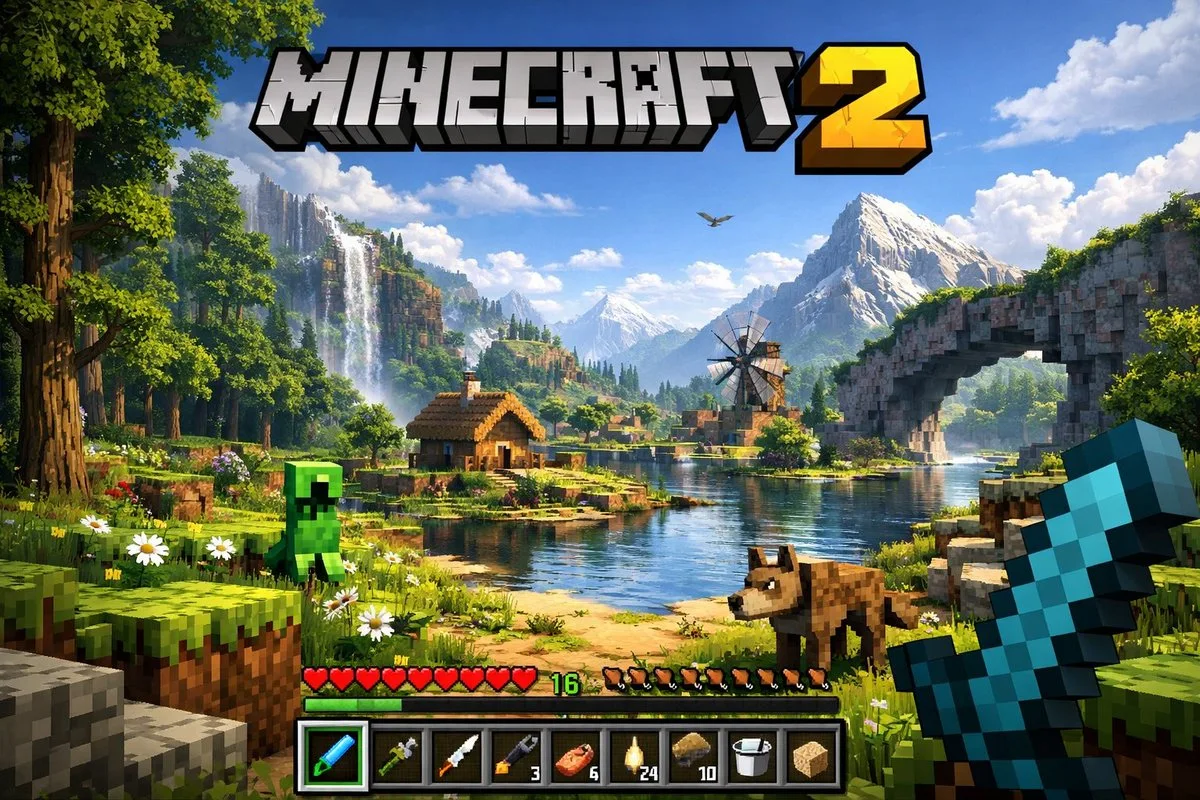
Game-UI-Screenshot
Erst das Bild ansehen, dann den Original-Prompt kopieren; Platzhalter unten nach Wunsch anpassen.
01 / Eigene Version anpassen
Keine eindeutigen Platzhalter erkannt. Nach dem Kopieren können Motiv, Farben, Bildtext und Seitenverhältnis angepasst werden.
02 / Vollständiger Prompt · Original
A highly detailed, realistic first-person video game screenshot of a next-generation voxel-based world. At the top center, a large, bold 3D logo reads "{argument name="game title" default="MINECRAFT 2"}". The scene features a {argument name="environment" default="lush, blocky landscape with a river, a small wooden cabin, a windmill, a waterfall, and majestic mountains in the background"}. The world blends realistic lighting, volumetric clouds, and high-resolution textures with cubic, voxel geometry. In the foreground on the left, a {argument name="mob 1" default="blocky green creeper"} stands on the grass, while a {argument name="mob 2" default="blocky brown wolf"} stands on the dirt path to the right. On the far right, the player's hand holds a {argument name="held item" default="pixelated blue diamond sword"} in a first-person perspective. At the bottom of the screen is a game user interface featuring a health bar with 10 red hearts, a green experience bar with the number '16', a hunger bar with 10 brown meat icons, and a 9-slot inventory hotbar. The hotbar contains, from left to right: a selected blue tool with a green highlight box, a green tool, a knife, a wrench with the number '3', a piece of meat with '6', a lantern with '24', a dirt block with '10', a bucket, and a sponge block.In dein bevorzugtes Bildgenerierungstool kopieren; Prompt Atelier dient zum Entdecken und Anpassen, nicht zum direkten Generieren.
03 / Vor dem Generieren prüfen
- Platzhalter durch konkrete Inhalte ersetzen und prüfen, ob ein Referenzbild erforderlich ist.
- Textinhalte vorab genau definieren und nach der Generierung Buchstabe für Buchstabe prüfen.
- Jeweils nur Motiv, Licht oder Bildaufbau ändern, um Ergebnisse gezielt vergleichen zu können.
Ähnliche Inspirationen entdecken
Mehr UI & Interfaces-Beispiele
UI & Interfaces
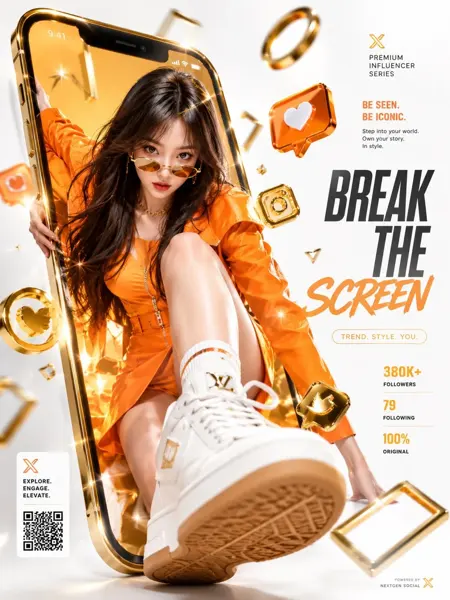
Luxuriöse Social-Media-Werbung mit Screen-Breakout
Vollständigen Prompt anzeigen ↗#404
UI & Interfaces
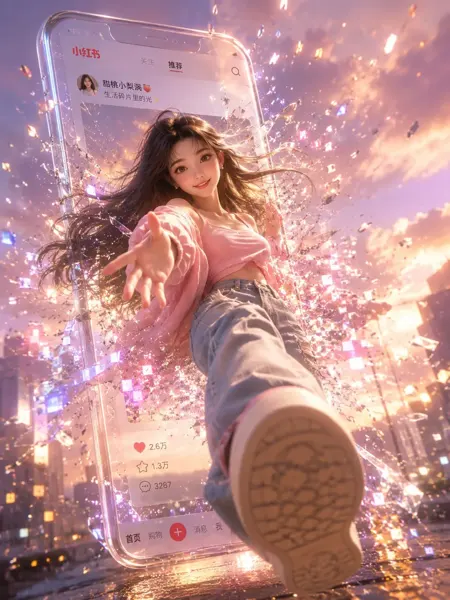
3D-Mädchen mit digitalem Screen-Breakout für Xiaohongshu
Vollständigen Prompt anzeigen ↗#403