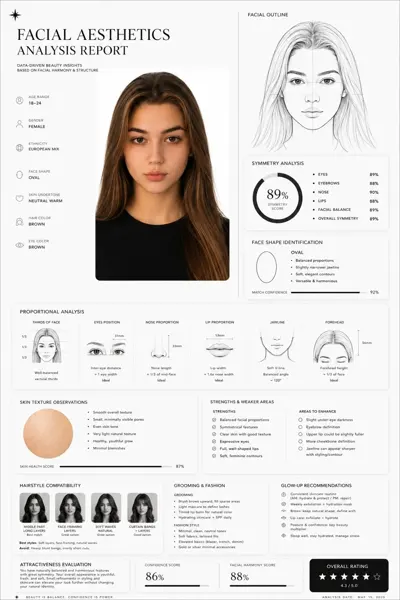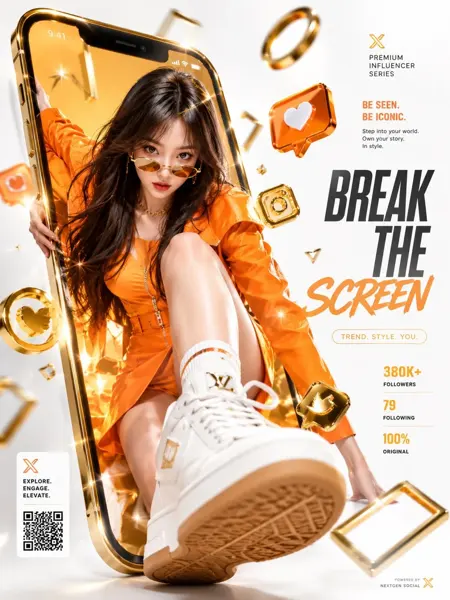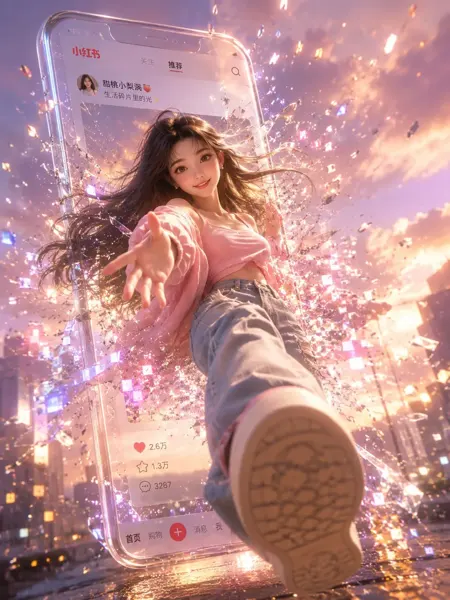
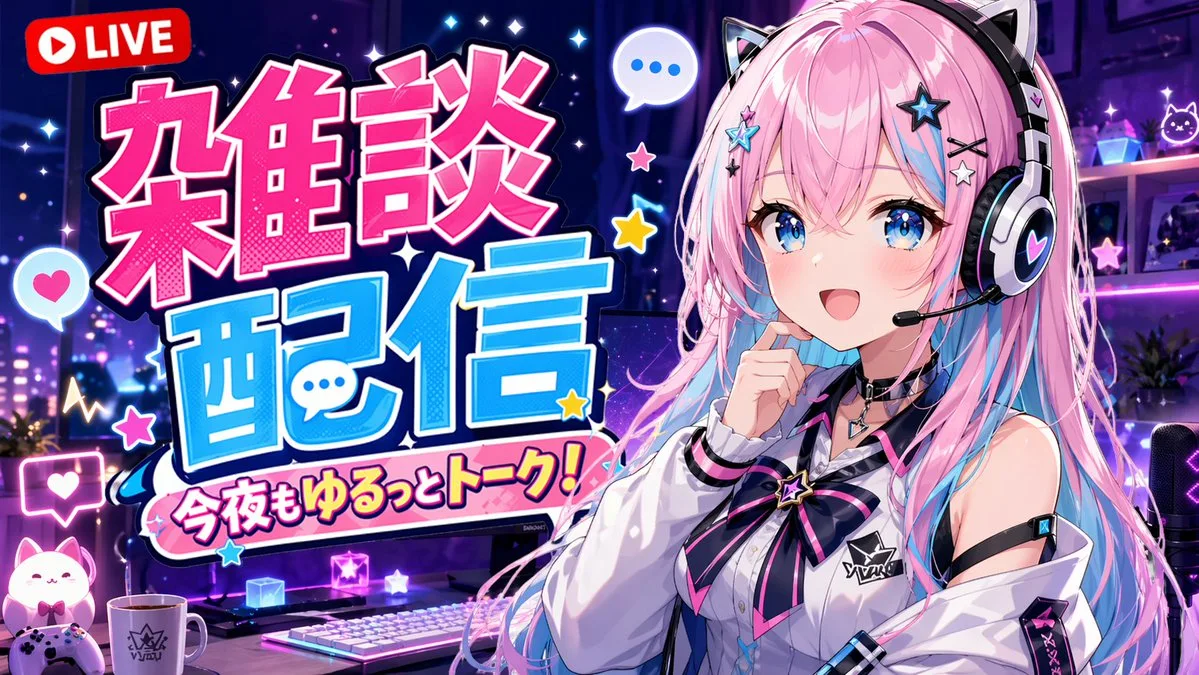
클릭하여 전체 이미지 보기 · 원본 사례 참조용
사례 출처
@Yuupapa_free ↗ · 사례 #92
원본 사례 내용을 유지합니다. 생성 결과는 모델 버전, 참조 이미지 및 매개변수에 따라 달라질 수 있으며, 본 사이트에서 개별 검증을 진행하지 않아 동일한 결과의 재현을 보장하지 않습니다.
UI 및 인터페이스 / PROMPT #92
영상 커버 UI 디자인 · #92
먼저 이미지를 확인한 뒤 원본 프롬프트를 복사하세요. 치환 문구가 있는 경우 아래에서 원하는 내용으로 변경할 수 있습니다.
01 / 나만의 버전 설정
이 사례에는 명시적인 치환 문구가 없습니다. 복사 후 피사체, 색상, 텍스트, 비율을 직접 수정해 보세요.
02 / 전체 프롬프트 · 원문
An anime-style YouTube stream thumbnail featuring a cheerful female VTuber. She has long {argument name="hair color" default="pink with light blue inner highlights"} hair, blue eyes, and wears black and white cat-ear headphones with a boom mic. She wears a white collared shirt with a black and pink star ribbon and a black choker, smiling with one hand near her chin. The background is a gaming room with {argument name="room lighting" default="purple and blue neon"} lighting, showing a desk equipped with 1 white keyboard, 1 mug, 1 glowing cat figure, 1 game controller, and 1 streaming microphone. The left side features large, bold, pop-art Japanese typography: a bright pink top word "{argument name="main text line 1" default="雑談"}" and a bright blue bottom word "{argument name="main text line 2" default="配信"}". Below is a pink banner reading "{argument name="subtitle text" default="今夜もゆるっとトーク!"}". A red "LIVE" badge sits in the top left. Floating speech bubbles, stars, and hearts decorate the composition.사용하시는 이미지 생성 도구에 붙여넣어 사용하세요. 본 사이트는 프롬프트 탐색 및 편집 기능만 제공하며 직접 이미지를 생성하지 않습니다.
03 / 생성 전 체크리스트
- 치환 문구를 구체적인 내용으로 바꾸고, 참조 이미지가 필요한지 확인하세요.
- 텍스트가 포함된 경우 원하는 문구를 명확히 지정하고, 생성 후 글자를 꼼꼼히 확인하세요.
- 효과를 쉽게 비교할 수 있도록 피사체, 조명, 구도 중 한 번에 하나씩만 수정하세요.
관련 영감 더 둘러보기
더 많은 UI 및 인터페이스 사례