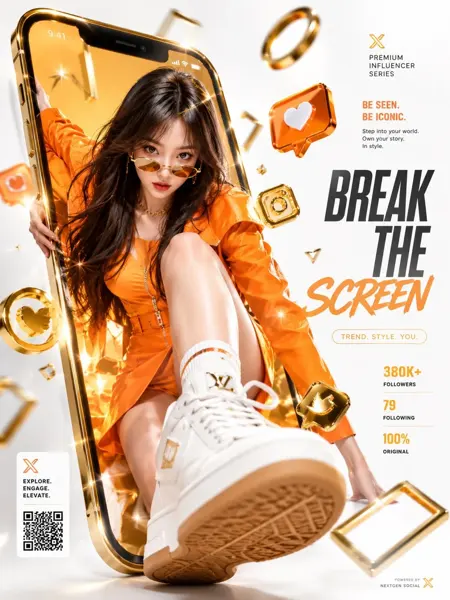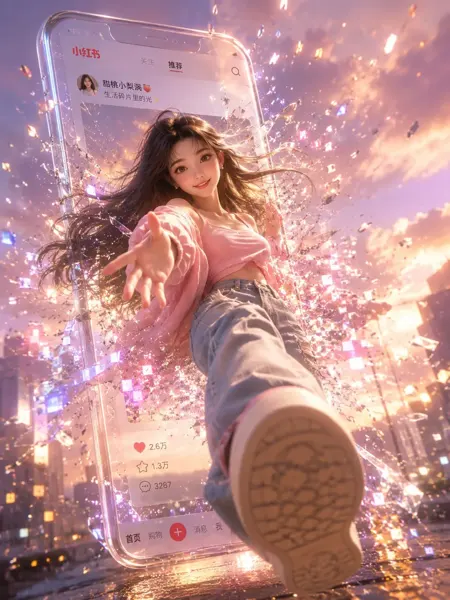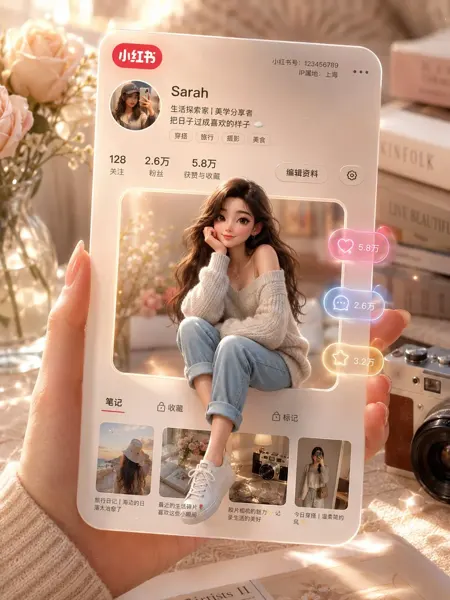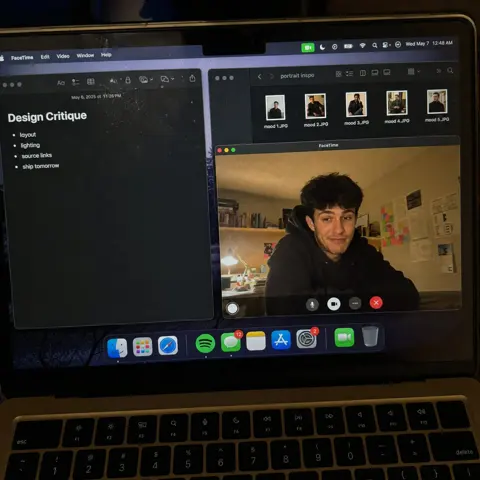
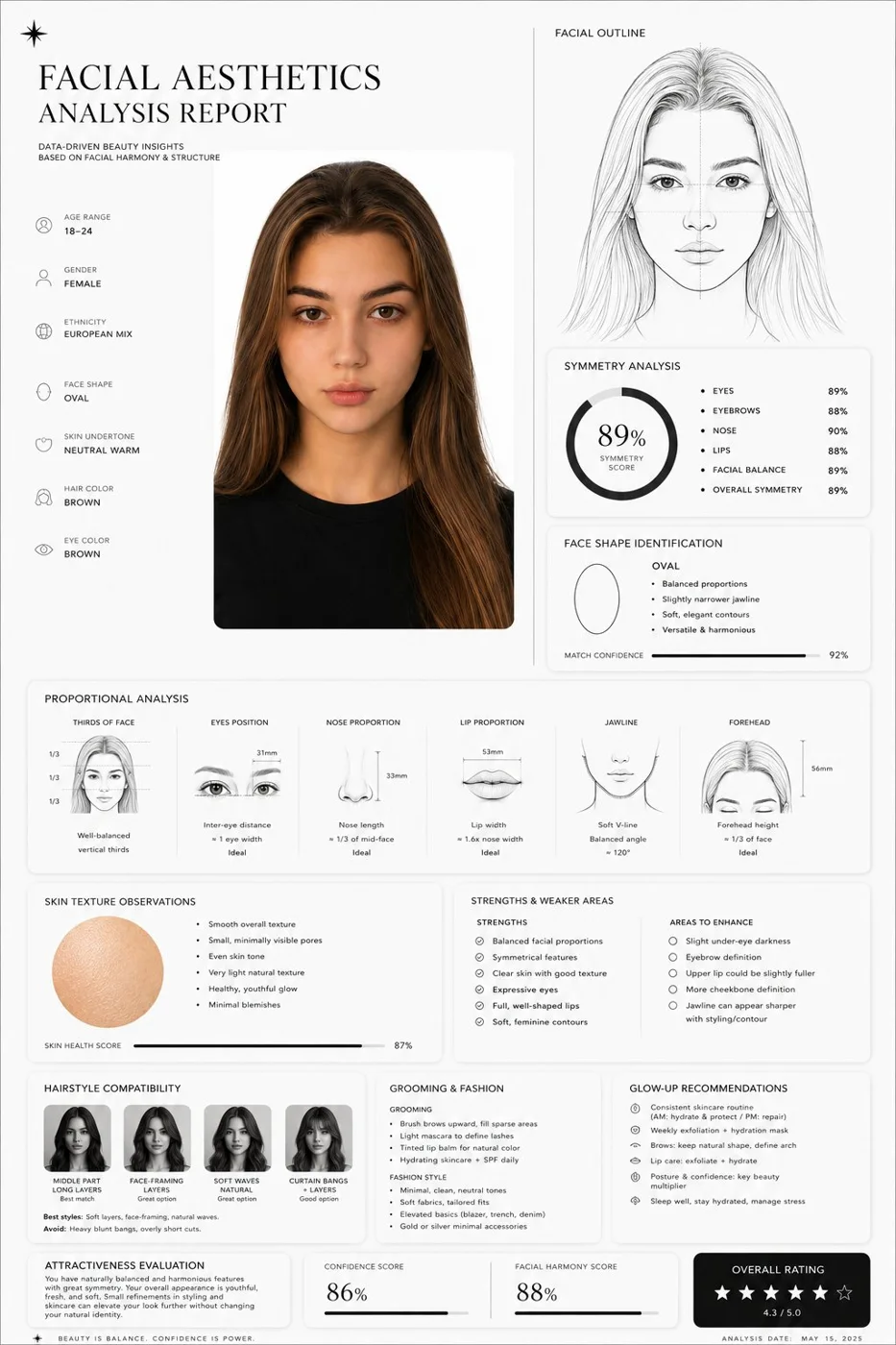
클릭하여 전체 이미지 보기 · 원본 사례 참조용
사례 출처
@saniaspeaks_ ↗ · 사례 #437
원본 사례 내용을 유지합니다. 생성 결과는 모델 버전, 참조 이미지 및 매개변수에 따라 달라질 수 있으며, 본 사이트에서 개별 검증을 진행하지 않아 동일한 결과의 재현을 보장하지 않습니다.
UI 및 인터페이스 / PROMPT #437
얼굴 미학 분석 리포트
먼저 이미지를 확인한 뒤 원본 프롬프트를 복사하세요. 치환 문구가 있는 경우 아래에서 원하는 내용으로 변경할 수 있습니다.
01 / 나만의 버전 설정
이 사례에는 명시적인 치환 문구가 없습니다. 복사 후 피사체, 색상, 텍스트, 비율을 직접 수정해 보세요.
02 / 전체 프롬프트 · 원문
Create a clean, minimal, luxury-style facial aesthetics analysis report based on the uploaded portrait photo.
Design style:
Ultra-modern black and white interface, premium editorial aesthetic, thin elegant divider lines, soft rounded cards, subtle shadows, spacious layout, luxury skincare / fashion magazine vibe, monochrome palette, Apple-style UI refinement.
Include:
– A simple contour line-art drawing of the face based on the subject
– Facial symmetry analysis
– Face shape identification
– Proportional analysis (eyes, nose, jawline, lips, forehead)
– Skin texture observations
– Hairstyle compatibility suggestions
– Grooming and fashion recommendations
– Honest attractiveness evaluation with balanced critique
– Strengths and weaker facial areas explained objectively
– Actionable glow-up recommendations
– Confidence score and facial harmony score shown with elegant charts or meters
Style notes:
Keep the report data-driven, visually refined, realistic, and not overly flattering.
Avoid exaggerated praise.
Use clean typography, premium spacing, modern infographics, subtle geometric accents, and professional cosmetic consultation aesthetics.
Visual composition:
Magazine-quality presentation, luxury beauty report dashboard, highly organized layout, cinematic monochrome feel, minimalist infographic design, realistic facial structure interpretation, modern masculine beauty analytics.
Rendering:
Ultra-detailed, sharp UI design, realistic portrait adaptation, sophisticated editorial presentation, high-end branding aesthetic, 4K quality.
사용하시는 이미지 생성 도구에 붙여넣어 사용하세요. 본 사이트는 프롬프트 탐색 및 편집 기능만 제공하며 직접 이미지를 생성하지 않습니다.
03 / 생성 전 체크리스트
- 치환 문구를 구체적인 내용으로 바꾸고, 참조 이미지가 필요한지 확인하세요.
- 텍스트가 포함된 경우 원하는 문구를 명확히 지정하고, 생성 후 글자를 꼼꼼히 확인하세요.
- 효과를 쉽게 비교할 수 있도록 피사체, 조명, 구도 중 한 번에 하나씩만 수정하세요.
관련 영감 더 둘러보기
더 많은 UI 및 인터페이스 사례