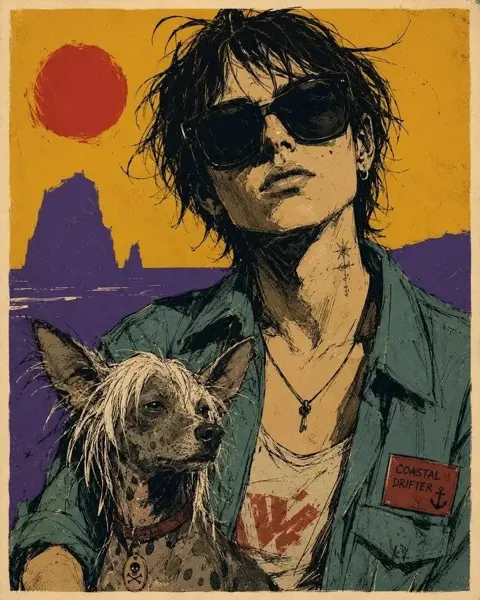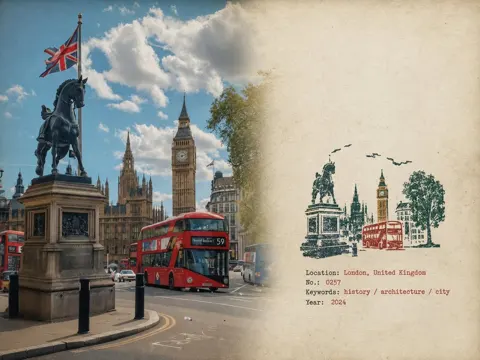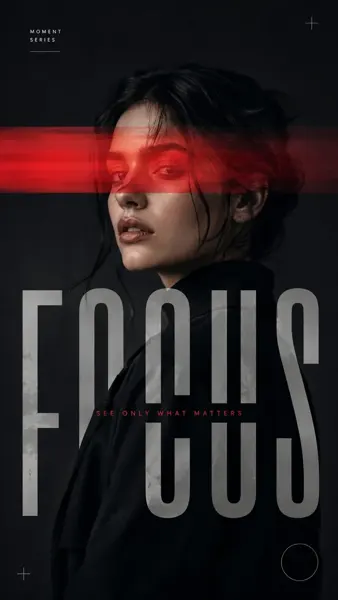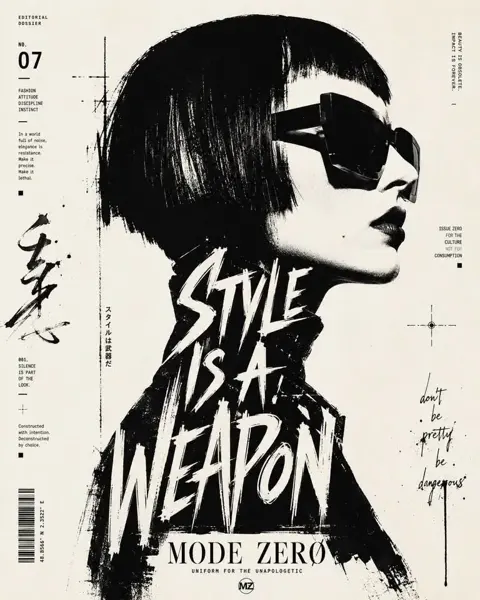
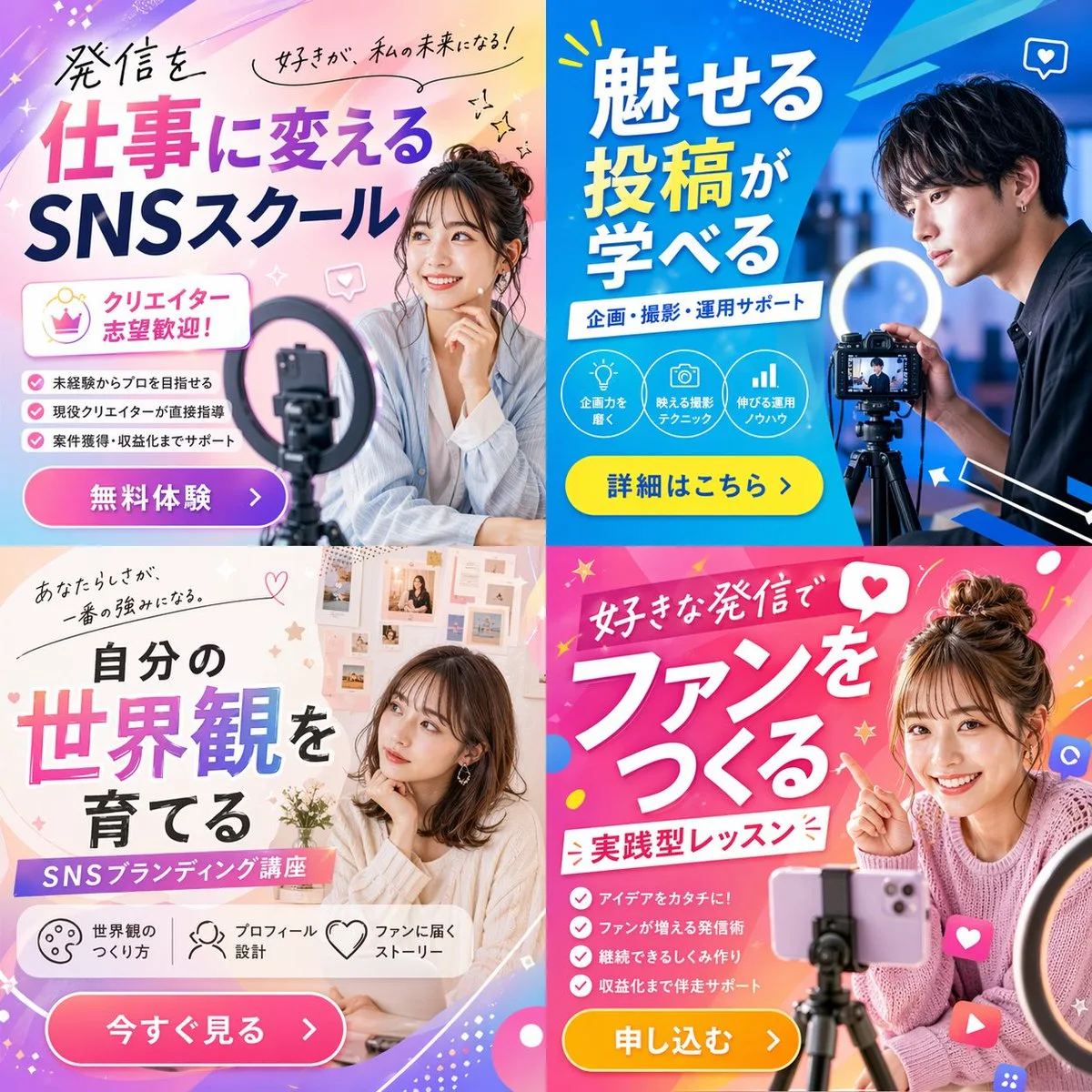
클릭하여 전체 이미지 보기 · 원본 사례 참조용
사례 출처
@masapark95 ↗ · 사례 #63
원본 사례 내용을 유지합니다. 생성 결과는 모델 버전, 참조 이미지 및 매개변수에 따라 달라질 수 있으며, 본 사이트에서 개별 검증을 진행하지 않아 동일한 결과의 재현을 보장하지 않습니다.
포스터 및 타이포그래피 / PROMPT #63
테마 포스터 레이아웃 디자인 · #63
먼저 이미지를 확인한 뒤 원본 프롬프트를 복사하세요. 치환 문구가 있는 경우 아래에서 원하는 내용으로 변경할 수 있습니다.
01 / 나만의 버전 설정
02 / 전체 프롬프트 · 원문
{"type": "2x2 grid of promotional banner ads", "theme": "{argument name=\"course theme\" default=\"Social Media Content Creation School\"}", "panels": [{"position": "top-left", "color_palette": "light blue and pink pastel gradient", "subject": "young woman smiling, resting chin on hand, smartphone and ring light in foreground", "typography": {"headline": "{argument name=\"top left headline\" default=\"発信を仕事に変える SNSスクール\"}", "subheadings": ["好きが、私の未来になる!", "クリエイター志望歓迎!"]}, "layout_elements": {"bullet_points_count": 3, "call_to_action_button": "pink button labeled '無料体験 >'"}}, {"position": "top-right", "color_palette": "deep blue and cyan geometric", "subject": "young man looking intently at a professional camera on a tripod with a ring light", "typography": {"headline": "{argument name=\"top right headline\" default=\"魅せる投稿が学べる\"}", "subheadings": ["企画・撮影・運用サポート"]}, "layout_elements": {"circular_icons_count": 3, "icon_types": ["lightbulb", "camera", "bar chart"], "call_to_action_button": "yellow button labeled '詳細はこちら >'"}}, {"position": "bottom-left", "color_palette": "soft beige and white aesthetic", "subject": "young woman looking thoughtfully to the side, mood board background", "typography": {"headline": "{argument name=\"bottom left headline\" default=\"自分の世界観を育てる\"}", "subheadings": ["あなたらしさが、一番の強みになる。", "SNSブランディング講座"]}, "layout_elements": {"horizontal_icons_count": 3, "icon_types": ["palette", "person", "heart"], "call_to_action_button": "pink button labeled '今すぐ見る >'"}}, {"position": "bottom-right", "color_palette": "vibrant pink and magenta pop design", "subject": "young woman smiling brightly, pointing at text, messy bun, smartphone on tripod", "typography": {"headline": "{argument name=\"bottom right headline\" default=\"好きな発信でファンをつくる\"}", "subheadings": ["実践型レッスン"]}, "layout_elements": {"bullet_points_count": 4, "call_to_action_button": "yellow button labeled '申し込む >'"}}]}사용하시는 이미지 생성 도구에 붙여넣어 사용하세요. 본 사이트는 프롬프트 탐색 및 편집 기능만 제공하며 직접 이미지를 생성하지 않습니다.
03 / 생성 전 체크리스트
- 치환 문구를 구체적인 내용으로 바꾸고, 참조 이미지가 필요한지 확인하세요.
- 텍스트가 포함된 경우 원하는 문구를 명확히 지정하고, 생성 후 글자를 꼼꼼히 확인하세요.
- 효과를 쉽게 비교할 수 있도록 피사체, 조명, 구도 중 한 번에 하나씩만 수정하세요.
관련 영감 더 둘러보기
더 많은 포스터 및 타이포그래피 사례