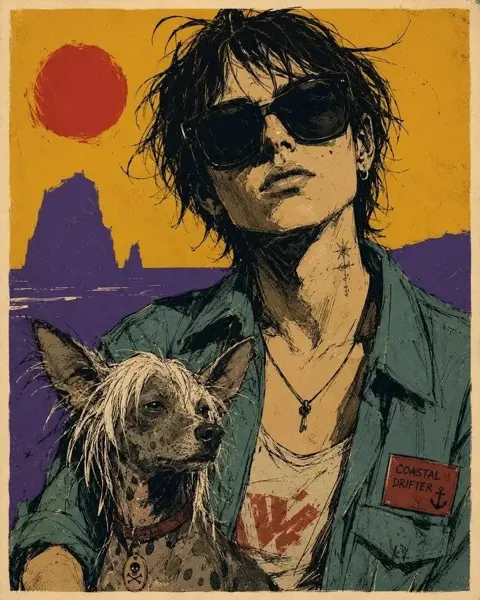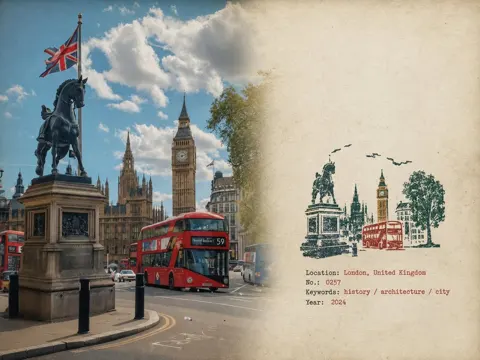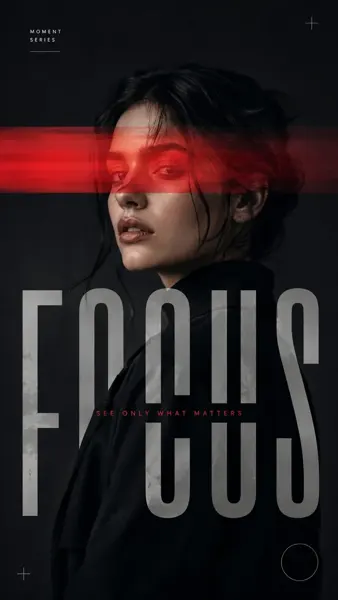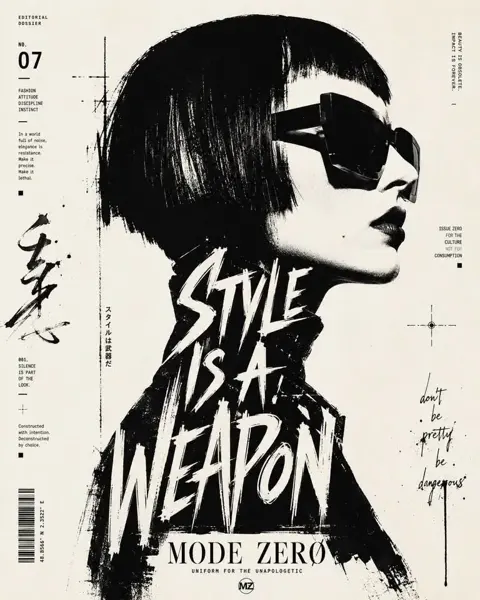
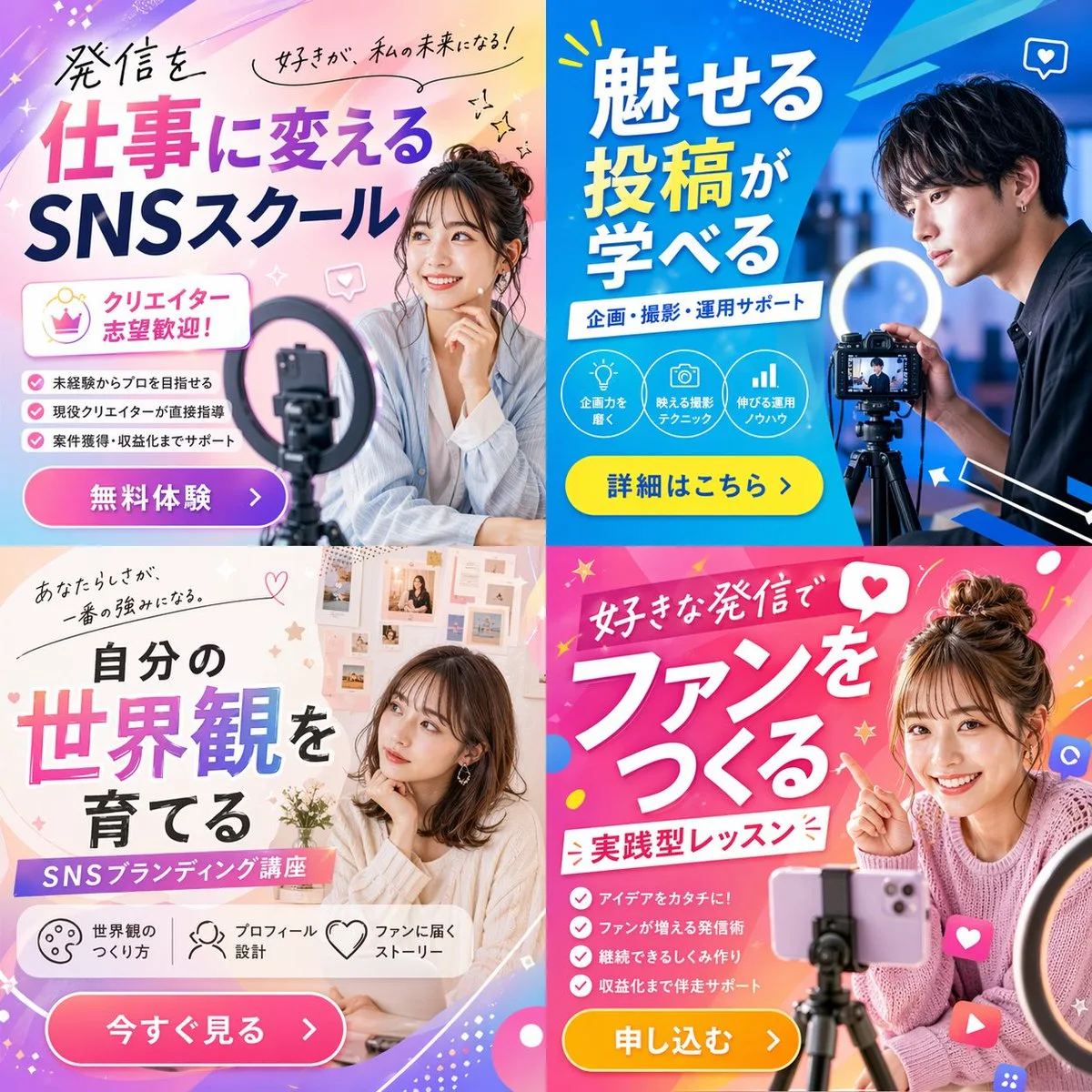
クリックで拡大表示 · 作例の参考イメージ
作例の出典
@masapark95 ↗ · 作例 #63
オリジナルの作例内容を保持しています。生成結果はモデルのバージョン、参照画像、パラメータによって左右されます。本サイトでは個別の完全な再現を保証するものではありません。
ポスター・タイポグラフィ / PROMPT #63
テーマポスターレイアウト · #63
画像を確認してからプロンプトをコピーしてください。プレースホルダーがある場合は、下部で内容を書き換えることができます。
01 / カスタマイズ
02 / プロンプト全文 · 原文
{"type": "2x2 grid of promotional banner ads", "theme": "{argument name=\"course theme\" default=\"Social Media Content Creation School\"}", "panels": [{"position": "top-left", "color_palette": "light blue and pink pastel gradient", "subject": "young woman smiling, resting chin on hand, smartphone and ring light in foreground", "typography": {"headline": "{argument name=\"top left headline\" default=\"発信を仕事に変える SNSスクール\"}", "subheadings": ["好きが、私の未来になる!", "クリエイター志望歓迎!"]}, "layout_elements": {"bullet_points_count": 3, "call_to_action_button": "pink button labeled '無料体験 >'"}}, {"position": "top-right", "color_palette": "deep blue and cyan geometric", "subject": "young man looking intently at a professional camera on a tripod with a ring light", "typography": {"headline": "{argument name=\"top right headline\" default=\"魅せる投稿が学べる\"}", "subheadings": ["企画・撮影・運用サポート"]}, "layout_elements": {"circular_icons_count": 3, "icon_types": ["lightbulb", "camera", "bar chart"], "call_to_action_button": "yellow button labeled '詳細はこちら >'"}}, {"position": "bottom-left", "color_palette": "soft beige and white aesthetic", "subject": "young woman looking thoughtfully to the side, mood board background", "typography": {"headline": "{argument name=\"bottom left headline\" default=\"自分の世界観を育てる\"}", "subheadings": ["あなたらしさが、一番の強みになる。", "SNSブランディング講座"]}, "layout_elements": {"horizontal_icons_count": 3, "icon_types": ["palette", "person", "heart"], "call_to_action_button": "pink button labeled '今すぐ見る >'"}}, {"position": "bottom-right", "color_palette": "vibrant pink and magenta pop design", "subject": "young woman smiling brightly, pointing at text, messy bun, smartphone on tripod", "typography": {"headline": "{argument name=\"bottom right headline\" default=\"好きな発信でファンをつくる\"}", "subheadings": ["実践型レッスン"]}, "layout_elements": {"bullet_points_count": 4, "call_to_action_button": "yellow button labeled '申し込む >'"}}]}お使いの画像生成ツールに貼り付けてご使用ください。本サイトはプロンプトの閲覧・編集ツールであり、画像の直接生成は行いません。
03 / 生成前のチェック
- プレースホルダーを具体的な内容に置き換え、参照画像が必要か確認します。
- 文字を含む場合はテキストを確定し、生成後に一文字ずつ確認します。
- 被写体、光、構図は一度に一箇所ずつ調整すると、効果を比較しやすくなります。
関連するインスピレーション
ポスター・タイポグラフィの他の作例