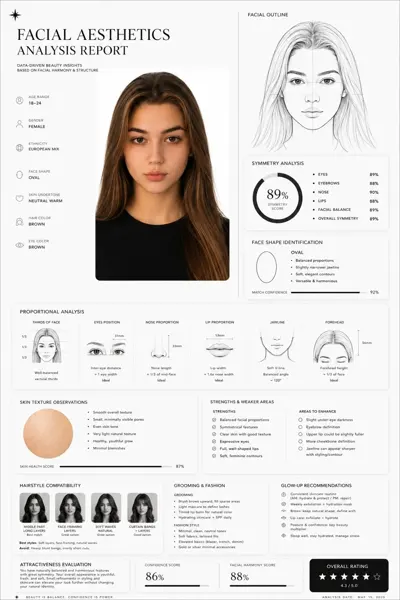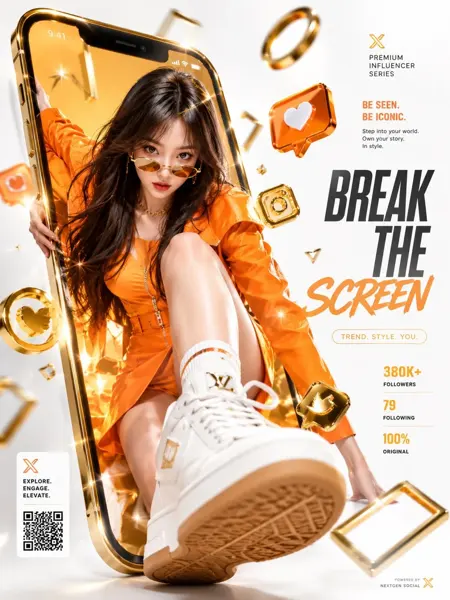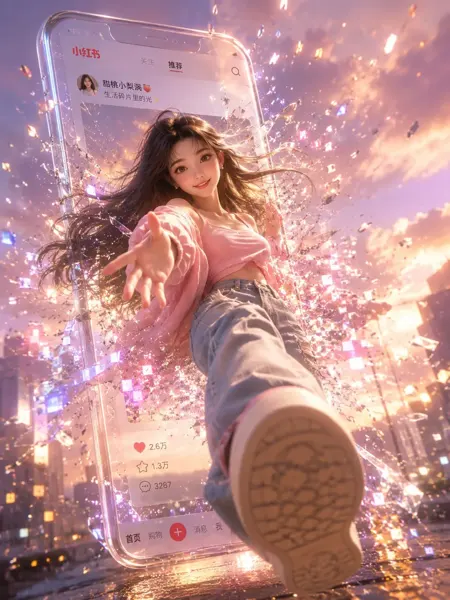
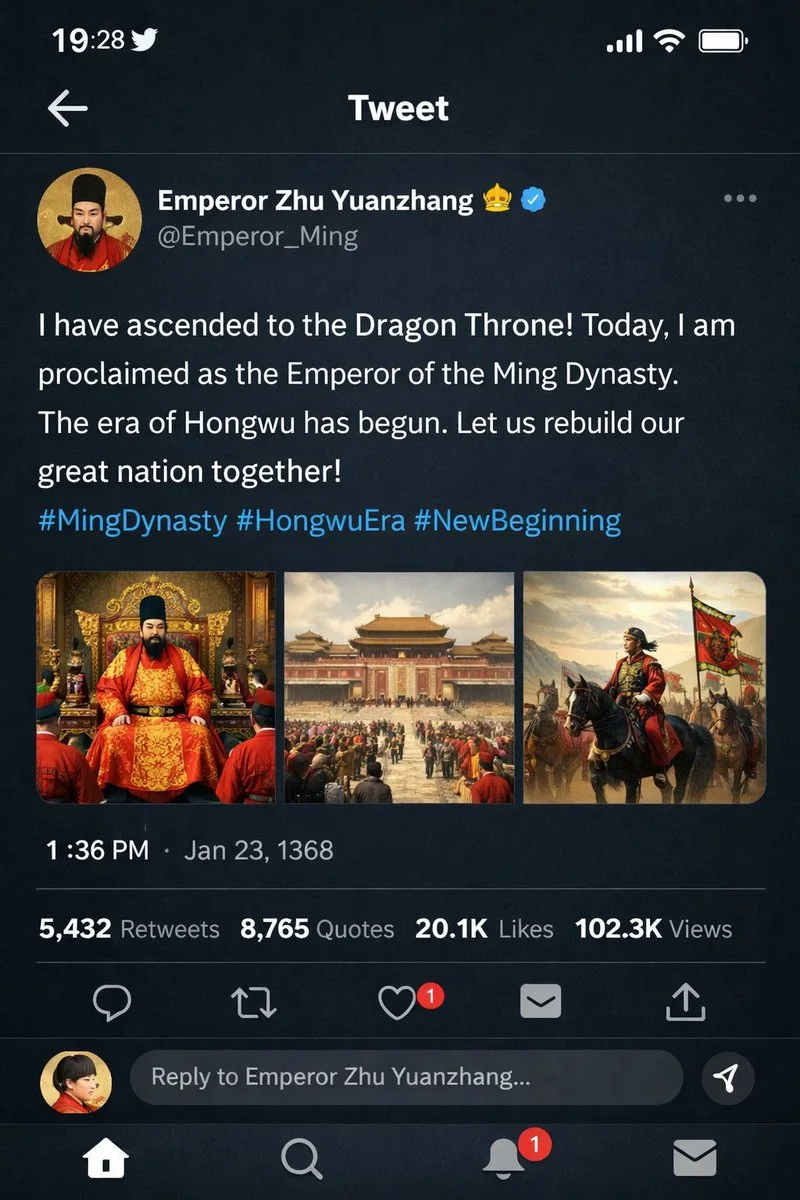
클릭하여 전체 이미지 보기 · 원본 사례 참조용
사례 출처
@liyue_ai ↗ · 사례 #57
원본 사례 내용을 유지합니다. 생성 결과는 모델 버전, 참조 이미지 및 매개변수에 따라 달라질 수 있으며, 본 사이트에서 개별 검증을 진행하지 않아 동일한 결과의 재현을 보장하지 않습니다.
UI 및 인터페이스 / PROMPT #57
UI 인터랙션 디자인 · #57
먼저 이미지를 확인한 뒤 원본 프롬프트를 복사하세요. 치환 문구가 있는 경우 아래에서 원하는 내용으로 변경할 수 있습니다.
01 / 나만의 버전 설정
02 / 전체 프롬프트 · 원문
{
  "type": "mobile social media app UI mockup",
  "platform": "Twitter/X dark mode",
  "header": {
    "status_bar": "time 19:28, bird icon, signal, wifi, battery",
    "navigation": "back arrow, 'Tweet' title"
  },
  "post": {
    "author": {
      "avatar": "portrait of a Chinese emperor in red robes and black hat",
      "display_name": "{argument name=\"display name\" default=\"Emperor Zhu Yuanzhang\"} 👑 [verified badge]",
      "handle": "{argument name=\"handle\" default=\"@Emperor_Ming\"}"
    },
    "content": {
      "text": "{argument name=\"tweet text\" default=\"I have ascended to the Dragon Throne! Today, I am proclaimed as the Emperor of the Ming Dynasty. The era of Hongwu has begun. Let us rebuild our great nation together!\"}",
      "hashtags": "#MingDynasty #HongwuEra #NewBeginning",
      "media_grid": {
        "count": 3,
        "images": [
          "emperor seated on an ornate golden throne in red and gold robes",
          "wide shot of a grand Chinese palace courtyard with a large crowd",
          "emperor on horseback leading an army with a red dragon banner"
        ]
      }
    },
    "metadata": {
      "timestamp": "{argument name=\"timestamp\" default=\"1:36 PM · Jan 23, 1368\"}",
      "engagement": "5,432 Retweets, 8,765 Quotes, 20.1K Likes, 102.3K Views"
    },
    "actions": "reply, retweet, like (red heart with '1'), share, upload"
  },
  "footer": {
    "reply_bar": {
      "avatar": "woman in red",
      "placeholder": "Reply to Emperor Zhu Yuanzhang..."
    },
    "navigation_bar": "home, search, notifications (red '1' badge), messages"
  }
}사용하시는 이미지 생성 도구에 붙여넣어 사용하세요. 본 사이트는 프롬프트 탐색 및 편집 기능만 제공하며 직접 이미지를 생성하지 않습니다.
03 / 생성 전 체크리스트
- 치환 문구를 구체적인 내용으로 바꾸고, 참조 이미지가 필요한지 확인하세요.
- 텍스트가 포함된 경우 원하는 문구를 명확히 지정하고, 생성 후 글자를 꼼꼼히 확인하세요.
- 효과를 쉽게 비교할 수 있도록 피사체, 조명, 구도 중 한 번에 하나씩만 수정하세요.
관련 영감 더 둘러보기
더 많은 UI 및 인터페이스 사례