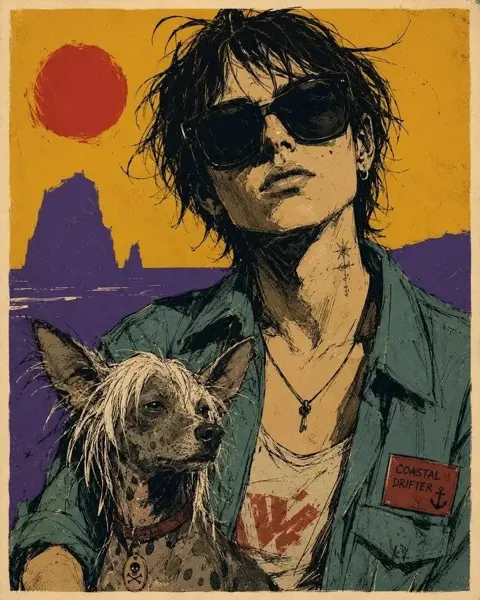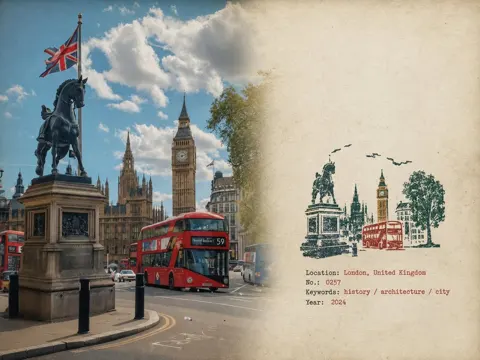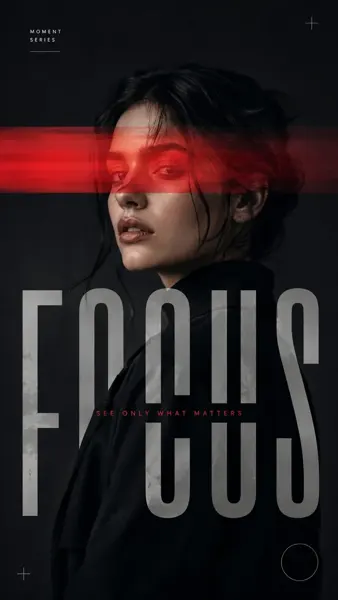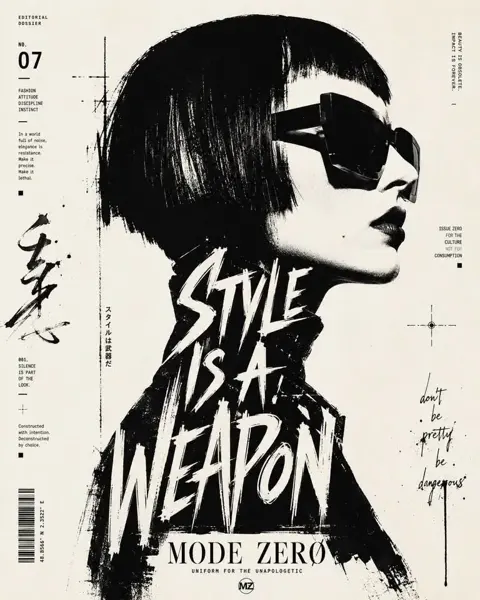
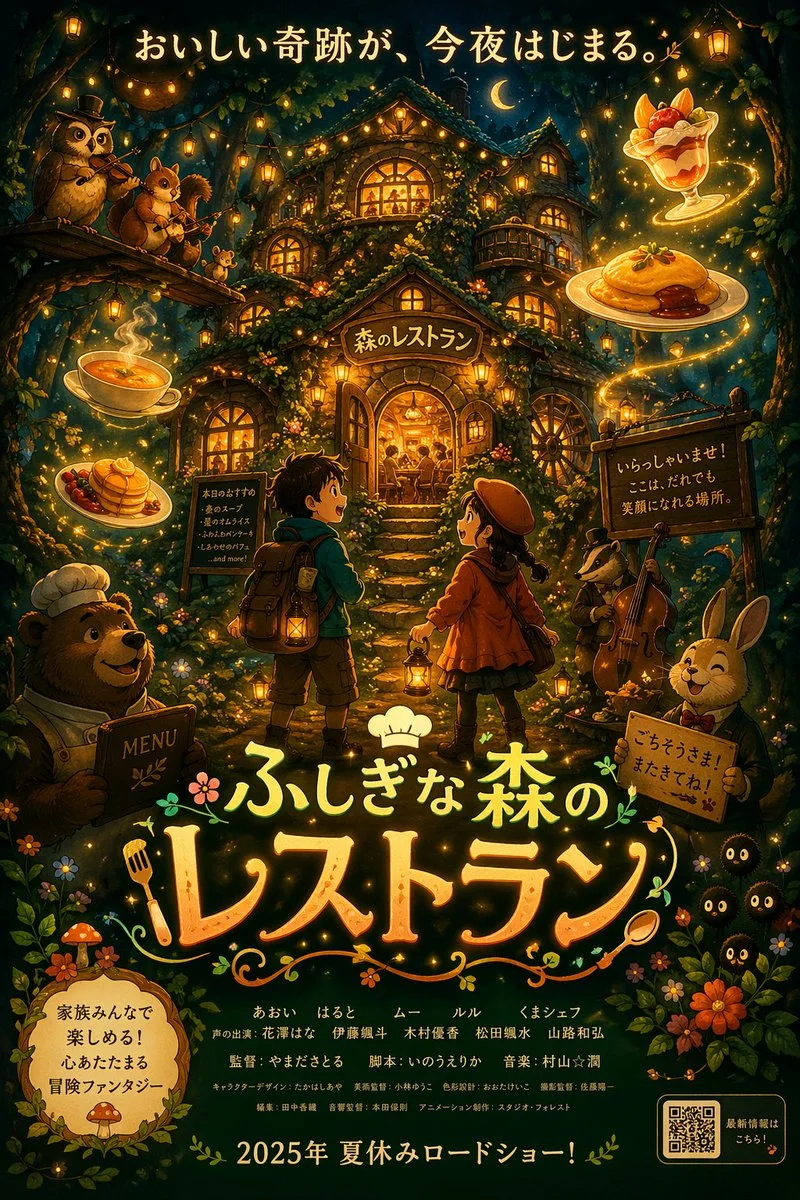
クリックで拡大表示 · 作例の参考イメージ
作例の出典
@masapark95 ↗ · 作例 #128
オリジナルの作例内容を保持しています。生成結果はモデルのバージョン、参照画像、パラメータによって左右されます。本サイトでは個別の完全な再現を保証するものではありません。
ポスター・タイポグラフィ / PROMPT #128
建築空間レンダリング
画像を確認してからプロンプトをコピーしてください。プレースホルダーがある場合は、下部で内容を書き換えることができます。
01 / カスタマイズ
この作例には自動検出されたプレースホルダーはありません。コピー後、被写体・配色・テキスト・比率などを適宜変更してください。
02 / プロンプト全文 · 原文
{
  "type": "anime-style animated movie poster",
  "scene": "Magical glowing multi-story treehouse restaurant in a dark enchanted forest at night, illuminated by string lights and warm window glow.",
  "subjects": {
    "children": "2 children in center foreground facing the restaurant: a boy with a backpack and lantern, and a girl in a red coat and beret with a lantern.",
    "animals": "4 anthropomorphic animals: a bear chef holding a MENU book (bottom left), an owl playing violin and a squirrel playing flute on a branch (top left), a badger playing cello (mid right), and a rabbit in a suit holding a sign (bottom right).",
    "creatures": "3 small black soot-sprite-like creatures with glowing eyes (bottom right).",
    "floating_food": "4 glowing food items floating in the air: soup, pancakes, omurice, and a fruit parfait."
  },
  "layout": {
    "top_text": "{argument name=\"top catchphrase\" default=\"おいしい奇跡が、今夜はじまる。\"}",
    "building_sign": "{argument name=\"restaurant name\" default=\"森のレストラン\"}",
    "left_board": "本日のおすすめ\n・森のスープ\n・星のオムライス\n・ふわふわパンケーキ\n・しあわせのパフェ\n...and more!",
    "right_board": "いらっしゃいませ!\nここは、だれでも\n笑顔になれる場所。",
    "main_title": {
      "text": "{argument name=\"movie title\" default=\"ふしぎな森のレストラン\"}",
      "styling": "Large stylized typography with a chef hat, fork, and spoon motifs."
    },
    "rabbit_sign": "ごちそうさま!またきてね!",
    "bottom_left_badge": "{argument name=\"genre badge\" default=\"家族みんなで楽しめる!心あたたまる冒険ファンタジー\"}",
    "bottom_center_credits": "Fictional cast and staff names in Japanese.",
    "bottom_release_date": "{argument name=\"release date\" default=\"2025年 夏休みロードショー!\"}",
    "bottom_right": "QR code with text '最新情報はこちら!'"
  }
}お使いの画像生成ツールに貼り付けてご使用ください。本サイトはプロンプトの閲覧・編集ツールであり、画像の直接生成は行いません。
03 / 生成前のチェック
- プレースホルダーを具体的な内容に置き換え、参照画像が必要か確認します。
- 文字を含む場合はテキストを確定し、生成後に一文字ずつ確認します。
- 被写体、光、構図は一度に一箇所ずつ調整すると、効果を比較しやすくなります。
関連するインスピレーション
ポスター・タイポグラフィの他の作例