Affiches & Typographie
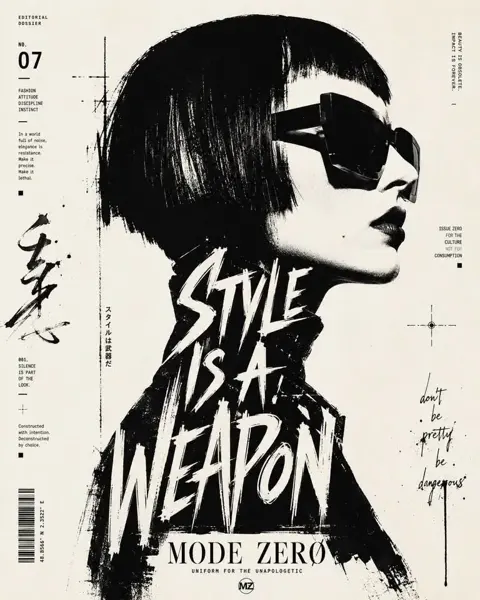
Affiche de portrait de profil typographique noir et blanc
Voir le prompt complet ↗#542
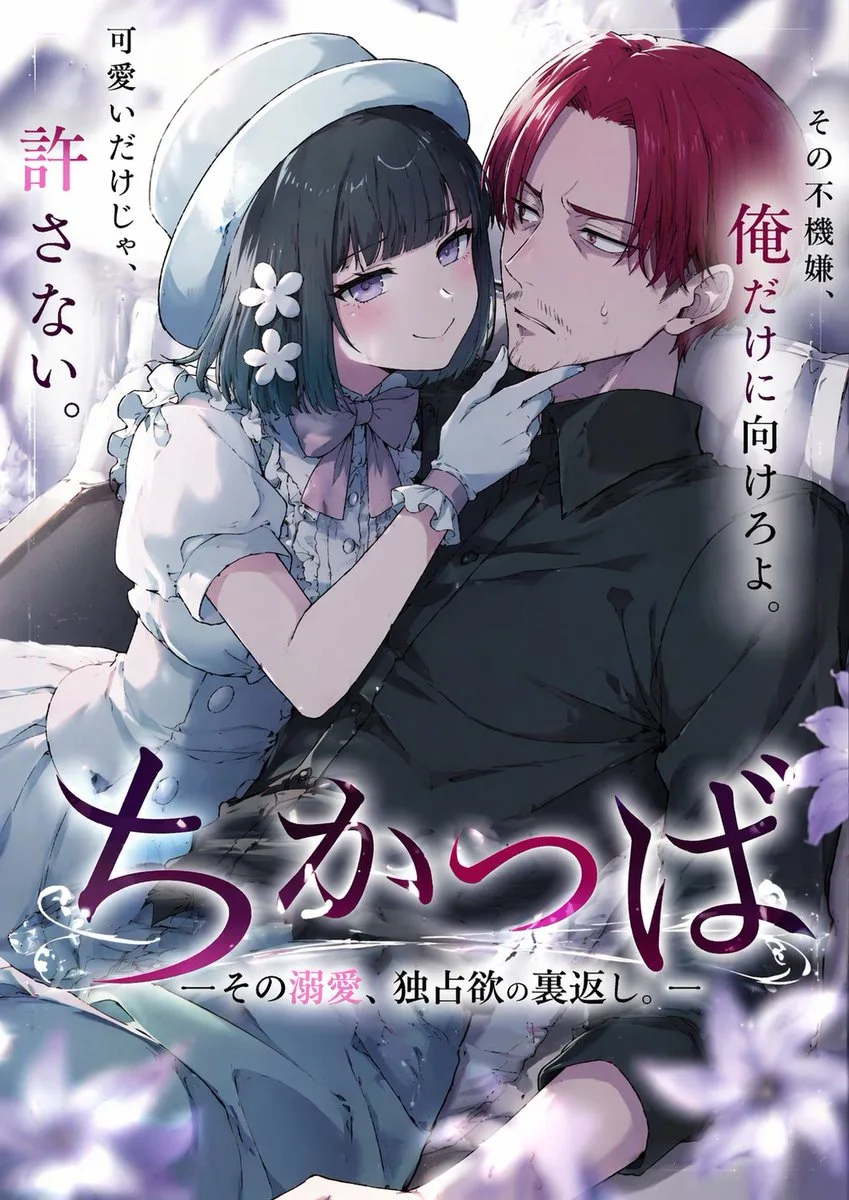
Cliquer pour agrandir · Rendu de référence original
@taira_renta ↗ · Exemple #126
Contenu d'origine préservé. Le résultat final dépend de la version du modèle, des images de référence et des paramètres ; la reproduction exacte n'est pas garantie.
Observez le rendu puis copiez le prompt d'origine ; remplacez les variables ci-dessous avec vos propres éléments.
Aucune variable détectée dans cet exemple. Après copie, ajustez librement le sujet, la palette de couleurs, le texte et le format.
An anime-style light novel cover illustration featuring two characters in an intimate pose. On the left, a young woman with short dark hair, purple eyes, wearing a white hat, a frilly white dress with a pink bow tie, white gloves, and two white flower hairpins. She has an affectionate, teasing smile and is gently touching the chin of the man next to her. On the right, an adult man with {argument name="man's hair color" default="red"} hair parted in the middle, purple eyes, and a light goatee. He is wearing a black button-down shirt and has a slightly annoyed, reluctant expression with a sweat drop on his cheek. The scene features soft, romantic lighting with out-of-focus purple flower petals in the foreground corners. The image includes several Japanese text elements: a large stylized main title at the bottom reading {argument name="main title" default="ちかつば"}, a subtitle below it reading {argument name="subtitle" default="ーその溺愛、独占欲の裏返し。ー"}, vertical text on the top left reading {argument name="left quote" default="可愛いだけじゃ、許さない。"}, and vertical text on the top right reading {argument name="right quote" default="その不機嫌、俺だけに向けろよ。"}.Copiez ce prompt dans votre outil de génération d'images habituel ; ce site sert à explorer et éditer des prompts, sans génération directe d'images.
Plus d'exemples de type Affiches & Typographie