
Haz clic para ver la imagen completa · Referencia del resultado original
Fuente del ejemplo
@taira_renta ↗ · Ejemplo #126
Se conserva el contenido original del ejemplo. Los resultados dependen de la versión del modelo, las imágenes de referencia y los parámetros; este sitio no garantiza reproducir el mismo resultado.
Pósteres y tipografía / PROMPT #126
Creación de estilo ilustrativo · #126
Revisa la imagen y luego copia el prompt original. Si contiene variables, puedes personalizarlas a continuación.
01 / Configura tu versión
No se detectaron variables en este ejemplo. Tras copiarlo, puedes modificar el sujeto, los colores, el texto y las proporciones.
02 / Prompt completo · Original
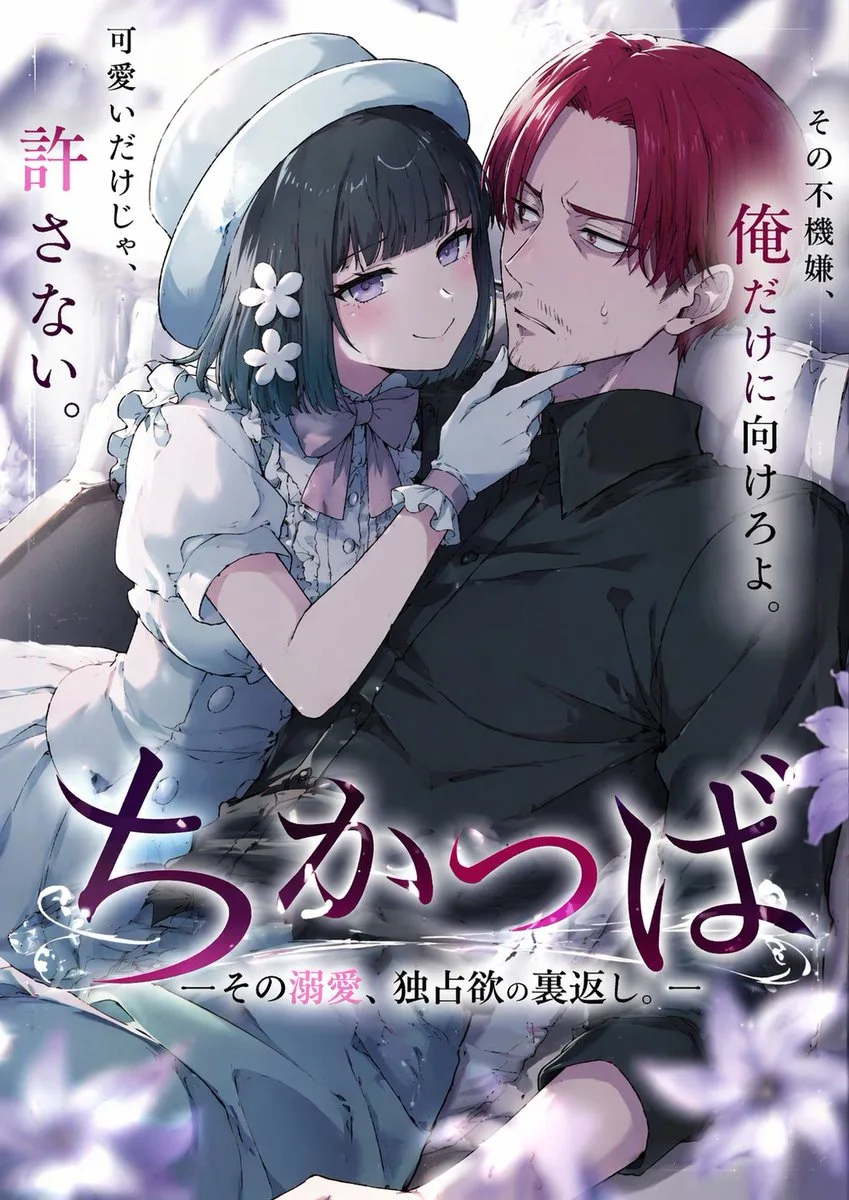
An anime-style light novel cover illustration featuring two characters in an intimate pose. On the left, a young woman with short dark hair, purple eyes, wearing a white hat, a frilly white dress with a pink bow tie, white gloves, and two white flower hairpins. She has an affectionate, teasing smile and is gently touching the chin of the man next to her. On the right, an adult man with {argument name="man's hair color" default="red"} hair parted in the middle, purple eyes, and a light goatee. He is wearing a black button-down shirt and has a slightly annoyed, reluctant expression with a sweat drop on his cheek. The scene features soft, romantic lighting with out-of-focus purple flower petals in the foreground corners. The image includes several Japanese text elements: a large stylized main title at the bottom reading {argument name="main title" default="ちかつば"}, a subtitle below it reading {argument name="subtitle" default="ーその溺愛、独占欲の裏返し。ー"}, vertical text on the top left reading {argument name="left quote" default="可愛いだけじゃ、許さない。"}, and vertical text on the top right reading {argument name="right quote" default="その不機嫌、俺だけに向けろよ。"}.Copia el texto en tu generador de imágenes preferido. Este sitio ofrece exploración y edición de prompts, no genera imágenes directamente.
03 / Comprobación antes de generar
- Reemplaza las variables por tu contenido y comprueba si necesitas subir una imagen de referencia.
- Define el texto final si la imagen incluye palabras y compruébalo con atención tras la generación.
- Modifica solo un elemento a la vez (sujeto, iluminación o composición) para comparar resultados fácilmente.
Explora más inspiración similar
Más ejemplos de Pósteres y tipografía
Pósteres y tipografía
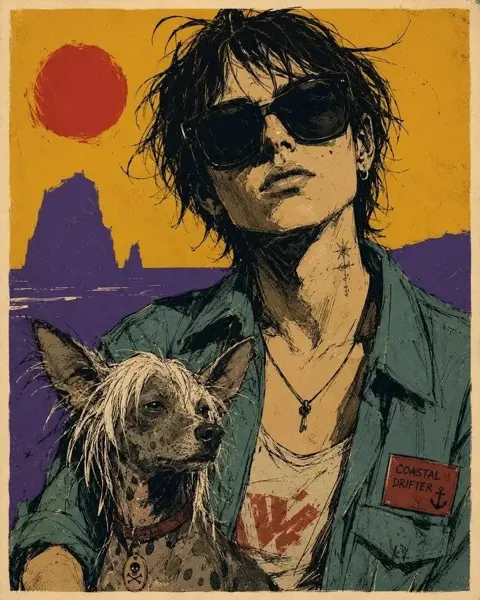
Póster de retrato de compañeros dibujado a mano rústico
Ver prompt completo ↗#539
Pósteres y tipografía
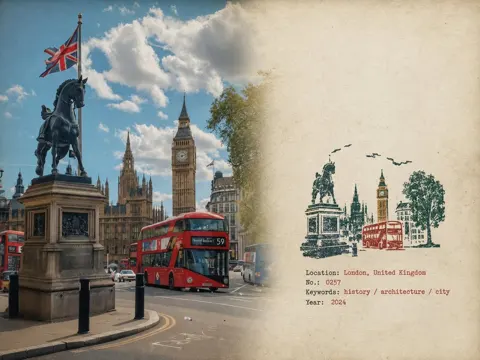
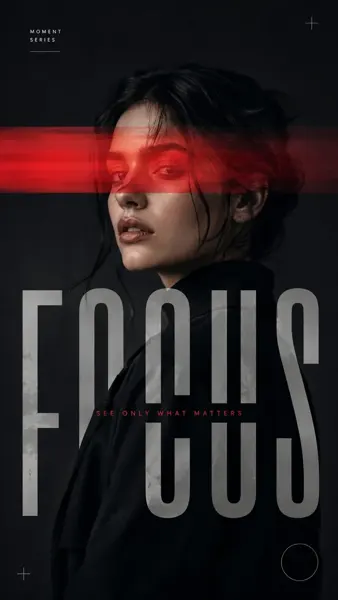
Póster editorial de retrato con interferencia de luz roja
Ver prompt completo ↗#534