
Haz clic para ver la imagen completa · Referencia del resultado original
Fuente del ejemplo
@highball_cho ↗ · Ejemplo #150
Se conserva el contenido original del ejemplo. Los resultados dependen de la versión del modelo, las imágenes de referencia y los parámetros; este sitio no garantiza reproducir el mismo resultado.
Productos y e-commerce / PROMPT #150
Diseño de logotipo de marca · #150
Revisa la imagen y luego copia el prompt original. Si contiene variables, puedes personalizarlas a continuación.
01 / Configura tu versión
No se detectaron variables en este ejemplo. Tras copiarlo, puedes modificar el sujeto, los colores, el texto y las proporciones.
02 / Prompt completo · Original
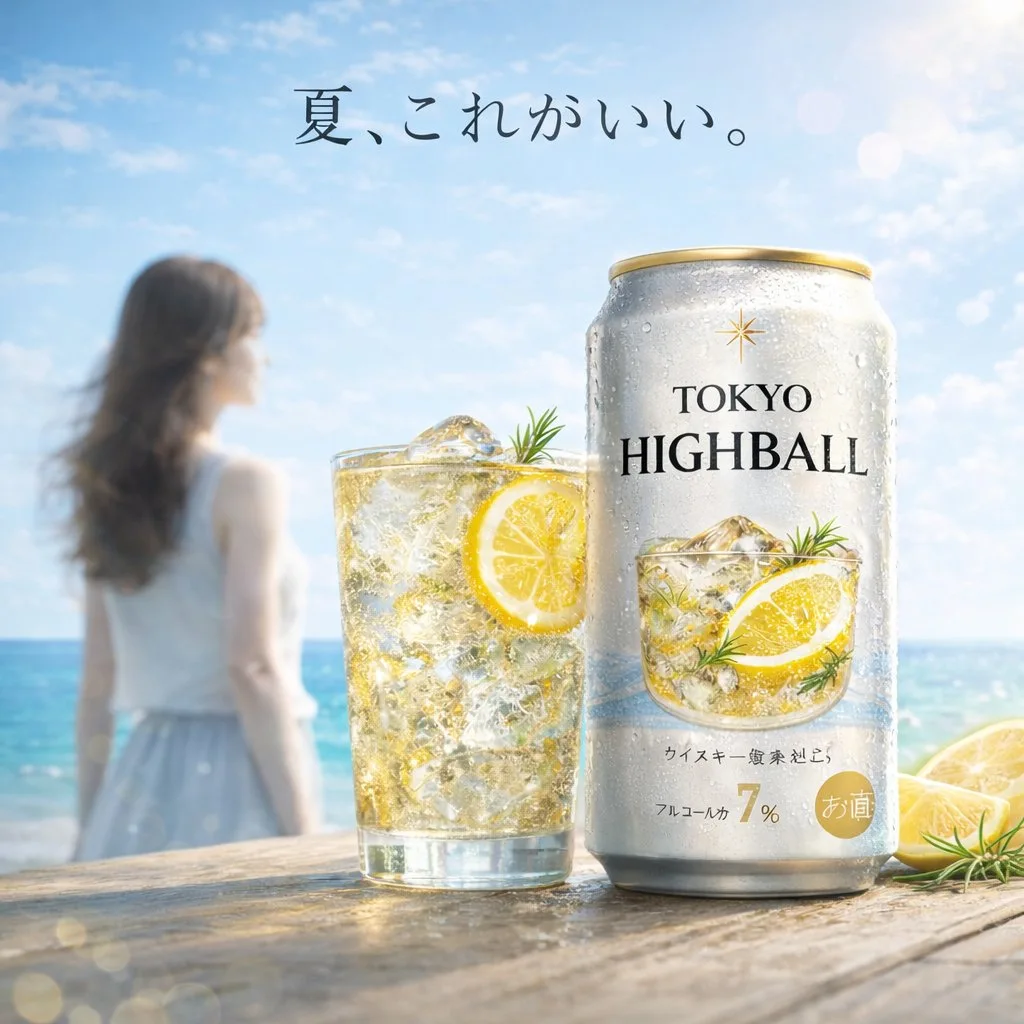
A bright, summery commercial product photography shot featuring a refreshing beverage on a weathered wooden table. In the sharp foreground, there is 1 tall glass filled with a golden, bubbly iced drink garnished with 1 lemon slice and a sprig of rosemary, sitting next to 1 silver aluminum can covered in cold condensation. The can prominently displays the English text {argument name="product name" default="TOKYO HIGHBALL"} below a small gold star logo, featuring a graphic of the drink itself and the Japanese text "アルコール分 7%" near the bottom. To the right of the can, 2 cut lemon wedges rest on the table. In the softly blurred background, a sunny beach scene unfolds with sparkling turquoise water and a clear blue sky. Standing to the left in the background is 1 young woman with long brown hair, wearing a white sleeveless top and a light blue skirt, looking out toward the ocean. Floating elegantly in the sky above the scene is the Japanese text {argument name="catchphrase" default="夏、これがいい。"}. The overall lighting is radiant and inviting, with sparkling bokeh and lens flares emphasizing the crisp, cold, and refreshing atmosphere of a perfect summer day.Copia el texto en tu generador de imágenes preferido. Este sitio ofrece exploración y edición de prompts, no genera imágenes directamente.
03 / Comprobación antes de generar
- Reemplaza las variables por tu contenido y comprueba si necesitas subir una imagen de referencia.
- Define el texto final si la imagen incluye palabras y compruébalo con atención tras la generación.
- Modifica solo un elemento a la vez (sujeto, iluminación o composición) para comparar resultados fácilmente.
Explora más inspiración similar
Más ejemplos de Productos y e-commerce
Productos y e-commerce
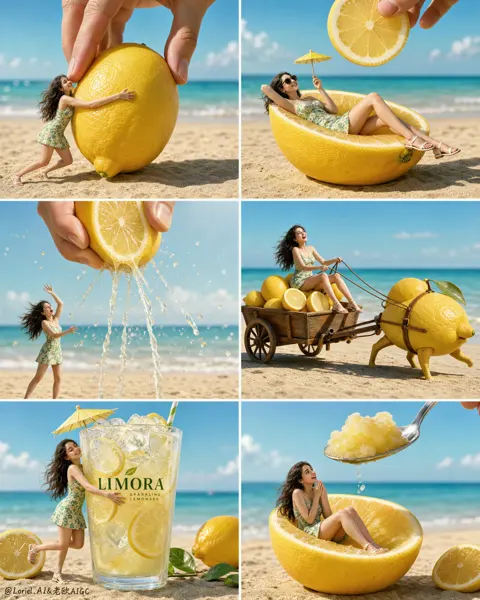
Anuncio en cuadrícula de 6 de bebida de limón en miniatura
Ver prompt completo ↗#532
Productos y e-commerce
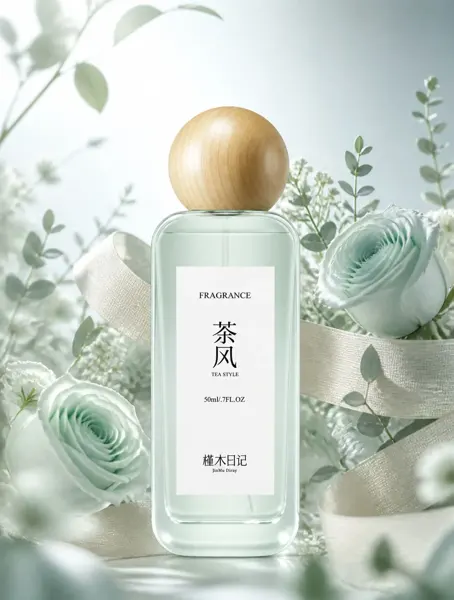
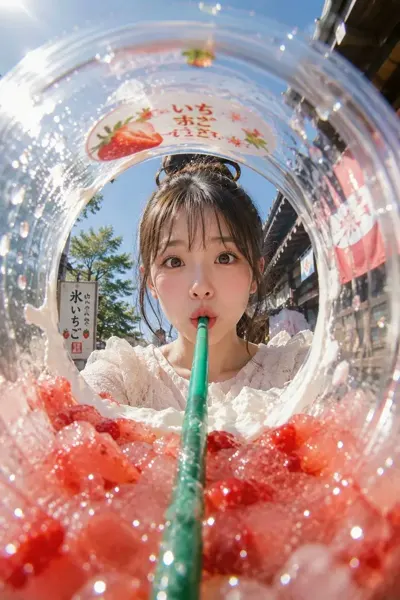
Anuncio de bebida helada de verano con ojo de pez en copa
Ver prompt completo ↗#517