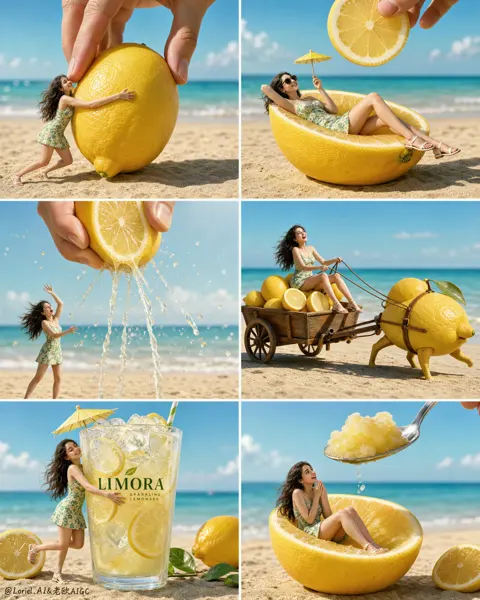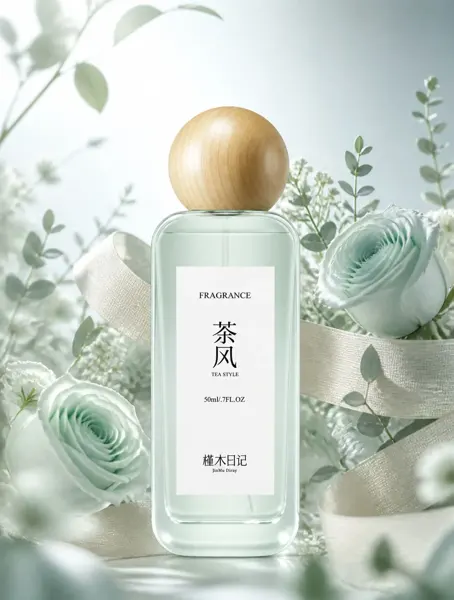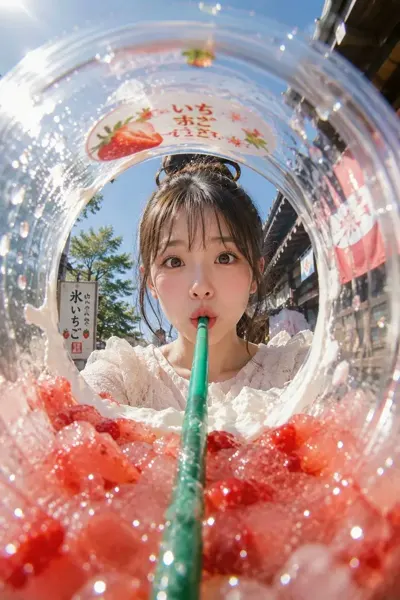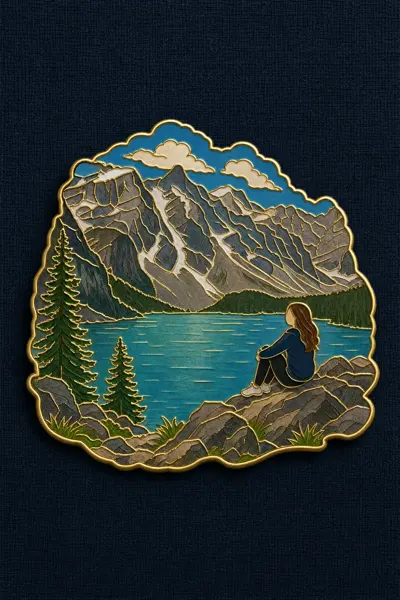
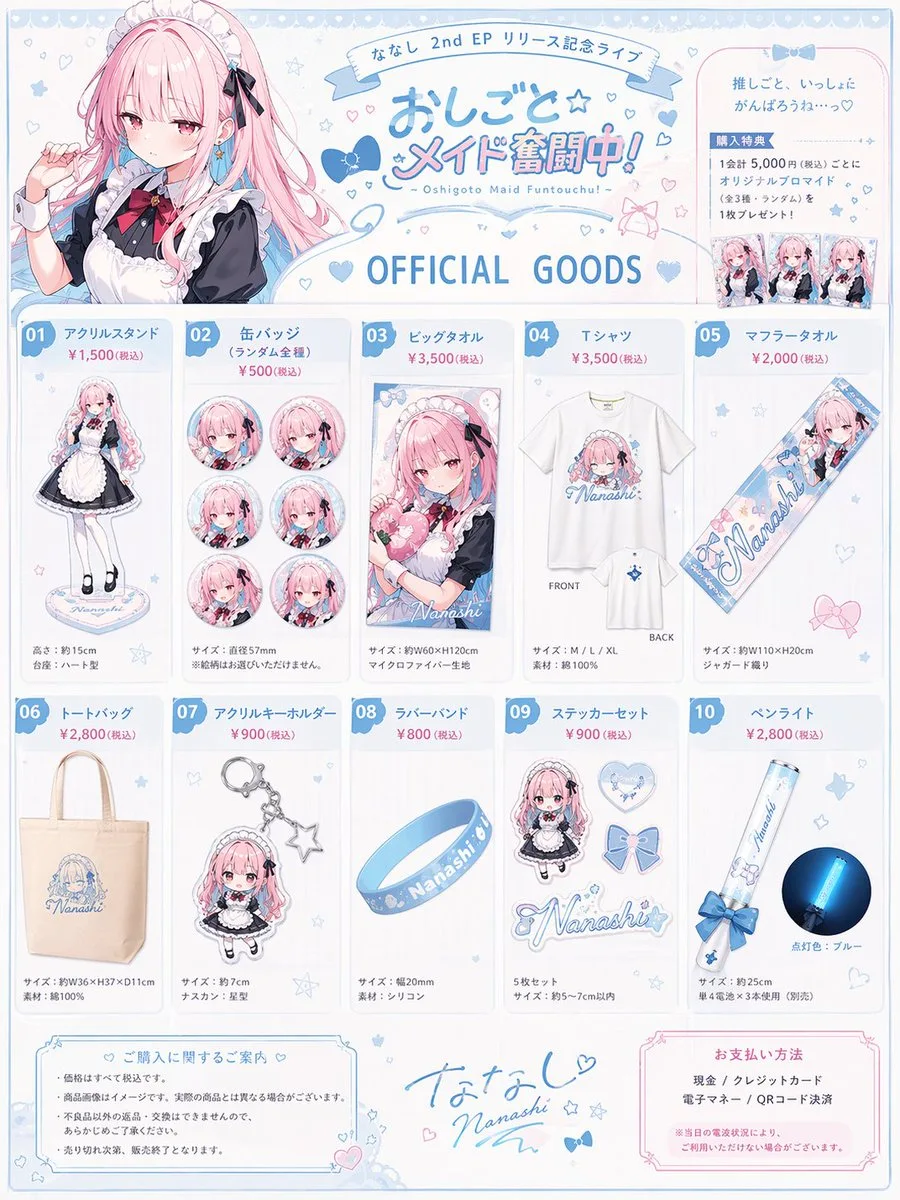
Click to view full image · Reference sample
Source
@anemone_sd ↗ · Case #142
Original prompt preserved. Results vary depending on model version, reference image, and parameters; identical outputs are not guaranteed.
Products & E-commerce / PROMPT #142
Realistic Photography Creation · #142
Review the image, then copy the prompt. If placeholders are present, customize them below.
01 / Customize your version
No placeholders detected. You can freely adjust the subject, color palette, text, and aspect ratio after copying.
02 / Full Prompt · Original
{
  "type": "anime idol merchandise catalog flyer",
  "theme_colors": "{argument name=\"theme color\" default=\"pastel blue and pink\"}",
  "character": {
    "name": "{argument name=\"character name\" default=\"ななし\"}",
    "appearance": "anime girl, long {argument name=\"hair color\" default=\"pink\"} hair, blue eyes",
    "attire": "{argument name=\"outfit\" default=\"black and white maid outfit with a red bow tie\"} and blue hair ribbons"
  },
  "layout": {
    "header": {
      "left": "upper body portrait of the character looking slightly to the side",
      "center": {
        "top_banner": "ななし 2nd EP リリース記念ライブ",
        "main_title": "{argument name=\"event title\" default=\"おしごと☆メイド奮闘中!\"}",
        "subtitle": "~ Oshigoto Maid Funtouchu! ~",
        "section_header": "OFFICIAL GOODS"
      },
      "right": "purchase bonus info box containing 3 small rectangular photo prints"
    },
    "merchandise_grid": [
      { "id": "01", "name": "アクリルスタンド", "description": "full body acrylic stand of the character" },
      { "id": "02", "name": "缶バッジ", "description": "set of 6 circular can badges featuring different facial expressions" },
      { "id": "03", "name": "ビッグタオル", "description": "large rectangular towel showing the character holding a heart pillow" },
      { "id": "04", "name": "Tシャツ", "description": "white t-shirt showing FRONT with character graphic and BACK with small logo" },
      { "id": "05", "name": "マフラータオル", "description": "long narrow muffler towel with character art and logo" },
      { "id": "06", "name": "トートバッグ", "description": "canvas tote bag with blue logo" },
      { "id": "07", "name": "アクリルキーホルダー", "description": "chibi character acrylic keychain with a star-shaped clasp" },
      { "id": "08", "name": "ラバーバンド", "description": "blue silicone wristband with logo" },
      { "id": "09", "name": "ステッカーセット", "description": "set of 4 visible stickers: chibi character, heart, ribbon bow, and logo" },
      { "id": "10", "name": "ペンライト", "description": "blue glowing concert penlight" }
    ],
    "footer": {
      "left": "purchase notes and guidelines box",
      "center": "character signature 'Nanashi' with hand-drawn hearts and stars",
      "right": "payment methods box"
    }
  }
}
Copy into your preferred AI image generator. Prompt Atelier provides prompt browsing and editing, but does not generate images directly.
03 / Pre-generation checklist
- Replace placeholders with specific details, and check whether reference images are needed.
- Specify exact wording for text elements, and proofread carefully after generation.
- Adjust only one element at a time—subject, lighting, or composition—to compare results easily.
Explore related inspiration
More in Products & E-commerce