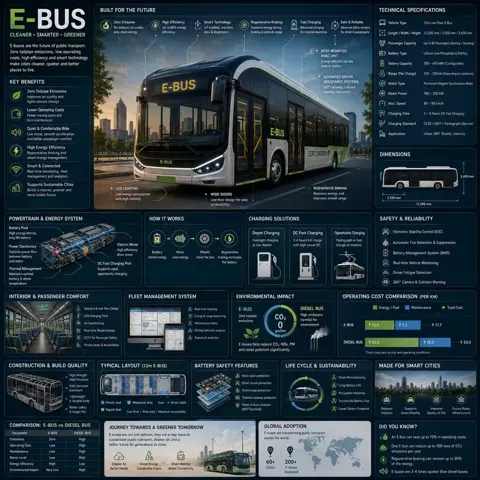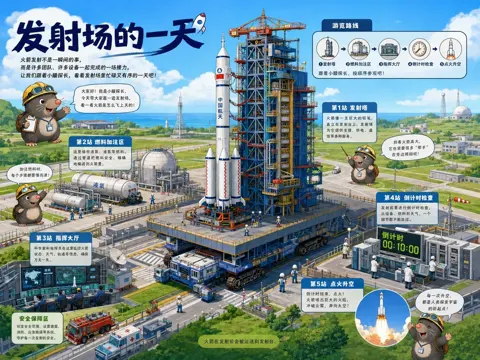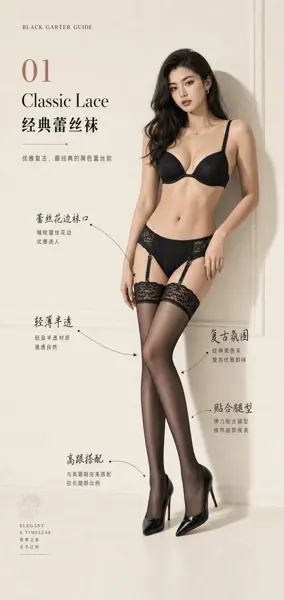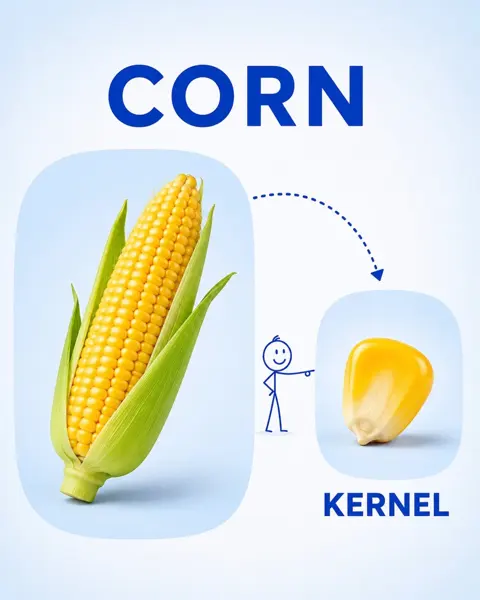
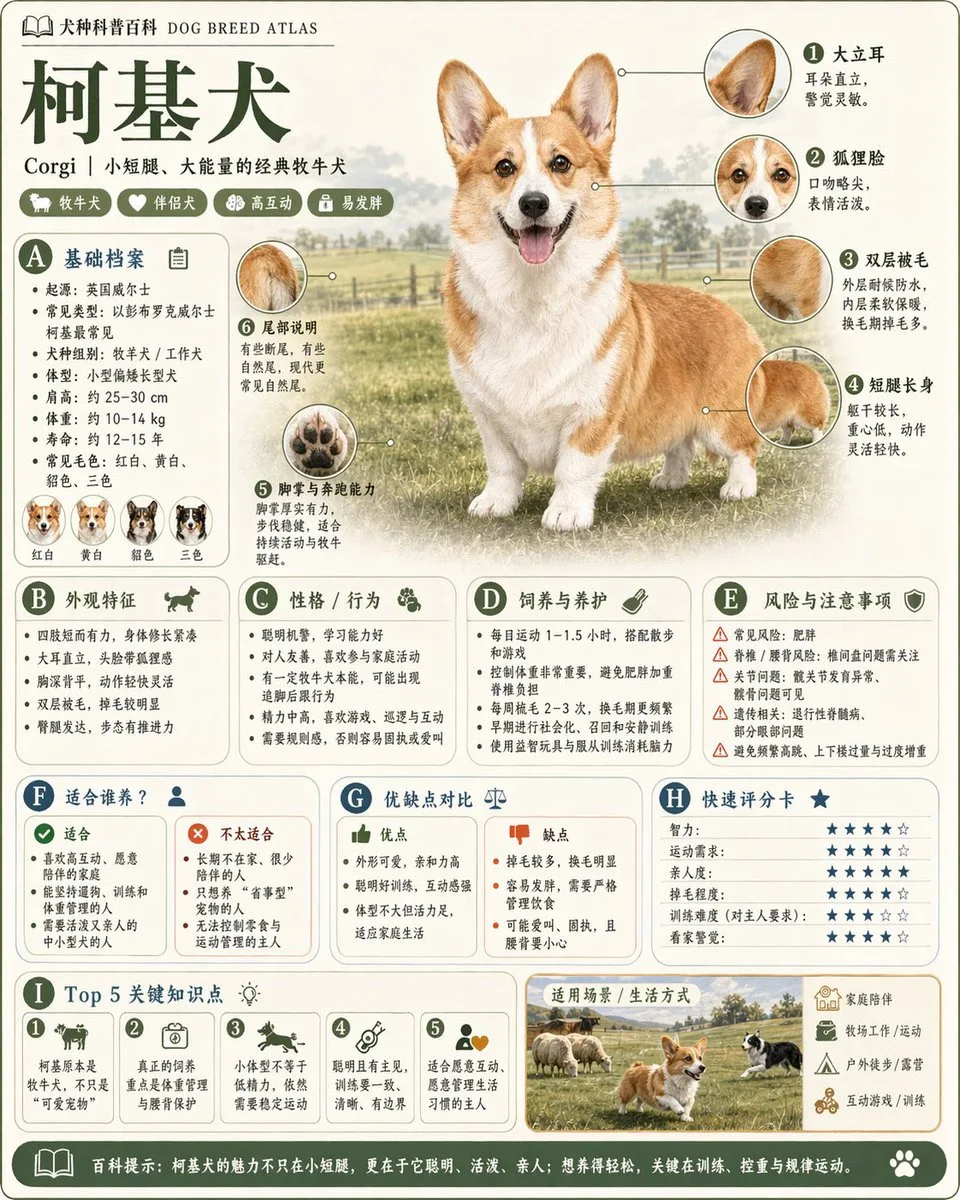
클릭하여 전체 이미지 보기 · 원본 사례 참조용
사례 출처
@alanlovelq ↗ · 사례 #75
원본 사례 내용을 유지합니다. 생성 결과는 모델 버전, 참조 이미지 및 매개변수에 따라 달라질 수 있으며, 본 사이트에서 개별 검증을 진행하지 않아 동일한 결과의 재현을 보장하지 않습니다.
차트 및 인포그래픽 / PROMPT #75
관계도 인포그래픽 · #75
먼저 이미지를 확인한 뒤 원본 프롬프트를 복사하세요. 치환 문구가 있는 경우 아래에서 원하는 내용으로 변경할 수 있습니다.
01 / 나만의 버전 설정
이 사례에는 명시적인 치환 문구가 없습니다. 복사 후 피사체, 색상, 텍스트, 비율을 직접 수정해 보세요.
02 / 전체 프롬프트 · 원문
Please generate a high-quality vertical "Popular Science Encyclopedia Image" based on {argument name="theme" default="animals"}.

This image is not a regular poster or a simple illustration, but a modular popular science infographic that possesses a sense of "illustration book, encyclopedia, information structure, and collectability." The overall style should reference a combination of high-end natural history illustrations, modern encyclopedia pages, lifestyle knowledge cards, and highly shareable social media infographics.

Please include in the frame:
- A clear and beautiful main visual of the subject
- Several magnified details of local characteristics
- Multiple rounded modular information sections
- Clear title hierarchies and key labels
- Concise yet rich encyclopedic content
- Visual ratings, key point summaries, or Top 5 modules

Content columns should be automatically adapted based on the theme, prioritized from these directions: basic profile, classification information, appearance characteristics, habits/ecology, formation mechanism/structure, growth or use conditions, care or maintenance suggestions, risks and precautions, suitable audience or scenarios, pros and cons comparison, and quick rating cards.

Visual requirements:
Light-colored clean background, soft color palette, light shadows, exquisite small icons, rounded information boxes, neat layout, high information density but not crowded, good reading experience. The overall result must look like a real science encyclopedia card suitable for publishing, reading, collecting, and serialized production, rather than an advertisement.

Please do not make it a regular commercial promotional poster. Highlight the features of "knowledge organization + modular information + illustration-style display."사용하시는 이미지 생성 도구에 붙여넣어 사용하세요. 본 사이트는 프롬프트 탐색 및 편집 기능만 제공하며 직접 이미지를 생성하지 않습니다.
03 / 생성 전 체크리스트
- 치환 문구를 구체적인 내용으로 바꾸고, 참조 이미지가 필요한지 확인하세요.
- 텍스트가 포함된 경우 원하는 문구를 명확히 지정하고, 생성 후 글자를 꼼꼼히 확인하세요.
- 효과를 쉽게 비교할 수 있도록 피사체, 조명, 구도 중 한 번에 하나씩만 수정하세요.
관련 영감 더 둘러보기
더 많은 차트 및 인포그래픽 사례