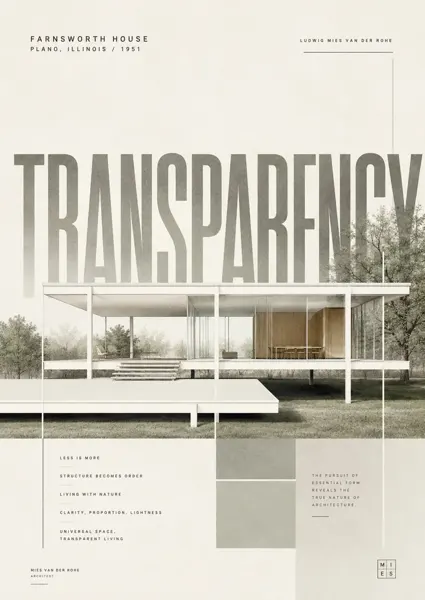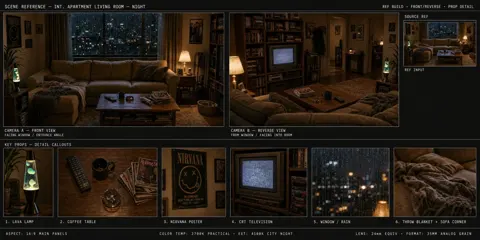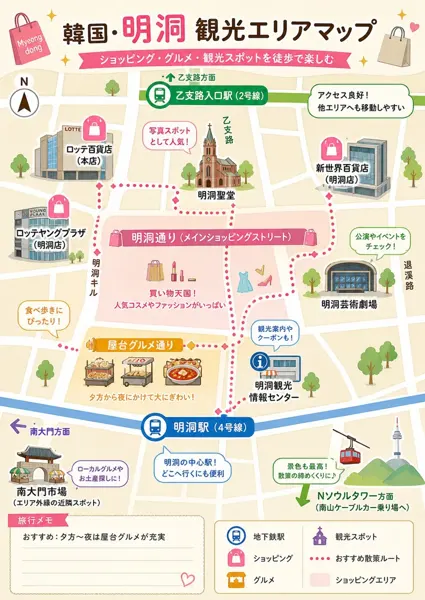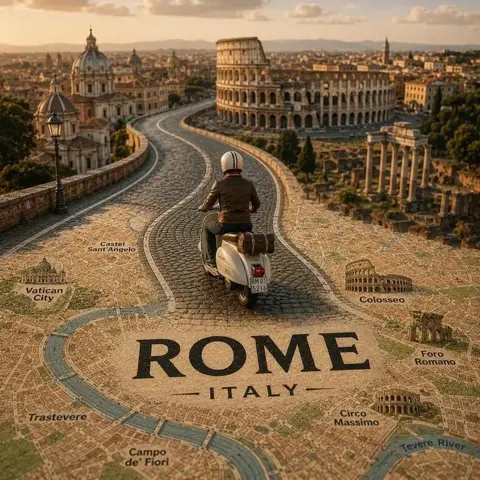
클릭하여 전체 이미지 보기 · 원본 사례 참조용
사례 출처
@nomen_machine ↗ · 사례 #50
원본 사례 내용을 유지합니다. 생성 결과는 모델 버전, 참조 이미지 및 매개변수에 따라 달라질 수 있으며, 본 사이트에서 개별 검증을 진행하지 않아 동일한 결과의 재현을 보장하지 않습니다.
건축 및 공간 / PROMPT #50
건축 공간 씬 디자인 · #50
먼저 이미지를 확인한 뒤 원본 프롬프트를 복사하세요. 치환 문구가 있는 경우 아래에서 원하는 내용으로 변경할 수 있습니다.
01 / 나만의 버전 설정
이 사례에는 명시적인 치환 문구가 없습니다. 복사 후 피사체, 색상, 텍스트, 비율을 직접 수정해 보세요.
02 / 전체 프롬프트 · 원문
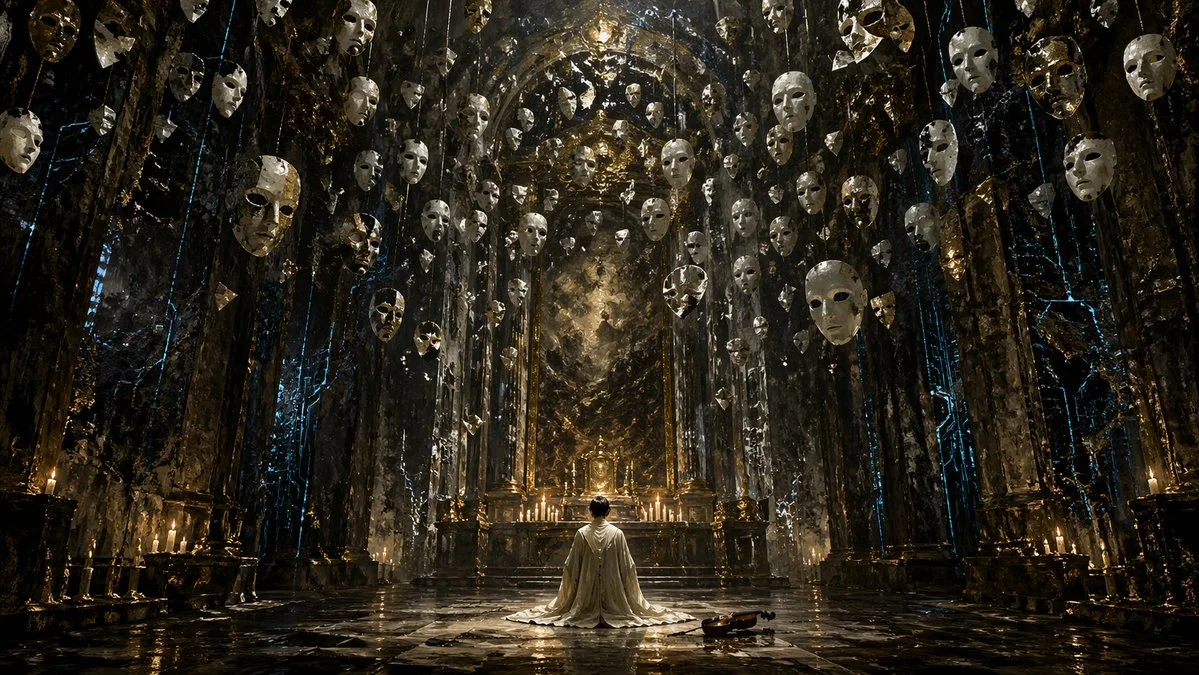
A highly detailed, cinematic wide shot of a grand, dark gothic hall with a {argument name="atmosphere" default="dark fantasy"} aesthetic. In the center, a single figure wearing a {argument name="clothing" default="long white robe"} kneels on a highly reflective stone floor, facing an ornate golden altar illuminated by a row of lit candles. To the right of the kneeling figure, a single {argument name="floor object" default="wooden violin"} rests on the ground. The cavernous room is framed by massive dark stone pillars detailed with {argument name="accent color" default="glowing blue"} ethereal cracks and veins. Suspended from the high ceiling are dozens of {argument name="floating objects" default="white porcelain theatrical masks"} hanging on thin strings, filling the upper half of the space and creating a haunting, surreal atmosphere. The lighting is dramatic and moody, featuring a rich color palette of deep blacks, tarnished golds, and cool blue accents. Format 16:9.사용하시는 이미지 생성 도구에 붙여넣어 사용하세요. 본 사이트는 프롬프트 탐색 및 편집 기능만 제공하며 직접 이미지를 생성하지 않습니다.
03 / 생성 전 체크리스트
- 치환 문구를 구체적인 내용으로 바꾸고, 참조 이미지가 필요한지 확인하세요.
- 텍스트가 포함된 경우 원하는 문구를 명확히 지정하고, 생성 후 글자를 꼼꼼히 확인하세요.
- 효과를 쉽게 비교할 수 있도록 피사체, 조명, 구도 중 한 번에 하나씩만 수정하세요.
관련 영감 더 둘러보기
더 많은 건축 및 공간 사례