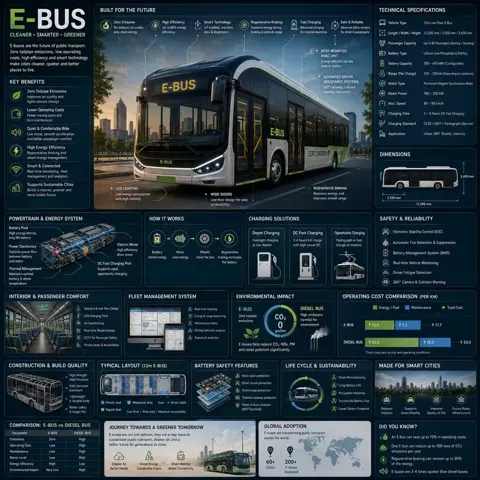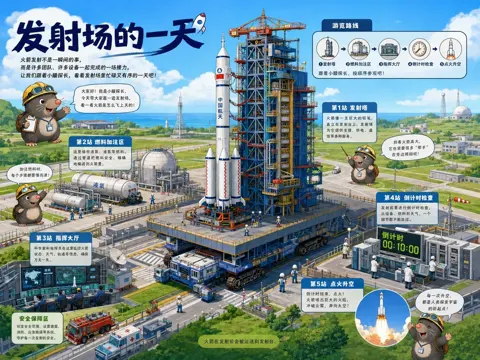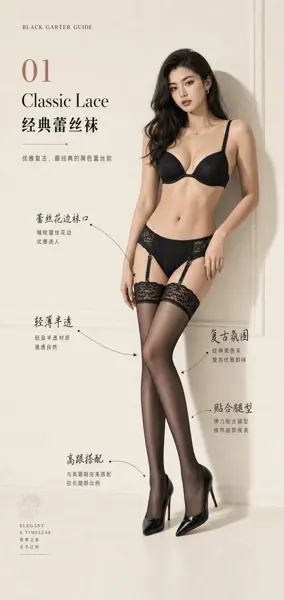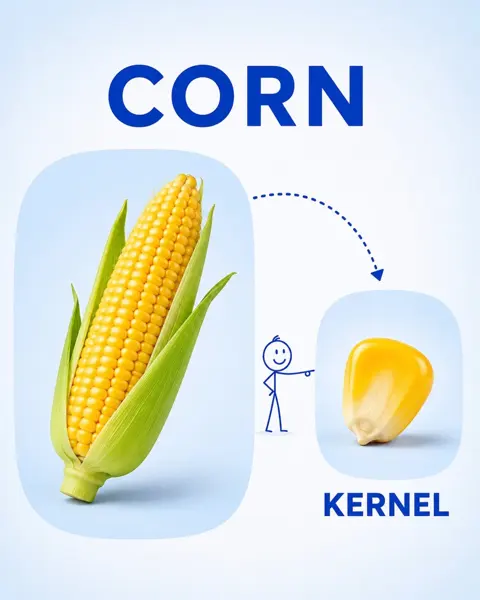
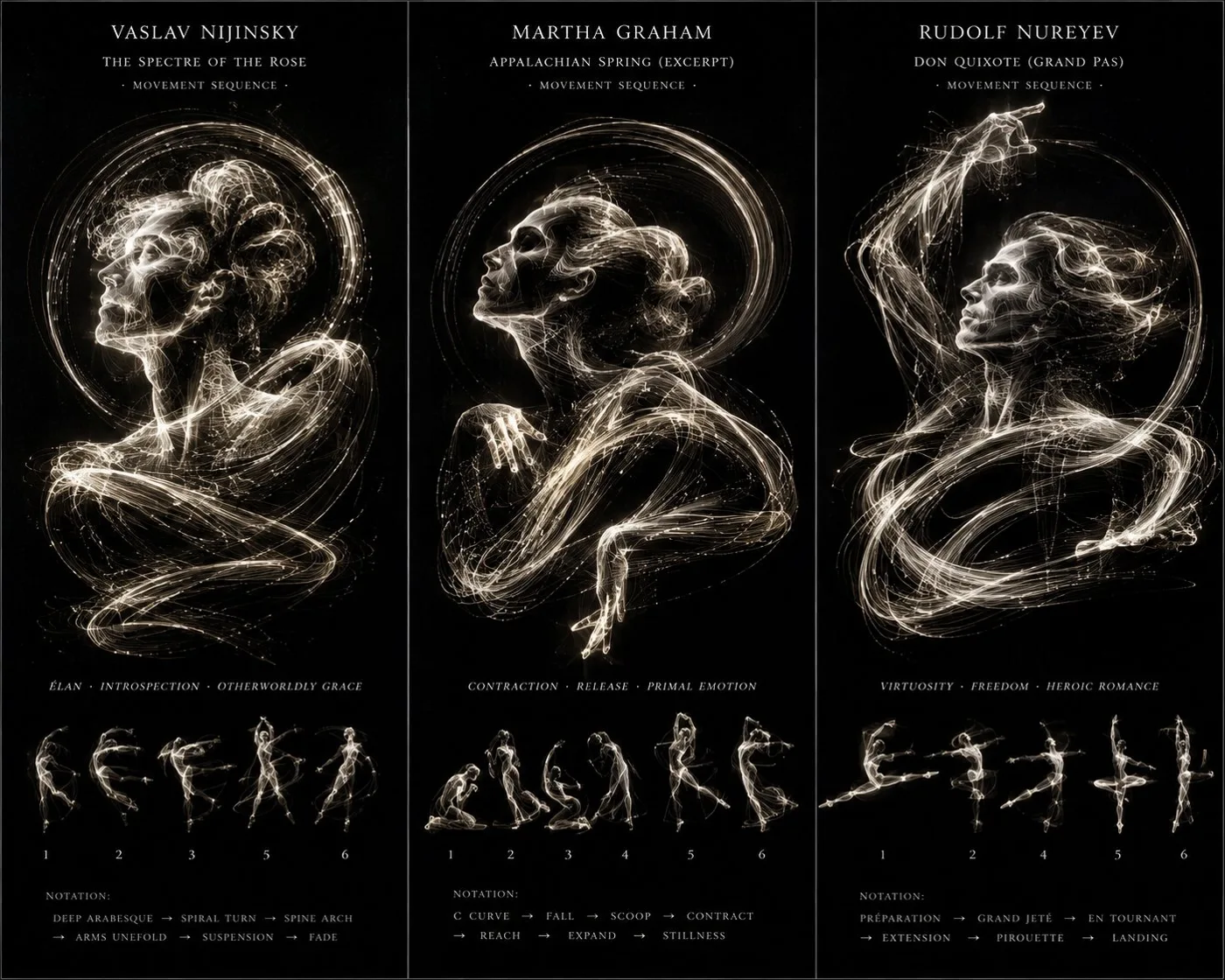
클릭하여 전체 이미지 보기 · 원본 사례 참조용
사례 출처
@Gdgtify ↗ · 사례 #457
원본 사례 내용을 유지합니다. 생성 결과는 모델 버전, 참조 이미지 및 매개변수에 따라 달라질 수 있으며, 본 사이트에서 개별 검증을 진행하지 않아 동일한 결과의 재현을 보장하지 않습니다.
차트 및 인포그래픽 / PROMPT #457
모션 궤적 댄서 라이트페인팅 포스터
먼저 이미지를 확인한 뒤 원본 프롬프트를 복사하세요. 치환 문구가 있는 경우 아래에서 원하는 내용으로 변경할 수 있습니다.
01 / 나만의 버전 설정
02 / 전체 프롬프트 · 원문
<instructions>
input = 3 legendary dancer/choreographer
input = ai inferred signature movement sequence

function render_kinesphere ($ dancer, $ movement)
  anchor:
    [figure composed entirely of motion trails] :: [the $ movement sequence traced as continuous luminous bands that coalesce into a portrait of $ dancer]::5

  morphology:
    the arabesque trails weave the skull, a grand jeté arc forms the cheekbone, the arms' sweep creates the jaw, stillness is implied by negative spaces::4

  material physics:
    blackened silver gelatin print, faint chemical residue, slight motion blur, glowing filament traces like a Marey wheel photograph::3

  illumination:
    complete darkness with bioluminescent-like light trails, no external light sources, high contrast::2

  render stack:
    chronophotography, fine art dance study, 8k, kinetic sculpture concept::1

  negative:
    [still body parts, studio lights, solid silhouettes]::-1
</instructions>사용하시는 이미지 생성 도구에 붙여넣어 사용하세요. 본 사이트는 프롬프트 탐색 및 편집 기능만 제공하며 직접 이미지를 생성하지 않습니다.
03 / 생성 전 체크리스트
- 치환 문구를 구체적인 내용으로 바꾸고, 참조 이미지가 필요한지 확인하세요.
- 텍스트가 포함된 경우 원하는 문구를 명확히 지정하고, 생성 후 글자를 꼼꼼히 확인하세요.
- 효과를 쉽게 비교할 수 있도록 피사체, 조명, 구도 중 한 번에 하나씩만 수정하세요.
관련 영감 더 둘러보기
더 많은 차트 및 인포그래픽 사례