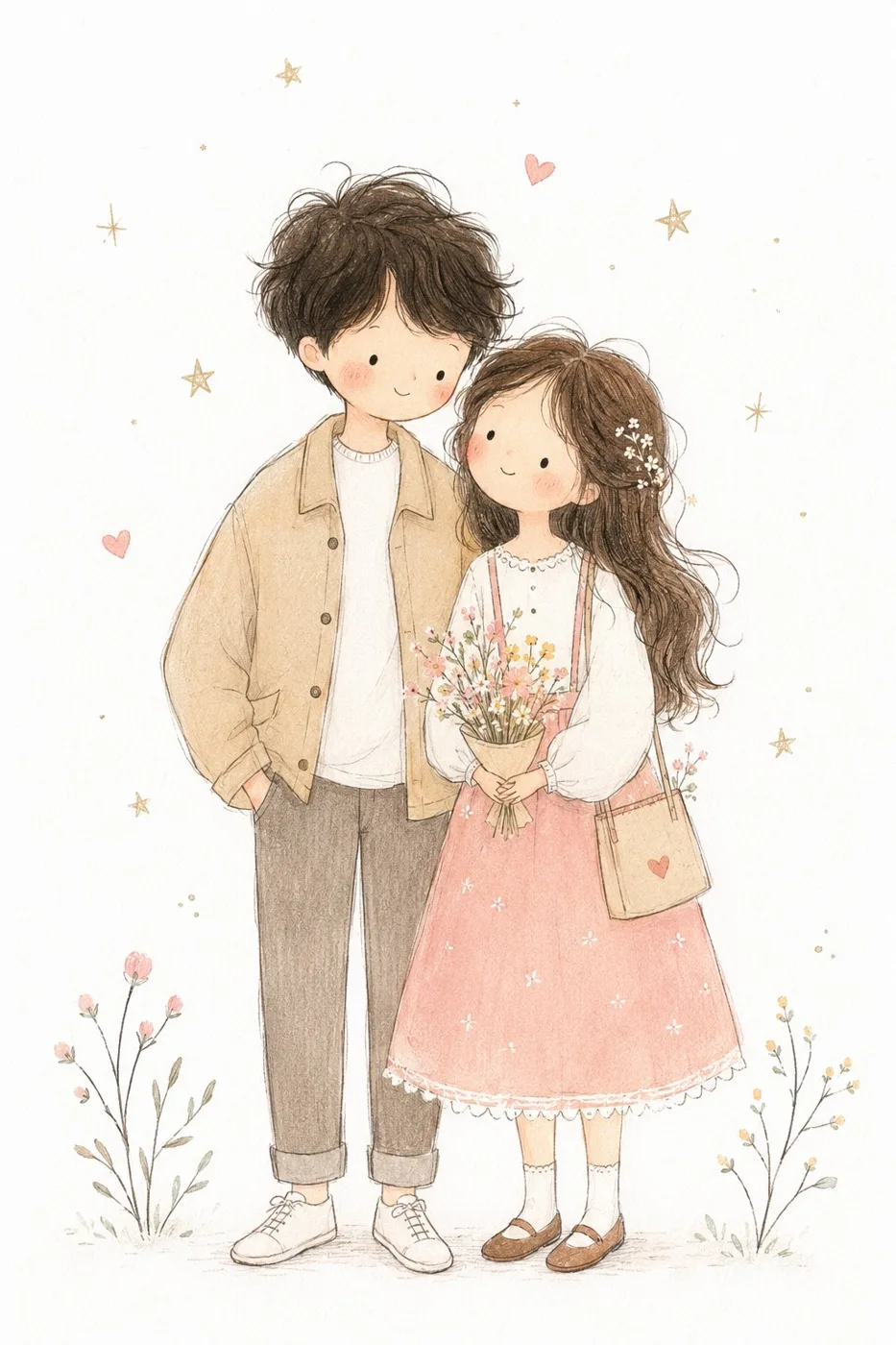
클릭하여 전체 이미지 보기 · 원본 사례 참조용
사례 출처
@MissDelulu9 ↗ · 사례 #452
원본 사례 내용을 유지합니다. 생성 결과는 모델 버전, 참조 이미지 및 매개변수에 따라 달라질 수 있으며, 본 사이트에서 개별 검증을 진행하지 않아 동일한 결과의 재현을 보장하지 않습니다.
일러스트 및 아트 / PROMPT #452
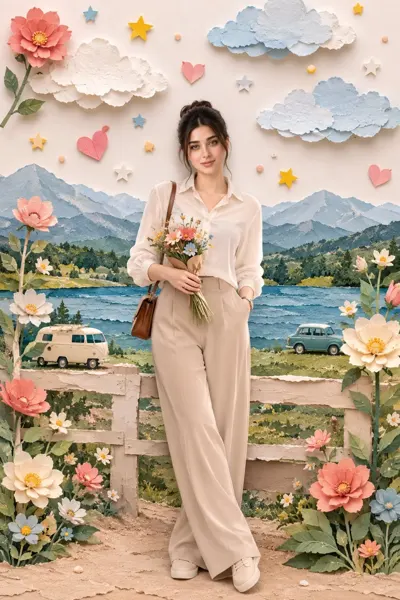
미니멀 동화 손그림 어린이 일러스트
먼저 이미지를 확인한 뒤 원본 프롬프트를 복사하세요. 치환 문구가 있는 경우 아래에서 원하는 내용으로 변경할 수 있습니다.
01 / 나만의 버전 설정
이 사례에는 명시적인 치환 문구가 없습니다. 복사 후 피사체, 색상, 텍스트, 비율을 직접 수정해 보세요.
02 / 전체 프롬프트 · 원문
Transform the photo into a delicate minimalist hand-drawn children’s illustration with a soft whimsical fairy-tale aesthetic. Use simple elongated shapes, thin imperfect hand-drawn lines, flat pastel colors, minimal details, and a cute doll-like character style with rosy cheeks, tiny facial features, and simplified anatomy. Add subtle paper texture, soft pencil and pastel shading, watercolor softness, and a clean white background with small stars or sparkles.

Stylize the clothing in a playful storybook way with simplified shapes and gentle decorative details. The overall mood should feel airy, cozy, naive, and charming, like a modern Scandinavian nursery postcard or children’s book illustration. Avoid photorealism, 3D, cinematic lighting, glossy surfaces, complex shadows, realistic anatomy, and hyper-detail.
사용하시는 이미지 생성 도구에 붙여넣어 사용하세요. 본 사이트는 프롬프트 탐색 및 편집 기능만 제공하며 직접 이미지를 생성하지 않습니다.
03 / 생성 전 체크리스트
- 치환 문구를 구체적인 내용으로 바꾸고, 참조 이미지가 필요한지 확인하세요.
- 텍스트가 포함된 경우 원하는 문구를 명확히 지정하고, 생성 후 글자를 꼼꼼히 확인하세요.
- 효과를 쉽게 비교할 수 있도록 피사체, 조명, 구도 중 한 번에 하나씩만 수정하세요.
관련 영감 더 둘러보기
더 많은 일러스트 및 아트 사례