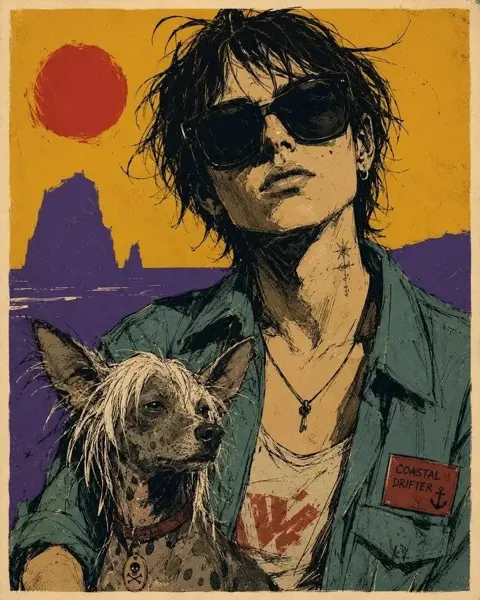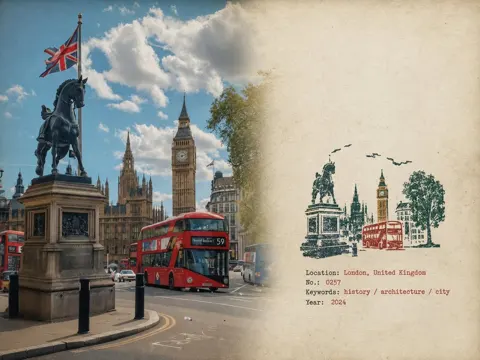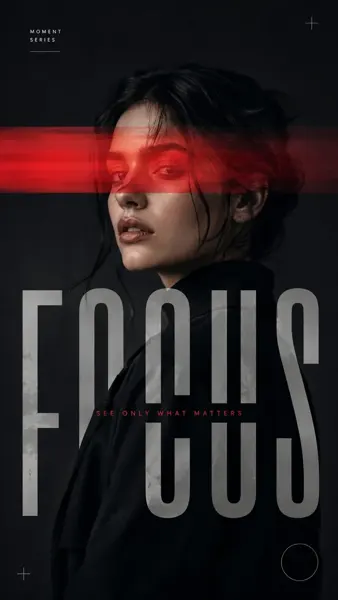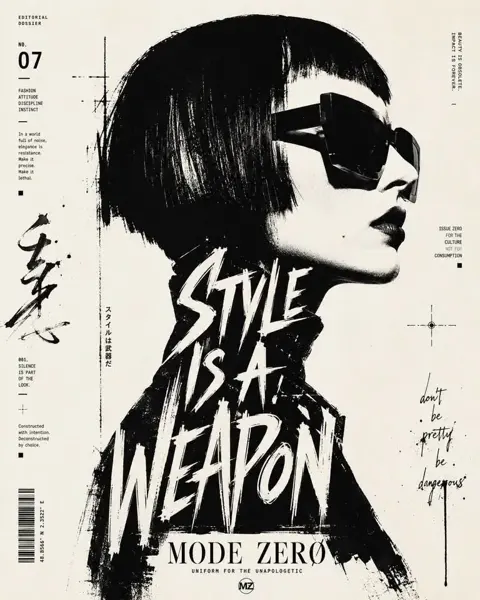
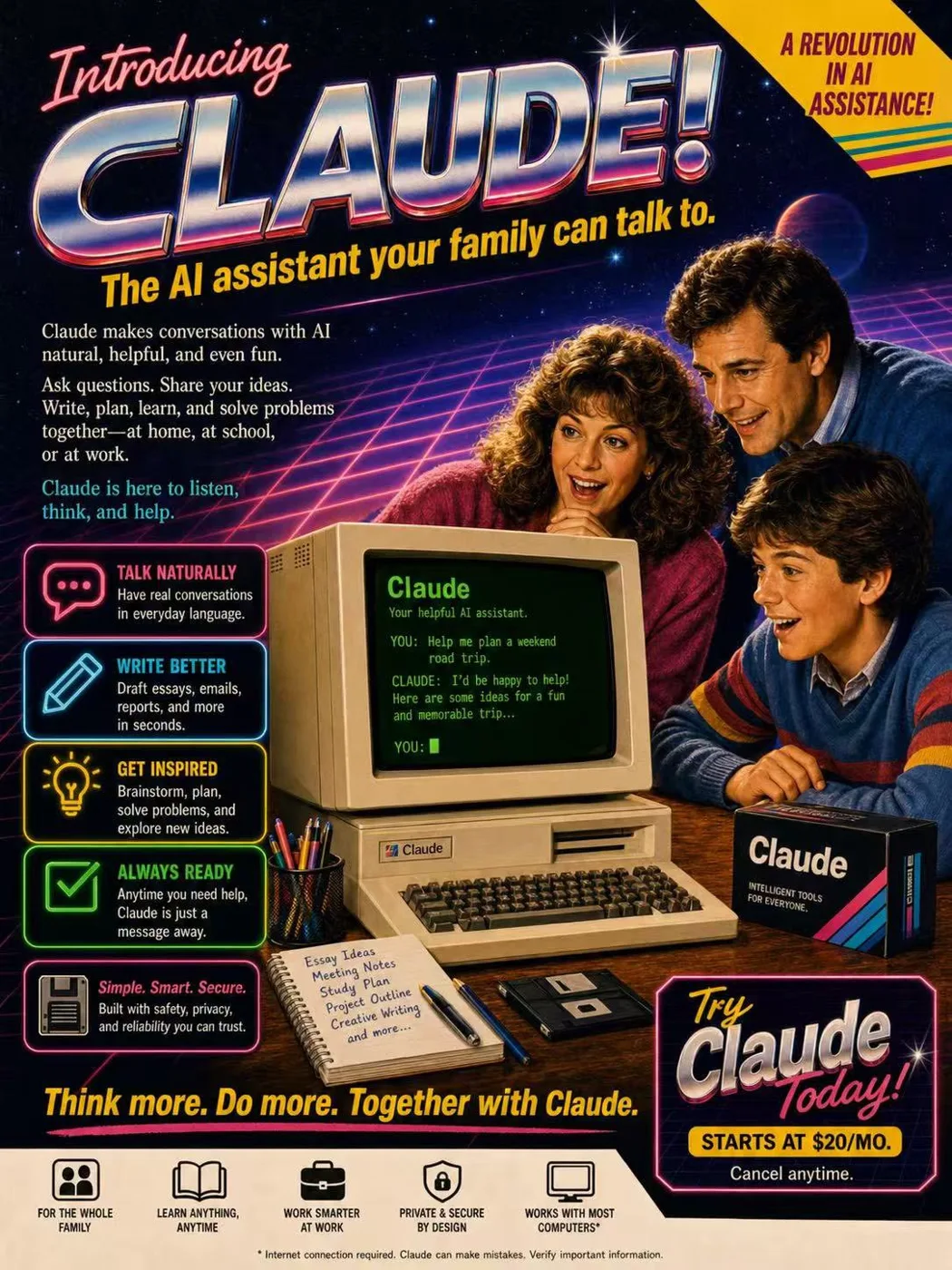
클릭하여 전체 이미지 보기 · 원본 사례 참조용
사례 출처
@Shinning1010 ↗ · 사례 #388
원본 사례 내용을 유지합니다. 생성 결과는 모델 버전, 참조 이미지 및 매개변수에 따라 달라질 수 있으며, 본 사이트에서 개별 검증을 진행하지 않아 동일한 결과의 재현을 보장하지 않습니다.
포스터 및 타이포그래피 / PROMPT #388
1980s Claude 레트로 잡지 광고
먼저 이미지를 확인한 뒤 원본 프롬프트를 복사하세요. 치환 문구가 있는 경우 아래에서 원하는 내용으로 변경할 수 있습니다.
01 / 나만의 버전 설정
이 사례에는 명시적인 치환 문구가 없습니다. 복사 후 피사체, 색상, 텍스트, 비율을 직접 수정해 보세요.
02 / 전체 프롬프트 · 원문
A fictional 1980s magazine advertisement poster introducing “Claude” as a revolutionary home AI assistant, retro commercial print ad style, bold headline at the top reading “Introducing Claude!”, large chrome metallic 3D typography with pink and blue reflections, yellow italic tagline underneath: “The AI assistant that talks back.”

Center composition: a beige 1980s CRT home computer with chunky keyboard on a wooden desk, green monochrome terminal screen glowing, readable text on screen: “Claude”, subtitle: “The helpful AI assistant.” On the screen, a retro terminal-style conversation reads:
“YOU: How can you help me today?”
“CLAUDE: I can answer questions, help you write, summarize information, brainstorm ideas, and explain topics clearly.”
“YOU:”

A cheerful 1980s family of three gathers around the computer: father in a blue sweater, mother with curly hair in a pink sweater, young boy in a striped sweater, all looking amazed, delighted, and fascinated, warm nostalgic expressions, classic family technology advertising mood.

Background: dark starry night sky, purple and blue neon perspective grid, retro sci-fi glow, subtle palm silhouettes, sparkling highlights, lens flares, dramatic yet friendly atmosphere.

Poster layout: left side contains stacked retro feature boxes with glowing neon icons, including a question mark, pencil, light bulb, and clock. Each feature box includes short retro advertising copy:
“ANSWERS QUESTIONS” — Get helpful, clear answers in everyday language.
“HELPS YOU WRITE” — Draft ideas, notes, letters, and more with ease.
“GENERATES IDEAS” — Brainstorm, create, and think bigger.
“AVAILABLE WHENEVER YOU NEED IT” — Day or night, Claude is ready to help.

Add a small retro text block describing Claude:
“For the first time, an AI assistant you can have a conversation with. Ask questions. Get answers. Share ideas. Write drafts, notes, and reports. Explore topics, organize thoughts, and solve problems. Claude understands natural language and responds in a clear, helpful way.”

Add a short highlighted copy block:
“It’s helpful. It’s thoughtful.
It’s always by your side.”

Bottom area includes a large “Claude” brand wordmark with colorful diagonal retro stripes, and the slogan:
“A smarter way to think, write, and explore.”

Bottom right has a white promotional price sticker area with bold pink text:
“Free!!”
Smaller text underneath:
“Available now for curious minds everywhere.”

Top right has a bright yellow starburst badge saying:
“A REVOLUTION IN AI ASSISTANCE!”

Include a retro product box on the desk labeled “Claude” with small text:
“SMARTER SOFTWARE FOR MODERN THINKERS.”

Include a mug or accessory on the desk branded “Claude”.

Visual style: 1985 consumer computer advertisement, airbrushed illustration, glossy print texture, halftone details, nostalgic retro futurism, high saturation, cinematic product lighting, authentic 1980s typography and layout, readable ad composition, detailed vintage commercial poster, highly polished, warm family-friendly mood, retro tech fantasy, vertical poster.

Negative prompts:
modern laptop, smartphone, flat design, minimalism, futuristic 2020s interface, cyberpunk overload, messy layout, unreadable typography, distorted text, misspelled words, deformed hands, extra fingers, bad anatomy, duplicate people, plastic skin, overexposed lighting, low resolution, blurry image, warped computer, broken keyboard, cluttered composition, inconsistent vintage style, random symbols, ugly poster design, poor hierarchy, incorrect perspective
사용하시는 이미지 생성 도구에 붙여넣어 사용하세요. 본 사이트는 프롬프트 탐색 및 편집 기능만 제공하며 직접 이미지를 생성하지 않습니다.
03 / 생성 전 체크리스트
- 치환 문구를 구체적인 내용으로 바꾸고, 참조 이미지가 필요한지 확인하세요.
- 텍스트가 포함된 경우 원하는 문구를 명확히 지정하고, 생성 후 글자를 꼼꼼히 확인하세요.
- 효과를 쉽게 비교할 수 있도록 피사체, 조명, 구도 중 한 번에 하나씩만 수정하세요.
관련 영감 더 둘러보기
더 많은 포스터 및 타이포그래피 사례