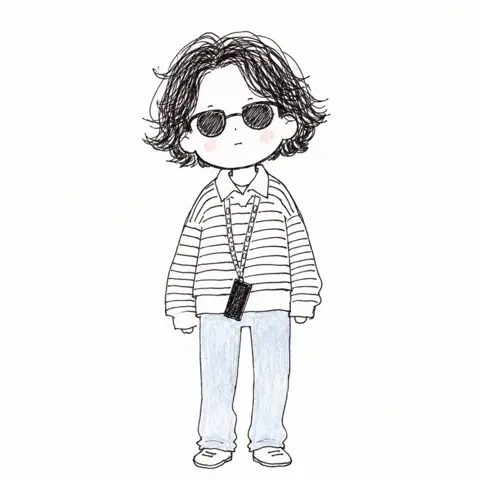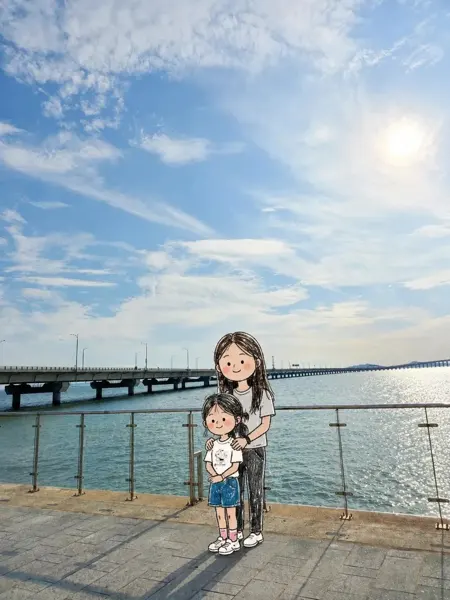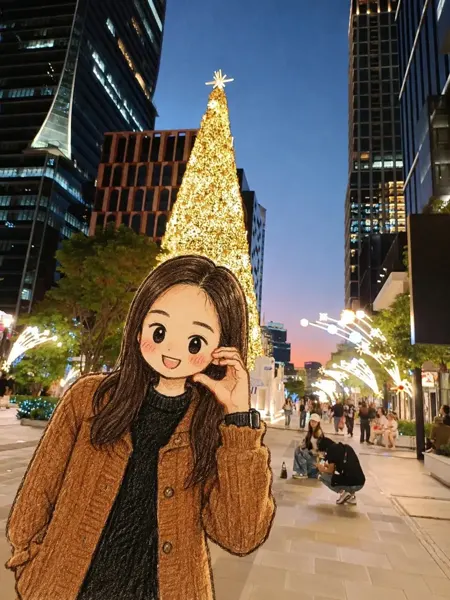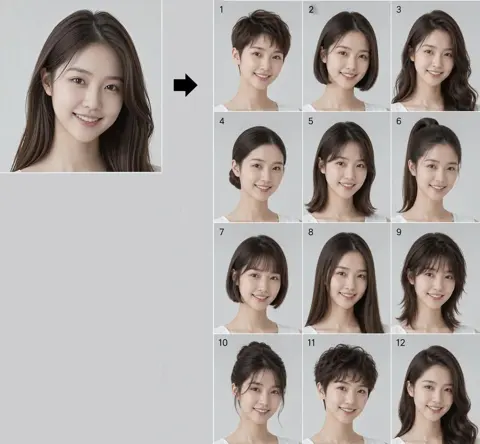
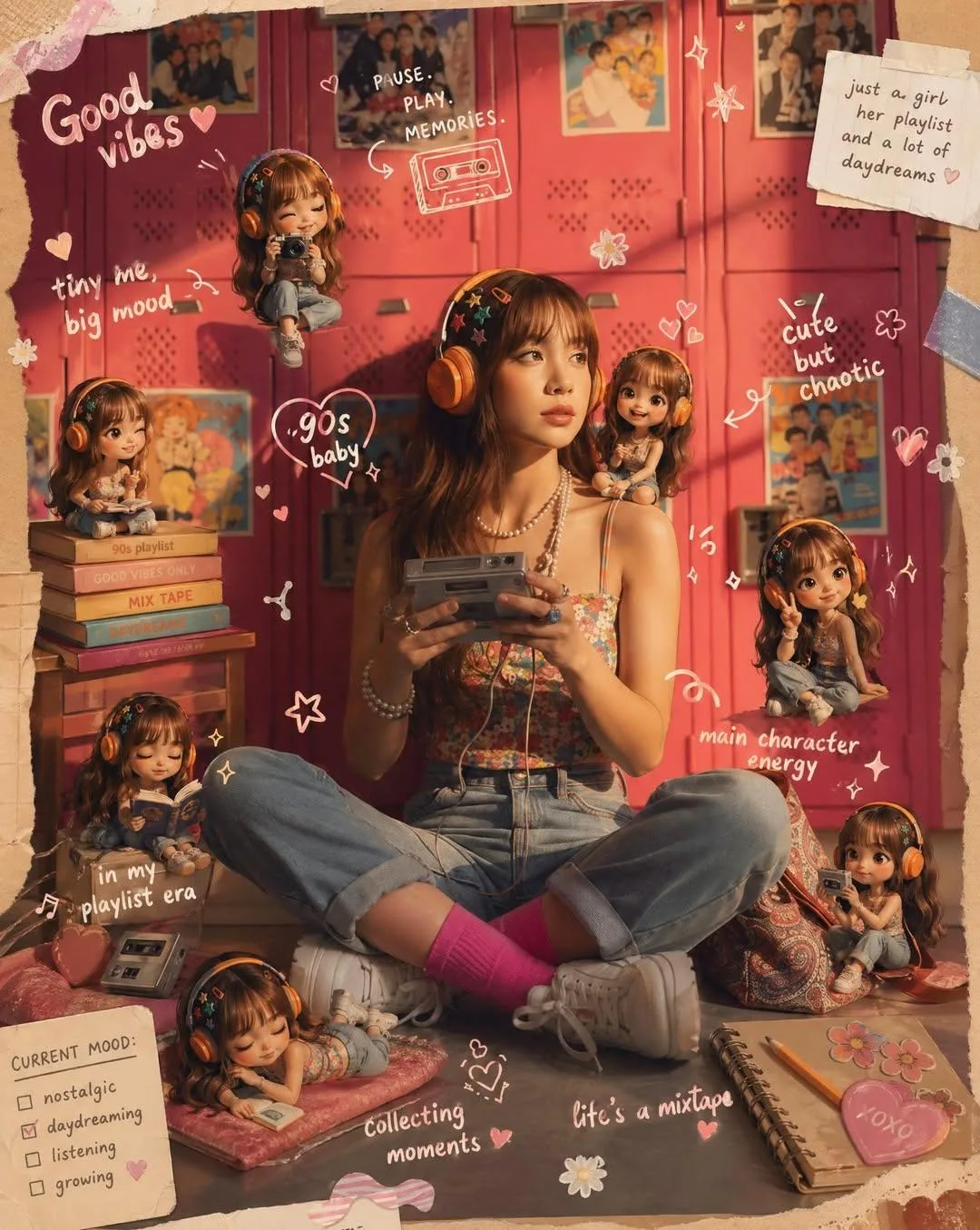
클릭하여 전체 이미지 보기 · 원본 사례 참조용
사례 출처
@Kashberg_0 ↗ · 사례 #371
원본 사례 내용을 유지합니다. 생성 결과는 모델 버전, 참조 이미지 및 매개변수에 따라 달라질 수 있으며, 본 사이트에서 개별 검증을 진행하지 않아 동일한 결과의 재현을 보장하지 않습니다.
인물 및 캐릭터 / PROMPT #371
Scrapbook 실제 사진과 미니 아바타
먼저 이미지를 확인한 뒤 원본 프롬프트를 복사하세요. 치환 문구가 있는 경우 아래에서 원하는 내용으로 변경할 수 있습니다.
01 / 나만의 버전 설정
이 사례에는 명시적인 치환 문구가 없습니다. 복사 후 피사체, 색상, 텍스트, 비율을 직접 수정해 보세요.
02 / 전체 프롬프트 · 원문
Transform the provided reference image into a cozy aesthetic scrapbook-style composition while strictly preserving the original subject, identity, pose, lighting, and background.

Add multiple small “mini version” characters of the same person (chibi / doll-like style), placed naturally around the scene (on objects, table, shoulder, etc.). These mini figures must match the subject’s face, hairstyle, outfit, and vibe consistently, styled as cute 3D collectible figurines. Show them doing different activities (reading, posing, taking photos, relaxing).

Overlay handwritten-style doodles and annotations across the image: arrows, hearts, stars, sparkles, icons, and playful captions connected to elements in the scene.

Use a soft pastel color palette (white base with pink, peach, blue accents).

Keep the frame visually rich and filled but balanced and clean.

Style: warm, cozy lighting, dreamy Instagram scrapbook aesthetic, soft depth of field, highly detailed, polished but playful.

The final result must look like the SAME original image enhanced with mini alter-egos and aesthetic annotations — not a recreated or different scene.
사용하시는 이미지 생성 도구에 붙여넣어 사용하세요. 본 사이트는 프롬프트 탐색 및 편집 기능만 제공하며 직접 이미지를 생성하지 않습니다.
03 / 생성 전 체크리스트
- 치환 문구를 구체적인 내용으로 바꾸고, 참조 이미지가 필요한지 확인하세요.
- 텍스트가 포함된 경우 원하는 문구를 명확히 지정하고, 생성 후 글자를 꼼꼼히 확인하세요.
- 효과를 쉽게 비교할 수 있도록 피사체, 조명, 구도 중 한 번에 하나씩만 수정하세요.
관련 영감 더 둘러보기
더 많은 인물 및 캐릭터 사례