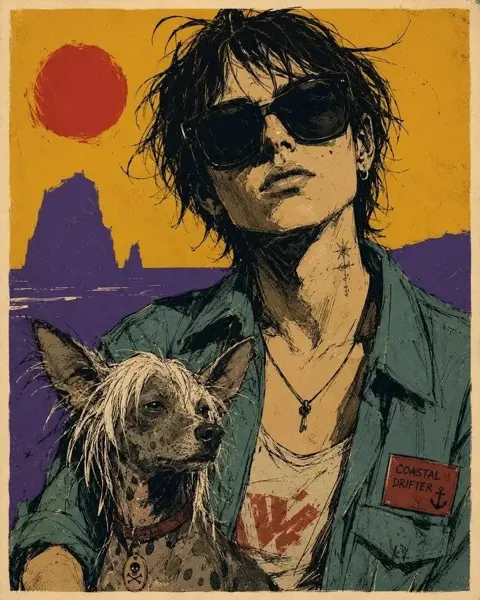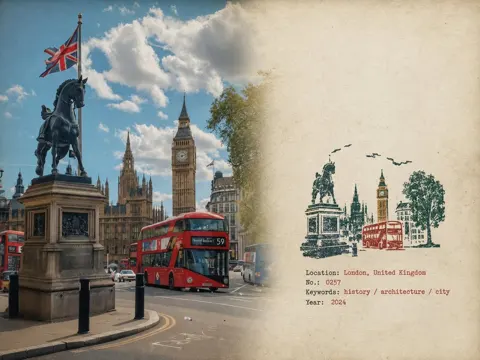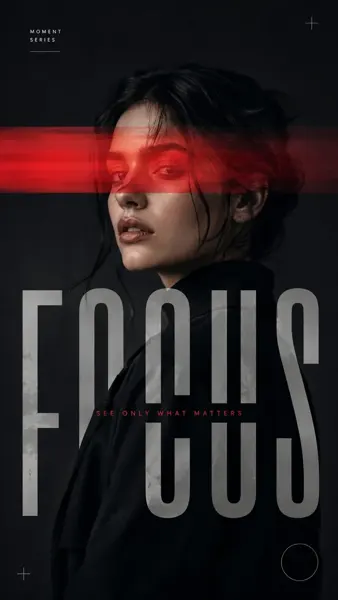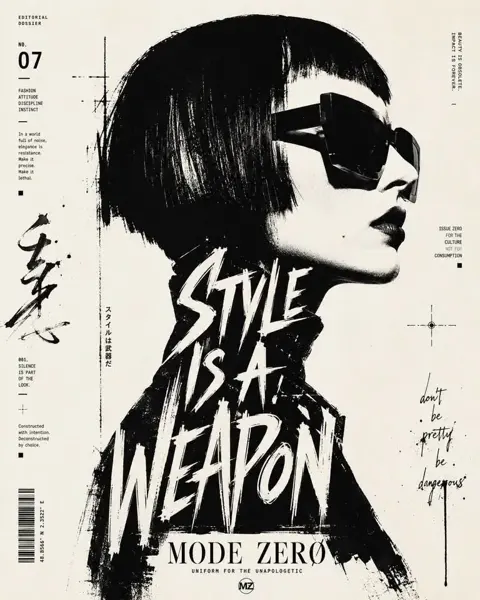
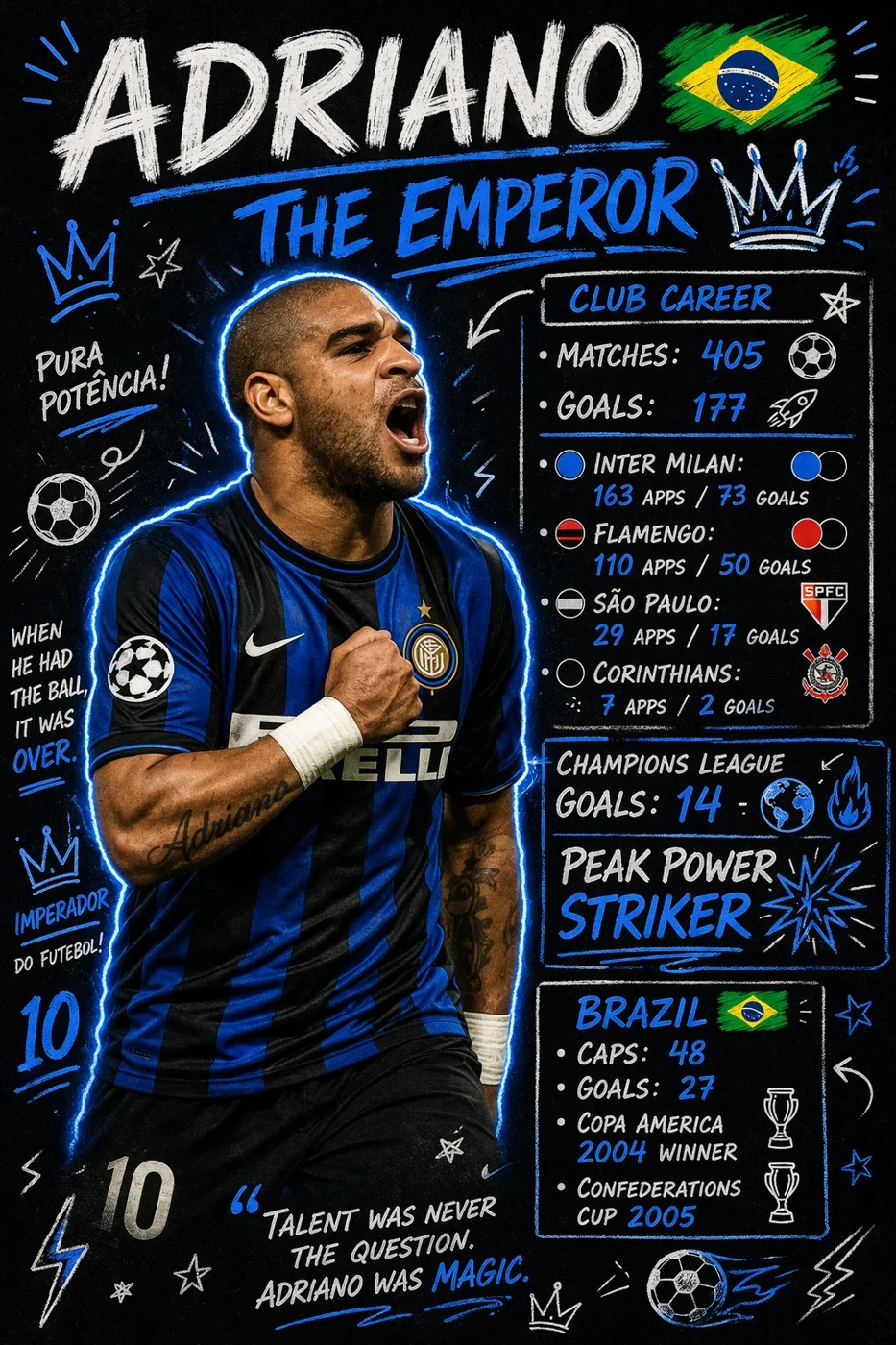
클릭하여 전체 이미지 보기 · 원본 사례 참조용
사례 출처
@ryanpp27 ↗ · 사례 #350
원본 사례 내용을 유지합니다. 생성 결과는 모델 버전, 참조 이미지 및 매개변수에 따라 달라질 수 있으며, 본 사이트에서 개별 검증을 진행하지 않아 동일한 결과의 재현을 보장하지 않습니다.
포스터 및 타이포그래피 / PROMPT #350
축구 선수 데이터 그래피티 포스터
먼저 이미지를 확인한 뒤 원본 프롬프트를 복사하세요. 치환 문구가 있는 경우 아래에서 원하는 내용으로 변경할 수 있습니다.
01 / 나만의 버전 설정
02 / 전체 프롬프트 · 원문
Create a scrapbook doodle-style football poster of [PLAYER_NAME].

AI auto-generates realistic career stats (club and national team).

Main photo: realistic, unchanged ([PLAYER_NAME] in action or iconic pose).

Doodles and handwritten notes: white and [PRIMARY_COLOR] neon ink (no warm colors unless specified), arrows, stars, scribbles, sketchy outlines. Add a glowing [PRIMARY_COLOR] outline around the player's body.

Layout (bold handwritten titles and stats):
- Top Title: "[PLAYER_NAME]" plus "[NICKNAME/TITLE]"
- Club Career: total matches and goals plus 2–4 main clubs (apps and goals)
- Highlights: 2–3 standout achievements (e.g., UCL goals, Ballon d'Or, top scorer)
- National Team: caps and goals plus 1–2 international achievements

Style: modern football poster x notebook aesthetic, clean but energetic, slightly messy doodles, high contrast, neon accents on dark or muted background.

Important: all stats must be realistic and proportional to the player's real career.
사용하시는 이미지 생성 도구에 붙여넣어 사용하세요. 본 사이트는 프롬프트 탐색 및 편집 기능만 제공하며 직접 이미지를 생성하지 않습니다.
03 / 생성 전 체크리스트
- 치환 문구를 구체적인 내용으로 바꾸고, 참조 이미지가 필요한지 확인하세요.
- 텍스트가 포함된 경우 원하는 문구를 명확히 지정하고, 생성 후 글자를 꼼꼼히 확인하세요.
- 효과를 쉽게 비교할 수 있도록 피사체, 조명, 구도 중 한 번에 하나씩만 수정하세요.
관련 영감 더 둘러보기
더 많은 포스터 및 타이포그래피 사례