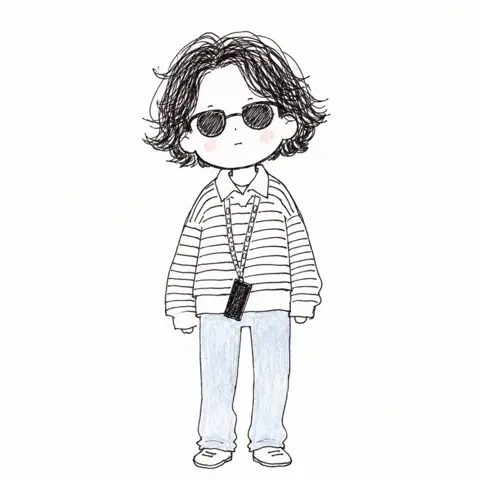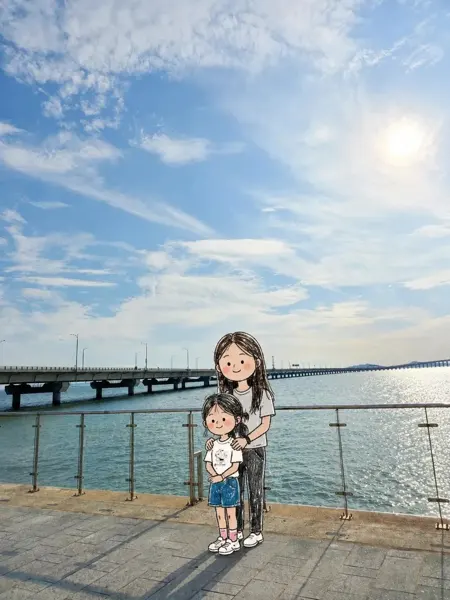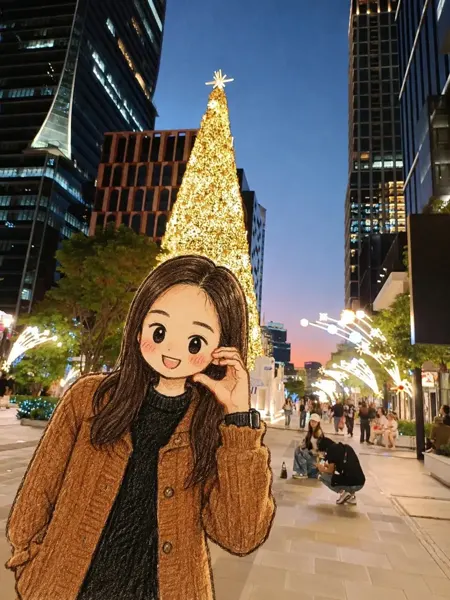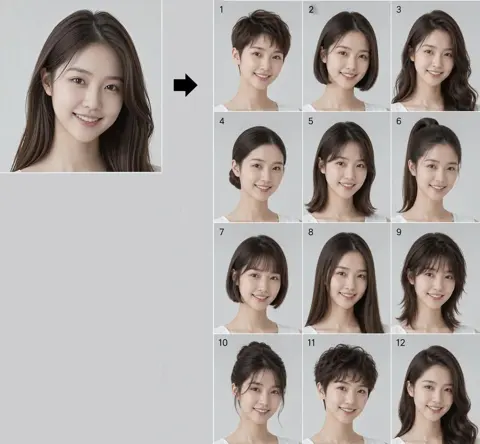
클릭하여 전체 이미지 보기 · 원본 사례 참조용
사례 출처
@Luvune ↗ · 사례 #123
원본 사례 내용을 유지합니다. 생성 결과는 모델 버전, 참조 이미지 및 매개변수에 따라 달라질 수 있으며, 본 사이트에서 개별 검증을 진행하지 않아 동일한 결과의 재현을 보장하지 않습니다.
인물 및 캐릭터 / PROMPT #123
일러스트 아트 창작 · #123
먼저 이미지를 확인한 뒤 원본 프롬프트를 복사하세요. 치환 문구가 있는 경우 아래에서 원하는 내용으로 변경할 수 있습니다.
01 / 나만의 버전 설정
02 / 전체 프롬프트 · 원문
{
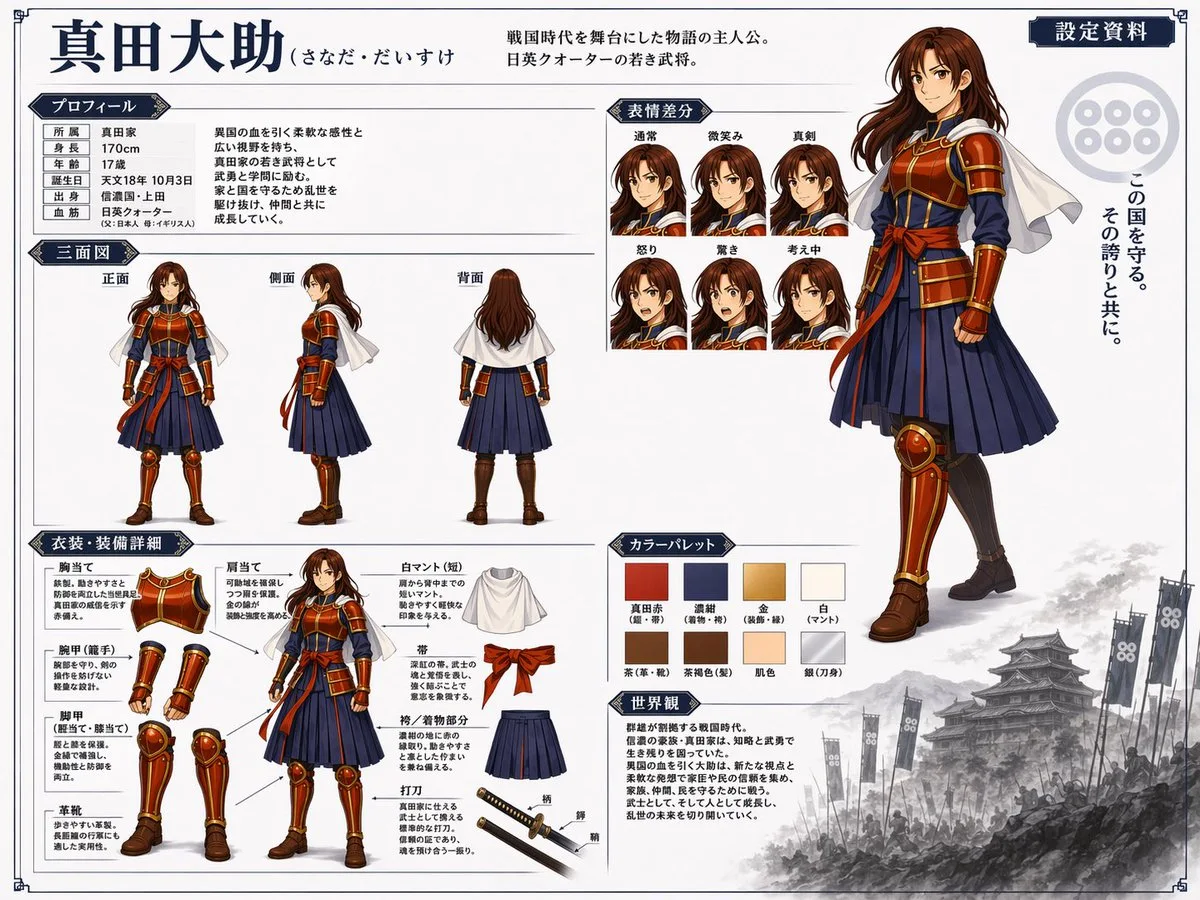
  "type": "anime character reference sheet",
  "character": {
    "name": "{argument name=\"character name\" default=\"真田大助\"}",
    "appearance": "young warrior with long brown hair, wearing samurai-inspired armor, {argument name=\"main color\" default=\"red\"} chest plate and guards, {argument name=\"secondary color\" default=\"navy blue\"} pleated hakama, white short cape"
  },
  "layout": {
    "header": {
      "title": "{argument name=\"character name\" default=\"真田大助\"}",
      "subtitle": "{argument name=\"character concept\" default=\"戦国時代を舞台にした物語の主人公。日英クォーターの若き武将。\"}",
      "badge": "設定資料"
    },
    "right_side": {
      "main_portrait": "large full-body standing pose, confident smile",
      "background_elements": {
        "emblem": "six-coin crest",
        "quote": "{argument name=\"catchphrase\" default=\"この国を守る。その誇りと共に。\"}",
        "scenery": "monochrome Japanese castle with army banners at the bottom right"
      }
    },
    "sections": [
      {
        "title": "プロフィール",
        "position": "top-left",
        "content": "table with 6 rows and descriptive text"
      },
      {
        "title": "三面図",
        "position": "mid-left",
        "count": 3,
        "labels": ["正面", "側面", "背面"]
      },
      {
        "title": "表情差分",
        "position": "top-center",
        "count": 6,
        "labels": ["通常", "微笑み", "真剣", "怒り", "驚き", "考え中"]
      },
      {
        "title": "衣装・装備詳細",
        "position": "bottom-left",
        "count": 9,
        "labels": ["胸当て", "肩当て", "腕甲(籠手)", "脚甲(脛当て・膝当て)", "革靴", "白マント(短)", "帯", "袴/着物部分", "打刀"]
      },
      {
        "title": "カラーパレット",
        "position": "bottom-center",
        "count": 8,
        "labels": ["真田赤", "濃紺", "金", "白", "茶", "茶褐色", "肌色", "銀"]
      },
      {
        "title": "世界観",
        "position": "bottom-center-right",
        "content": "paragraph of text describing the setting"
      }
    ]
  }
}사용하시는 이미지 생성 도구에 붙여넣어 사용하세요. 본 사이트는 프롬프트 탐색 및 편집 기능만 제공하며 직접 이미지를 생성하지 않습니다.
03 / 생성 전 체크리스트
- 치환 문구를 구체적인 내용으로 바꾸고, 참조 이미지가 필요한지 확인하세요.
- 텍스트가 포함된 경우 원하는 문구를 명확히 지정하고, 생성 후 글자를 꼼꼼히 확인하세요.
- 효과를 쉽게 비교할 수 있도록 피사체, 조명, 구도 중 한 번에 하나씩만 수정하세요.
관련 영감 더 둘러보기
더 많은 인물 및 캐릭터 사례