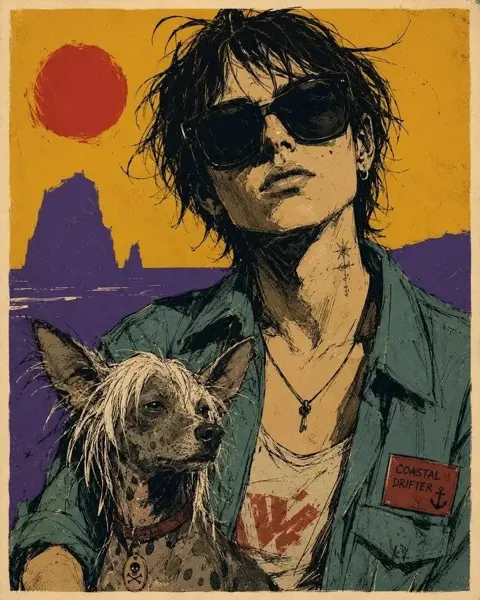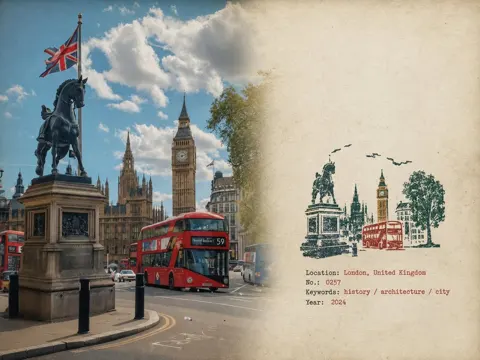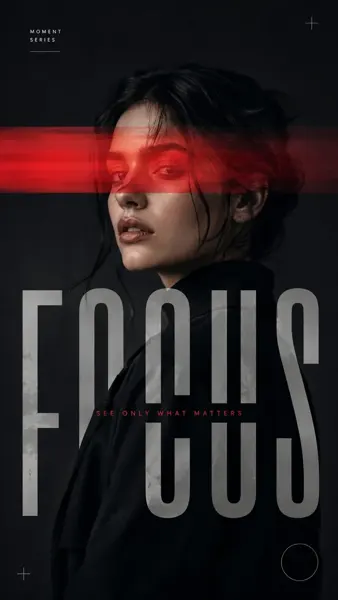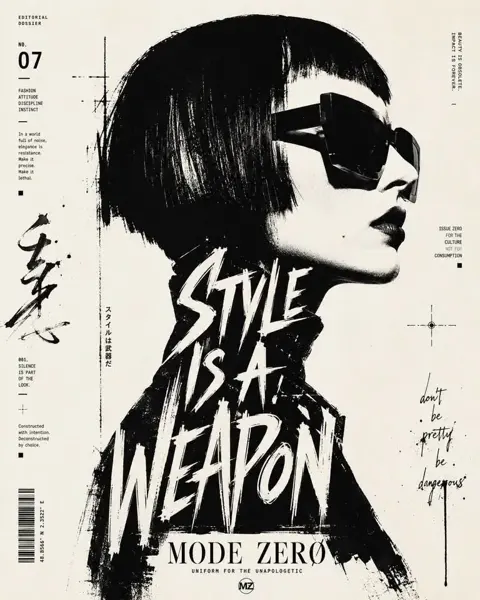
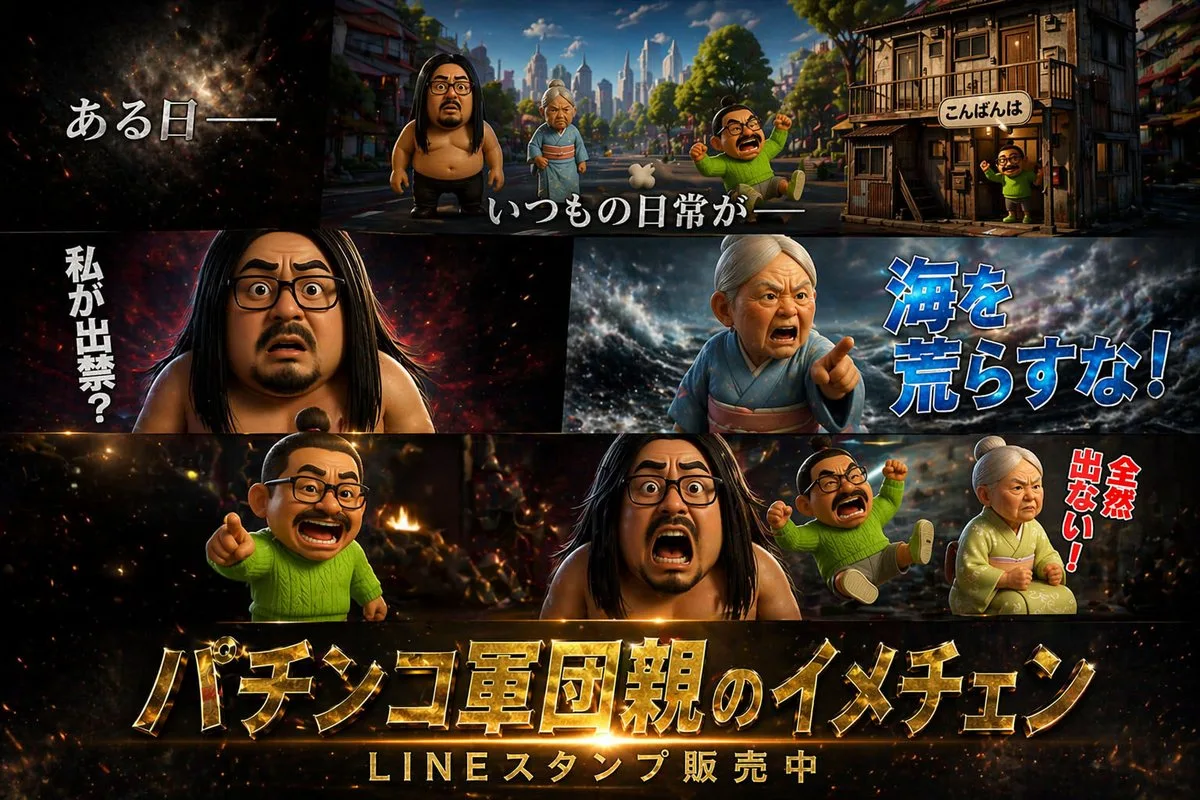
クリックで拡大表示 · 作例の参考イメージ
作例の出典
@X64zzotSKCGtYmt ↗ · 作例 #59
オリジナルの作例内容を保持しています。生成結果はモデルのバージョン、参照画像、パラメータによって左右されます。本サイトでは個別の完全な再現を保証するものではありません。
ポスター・タイポグラフィ / PROMPT #59
テーマポスターレイアウト · #59
画像を確認してからプロンプトをコピーしてください。プレースホルダーがある場合は、下部で内容を書き換えることができます。
01 / カスタマイズ
02 / プロンプト全文 · 原文
{
  "type": "cinematic promotional poster",
  "style": "3D CGI animation style, highly detailed, dramatic lighting, caricature characters",
  "characters": [
    { "id": "char1", "description": "large shirtless man with long black hair, beard, and glasses" },
    { "id": "char2", "description": "elderly woman in a kimono with white hair tied up" },
    { "id": "char3", "description": "small man with a topknot, glasses, mustache, wearing a bright green sweater" }
  ],
  "layout": {
    "panels": [
      {
        "position": "top",
        "scene": "wide shot of a town street with buildings and a city skyline in the background",
        "characters_present": ["char1", "char2", "char3"],
        "text_overlays": [
          "{argument name=\"intro text\" default=\"ある日ーー\"}",
          "いつもの日常がーー",
          "こんばんは"
        ]
      },
      {
        "position": "middle left",
        "scene": "close-up of char1 looking shocked against a dark fiery background",
        "text_overlays": [
          "{argument name=\"shocked text\" default=\"私が出禁?\"}"
        ]
      },
      {
        "position": "middle right",
        "scene": "close-up of char2 looking angry and pointing against a stormy sea background",
        "text_overlays": [
          "{argument name=\"angry text\" default=\"海を荒らすな!\"}"
        ]
      },
      {
        "position": "bottom",
        "scene": "char3 pointing, char1 screaming, a second instance of char3 falling backwards, and char2 sitting angrily against a fiery chaotic background",
        "text_overlays": [
          "全然出ない!"
        ],
        "bottom_titles": [
          "{argument name=\"main title\" default=\"パチンコ軍団親のイメチェン\"}",
          "{argument name=\"subtitle\" default=\"LINEスタンプ販売中\"}"
        ]
      }
    ]
  }
}お使いの画像生成ツールに貼り付けてご使用ください。本サイトはプロンプトの閲覧・編集ツールであり、画像の直接生成は行いません。
03 / 生成前のチェック
- プレースホルダーを具体的な内容に置き換え、参照画像が必要か確認します。
- 文字を含む場合はテキストを確定し、生成後に一文字ずつ確認します。
- 被写体、光、構図は一度に一箇所ずつ調整すると、効果を比較しやすくなります。
関連するインスピレーション
ポスター・タイポグラフィの他の作例