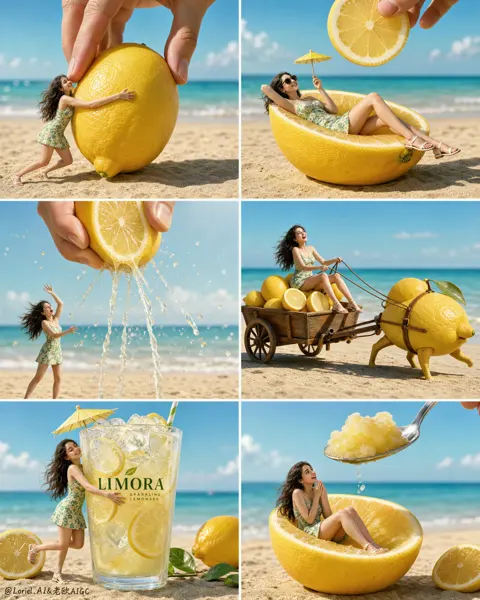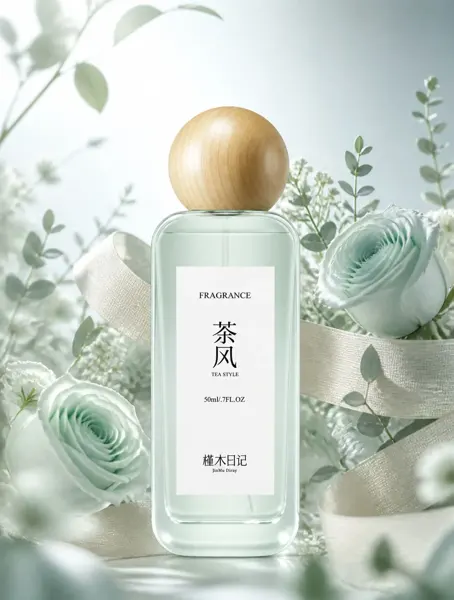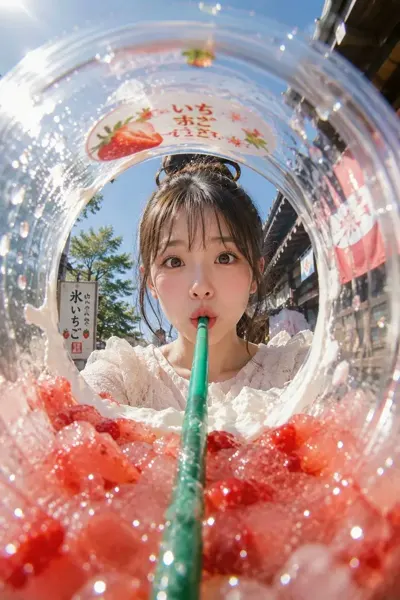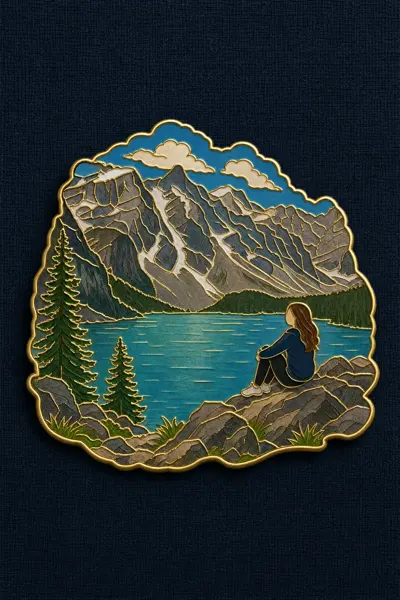
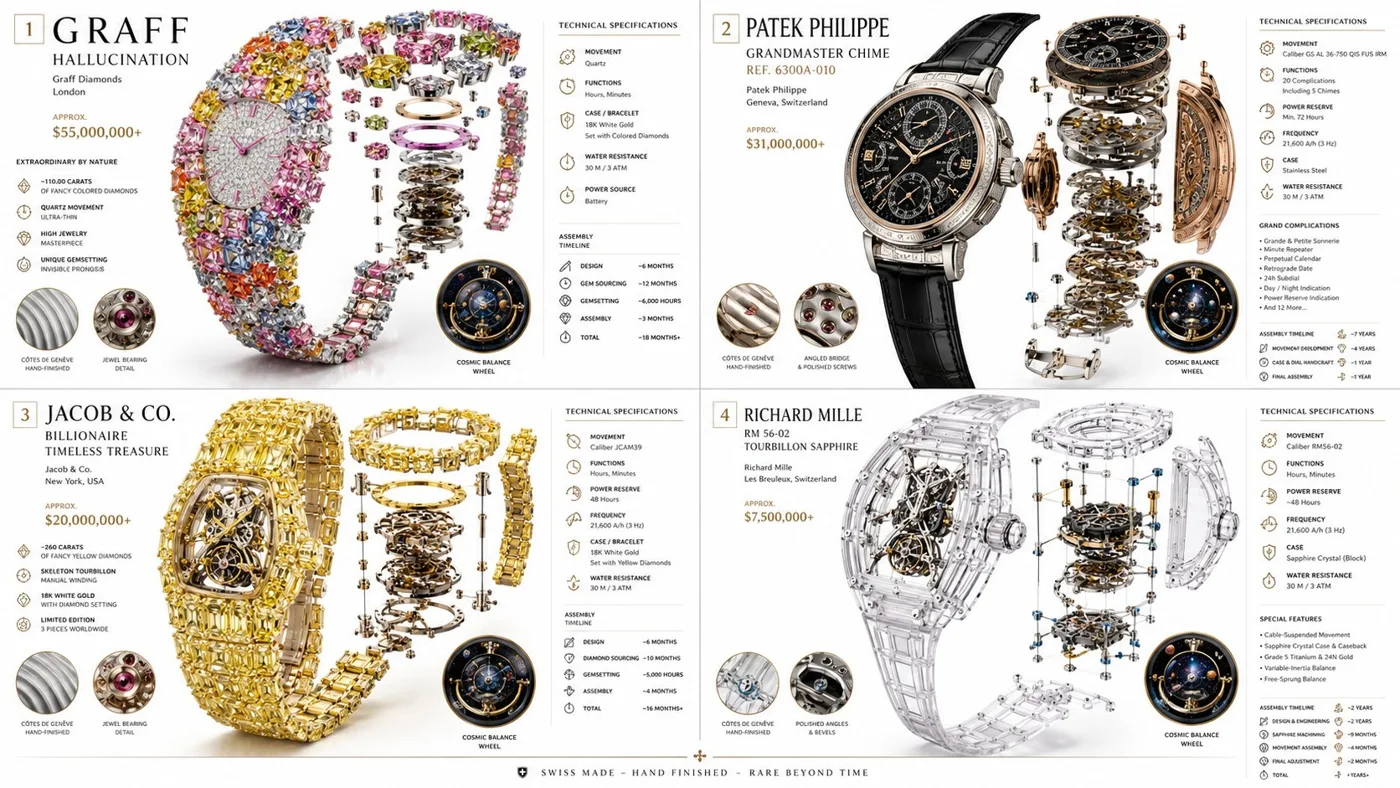
クリックで拡大表示 · 作例の参考イメージ
作例の出典
@Gdgtify ↗ · 作例 #449
オリジナルの作例内容を保持しています。生成結果はモデルのバージョン、参照画像、パラメータによって左右されます。本サイトでは個別の完全な再現を保証するものではありません。
プロダクト・EC / PROMPT #449
高級機械式時計のテクニカル図鑑
画像を確認してからプロンプトをコピーしてください。プレースホルダーがある場合は、下部で内容を書き換えることができます。
01 / カスタマイズ
02 / プロンプト全文 · 原文
2x2 grid 16:9, do this for 4 most expensive strangest watches ever made:

class Haute_Horlogerie_DNA:
    def __init__(self):
        self.subject = "[TIMEPIECE]"
        self.parents = {
            "composition_parent": "Exploded movement diagram with transparent case",
            "material_parent": "Brushed titanium, sapphire crystal, rose gold gears, alligator leather",
            "graphic_parent": "Swiss manufacture technical brochure with elegant data panels",
            "atmosphere_parent": "Crisp daylight studio, pure white background, subtle reflection on polished surfaces"
        }
        self.mutations = {
            "semantic_mutation": "The balance wheel reveals a miniature cosmos ticking inside",
            "information_mutation": "Power reserve indicator, frequency, complication callouts, hand-finishing grades, assembly timeline",
            "medium_mutation": "Smooth matte premium paper with embossed logo",
            "scale_mutation": "Grain-level view of Côtes de Genève finishing and jewel bearings"
        }
        self.style_mix = [0.30, 0.30, 0.25, 0.10, 0.05]

    def generate_subject(self):
        subject = """
        [TIMEPIECE] shown in its full mechanical glory. The dial, hands, movement,
        and strap float in perfect alignment against a bright, clean background.
        Every gear and spring is highlighted with exacting clarity.
        """
        return render(
            subject,
            format="luxury watch advertisement with technical insert",
            title="[MODEL REFERENCE]",
            subtitle="[MANUFACTURE / COLLECTION]",
            constraints="bright white space, metallic brilliance, hyper-detailed, modern elegance"
)お使いの画像生成ツールに貼り付けてご使用ください。本サイトはプロンプトの閲覧・編集ツールであり、画像の直接生成は行いません。
03 / 生成前のチェック
- プレースホルダーを具体的な内容に置き換え、参照画像が必要か確認します。
- 文字を含む場合はテキストを確定し、生成後に一文字ずつ確認します。
- 被写体、光、構図は一度に一箇所ずつ調整すると、効果を比較しやすくなります。
関連するインスピレーション
プロダクト・ECの他の作例