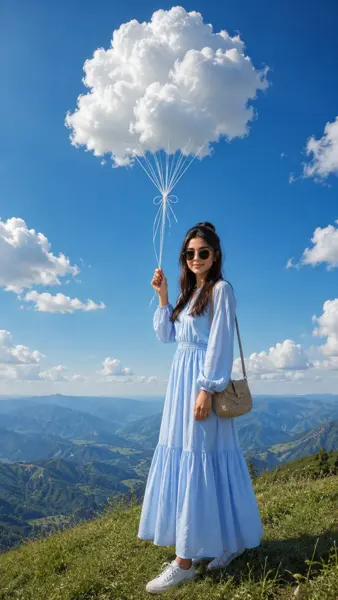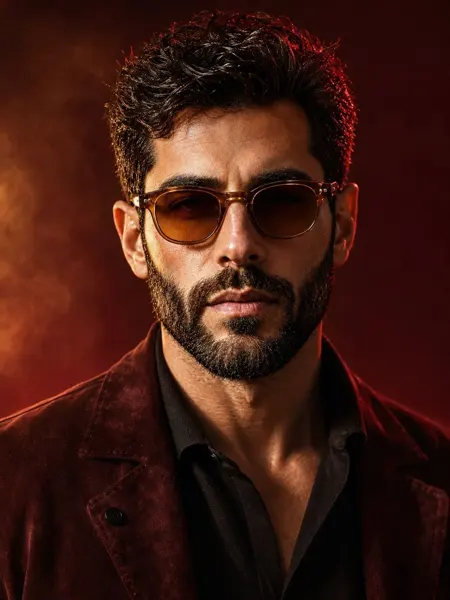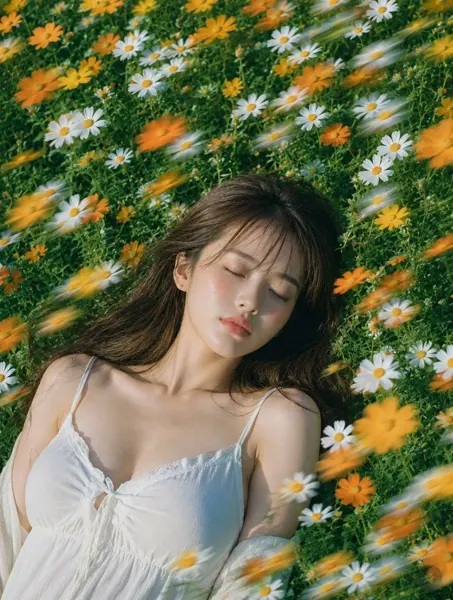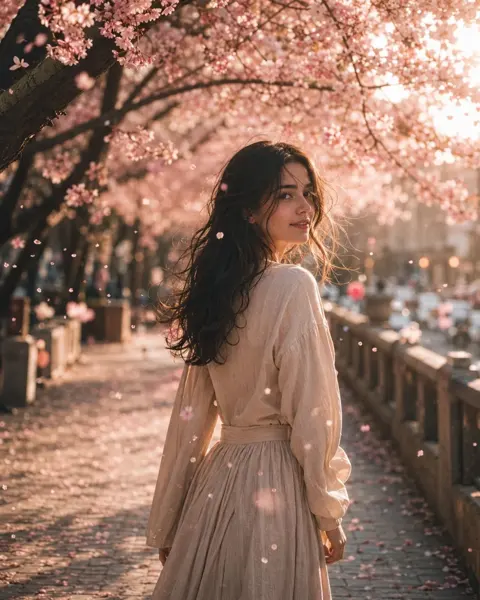
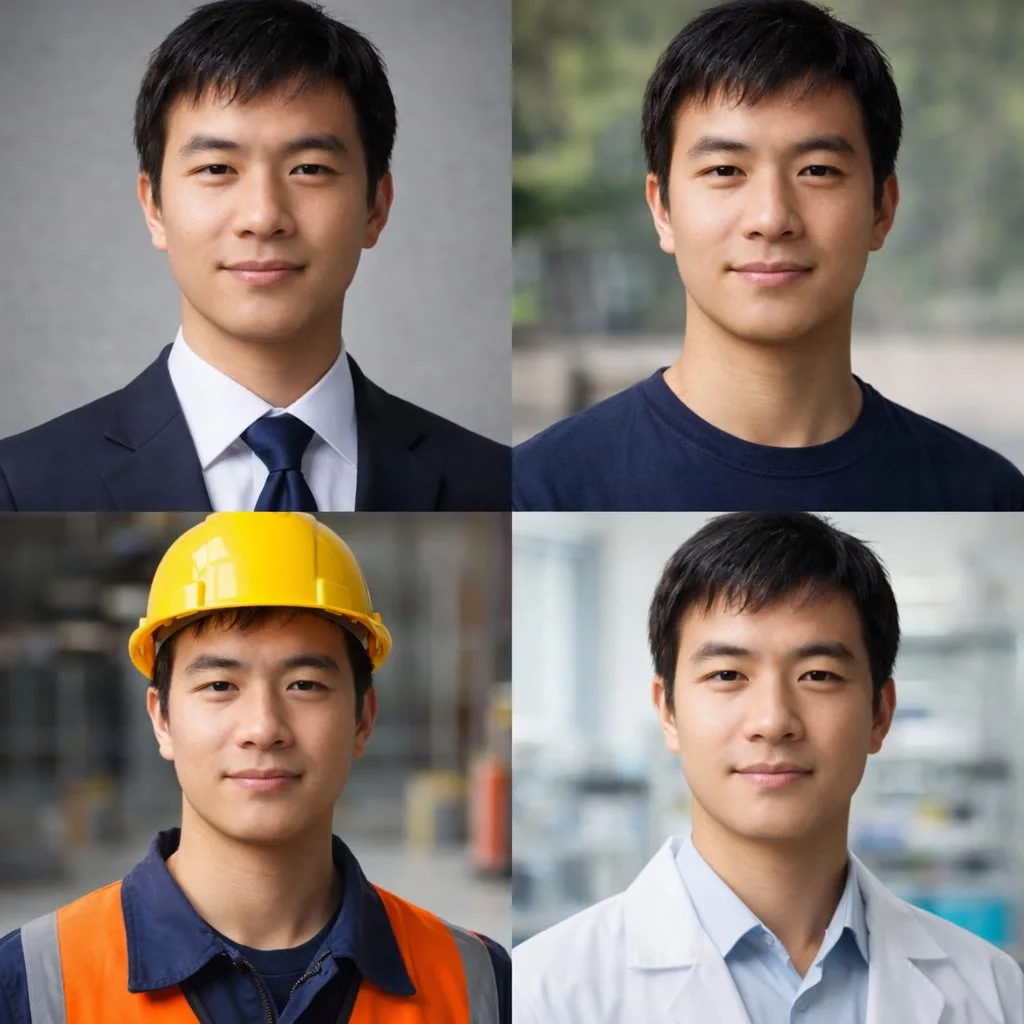
クリックで拡大表示 · 作例の参考イメージ
作例の出典
@frankfu1688 ↗ · 作例 #28
オリジナルの作例内容を保持しています。生成結果はモデルのバージョン、参照画像、パラメータによって左右されます。本サイトでは個別の完全な再現を保証するものではありません。
写真・リアリズム / PROMPT #28
写実写真スタイルの創作
画像を確認してからプロンプトをコピーしてください。プレースホルダーがある場合は、下部で内容を書き換えることができます。
01 / カスタマイズ
この作例には自動検出されたプレースホルダーはありません。コピー後、被写体・配色・テキスト・比率などを適宜変更してください。
02 / プロンプト全文 · 原文
{
  "type": "2x2 portrait grid",
  "subject": "{argument name=\"subject description\" default=\"young adult East Asian male with short black hair and a slight smile\"}",
  "style": "photorealistic, high-resolution, professional lighting, consistent facial identity across all panels",
  "layout": {
    "format": "2x2 grid",
    "panel_count": 4,
    "panels": [
      {
        "position": "top-left",
        "description": "{argument name=\"profession 1\" default=\"Corporate professional wearing a dark navy suit, white shirt, and blue tie against a gray textured background\"}"
      },
      {
        "position": "top-right",
        "description": "{argument name=\"profession 2\" default=\"Casual attire wearing a dark blue crew neck t-shirt against a blurred outdoor park background\"}"
      },
      {
        "position": "bottom-left",
        "description": "{argument name=\"profession 3\" default=\"Construction worker wearing a yellow hard hat, navy blue work shirt, and bright orange high-visibility vest against a blurred warehouse background\"}"
      },
      {
        "position": "bottom-right",
        "description": "{argument name=\"profession 4\" default=\"Medical professional wearing a white lab coat over a light blue collared shirt against a blurred laboratory background\"}"
      }
    ]
  }
}お使いの画像生成ツールに貼り付けてご使用ください。本サイトはプロンプトの閲覧・編集ツールであり、画像の直接生成は行いません。
03 / 生成前のチェック
- プレースホルダーを具体的な内容に置き換え、参照画像が必要か確認します。
- 文字を含む場合はテキストを確定し、生成後に一文字ずつ確認します。
- 被写体、光、構図は一度に一箇所ずつ調整すると、効果を比較しやすくなります。
関連するインスピレーション
写真・リアリズムの他の作例