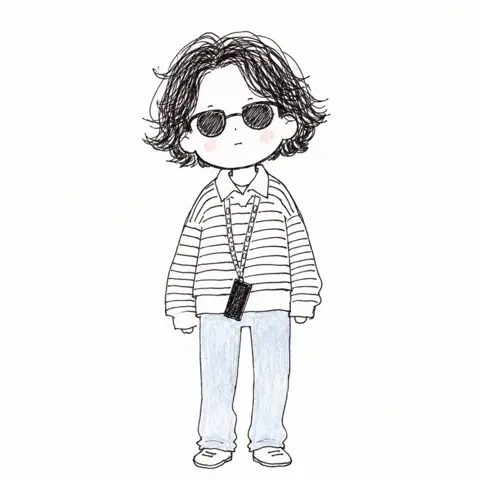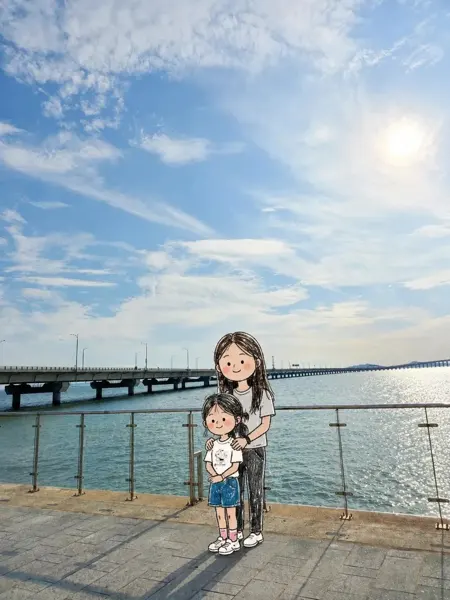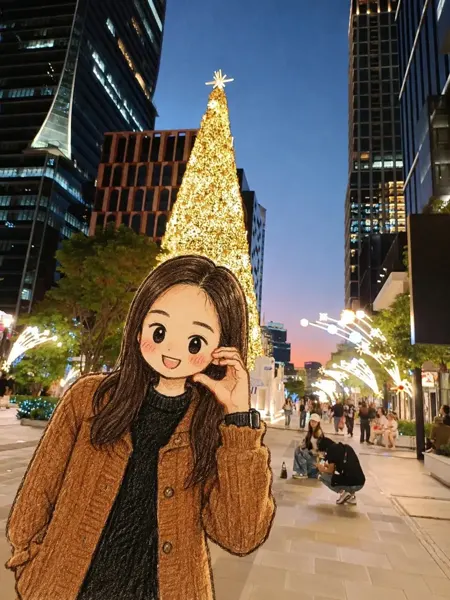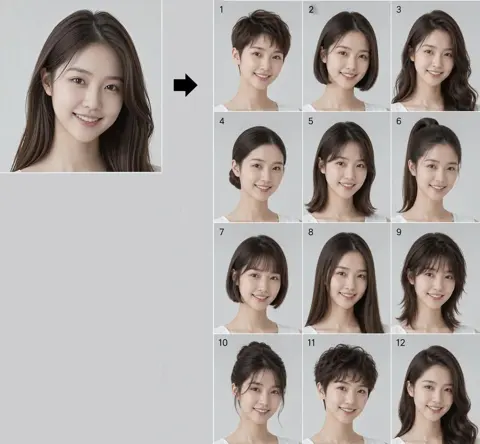
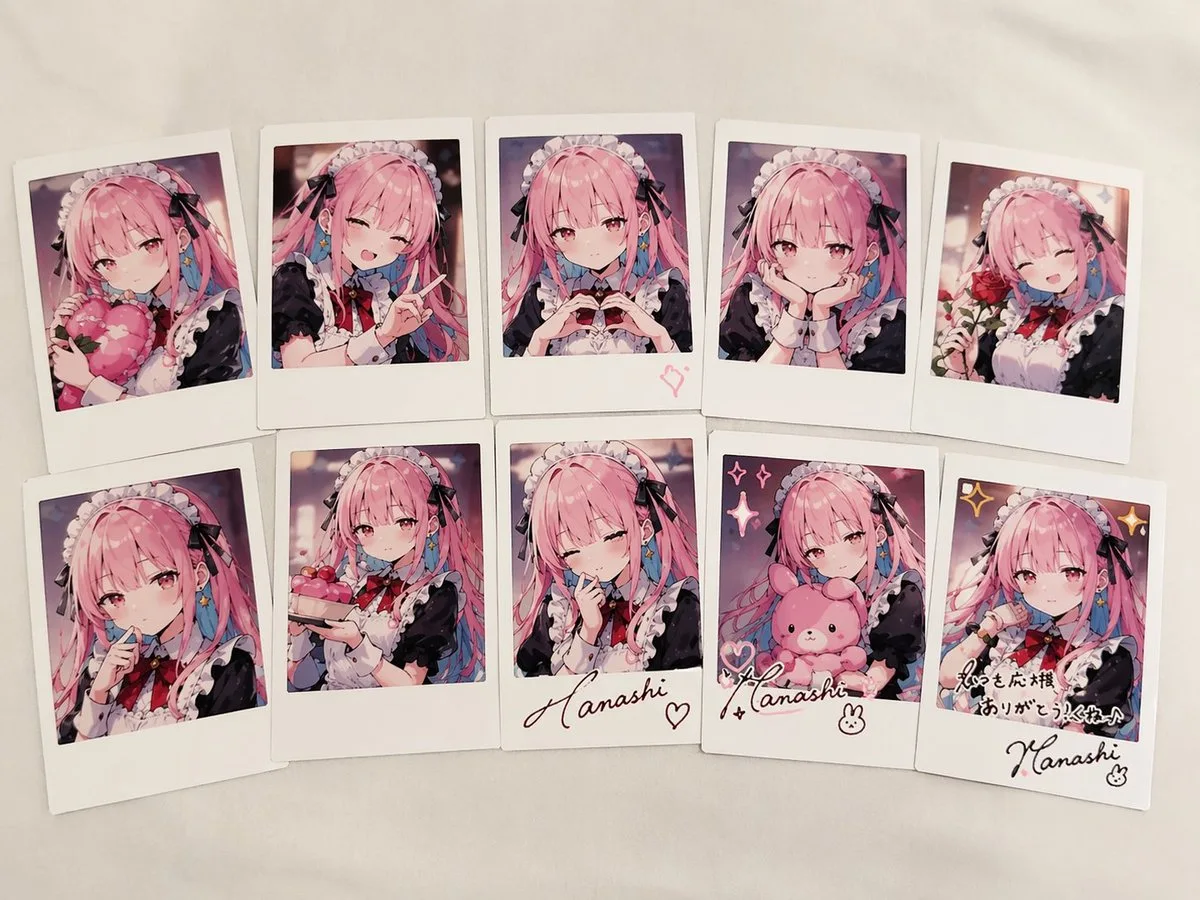
クリックで拡大表示 · 作例の参考イメージ
作例の出典
@anemone_sd ↗ · 作例 #27
オリジナルの作例内容を保持しています。生成結果はモデルのバージョン、参照画像、パラメータによって左右されます。本サイトでは個別の完全な再現を保証するものではありません。
人物・キャラクター / PROMPT #27
キャラクター設定画 · #27
画像を確認してからプロンプトをコピーしてください。プレースホルダーがある場合は、下部で内容を書き換えることができます。
01 / カスタマイズ
この作例には自動検出されたプレースホルダーはありません。コピー後、被写体・配色・テキスト・比率などを適宜変更してください。
02 / プロンプト全文 · 原文
{
  "type": "collection of instant photos",
  "setting": "laid out flat on a white fabric surface",
  "character": {
    "hair": "{argument name=\"hair color\" default=\"long pink hair with blue inner color\"}",
    "outfit": "{argument name=\"outfit\" default=\"black and white maid uniform with frilly headband and black ribbons\"}",
    "eyes": "reddish-pink"
  },
  "layout": {
    "arrangement": "two rows of five polaroid photos",
    "count": 10,
    "photos": [
      { "position": "top row 1", "description": "holding a pink heart cushion" },
      { "position": "top row 2", "description": "winking, making a peace sign" },
      { "position": "top row 3", "description": "making a hand heart, pink heart doodle on the bottom border" },
      { "position": "top row 4", "description": "resting chin on hands, gentle smile" },
      { "position": "top row 5", "description": "holding a red rose, winking" },
      { "position": "bottom row 1", "description": "finger to lips, shy expression" },
      { "position": "bottom row 2", "description": "holding a small pink cake" },
      { "position": "bottom row 3", "description": "winking, hand near face, signature '{argument name=\"signature text\" default=\"Hanashi\"}' and heart doodle on border" },
      { "position": "bottom row 4", "description": "holding a pink bunny plushie, sparkle doodles, signature '{argument name=\"signature text\" default=\"Hanashi\"}' and bunny doodle on border" },
      { "position": "bottom row 5", "description": "winking, sparkle doodles, message '{argument name=\"message text\" default=\"いつも応援ありがとう!これからもよろしくね♪\"}' and signature '{argument name=\"signature text\" default=\"Hanashi\"}' on border" }
    ]
  }
}お使いの画像生成ツールに貼り付けてご使用ください。本サイトはプロンプトの閲覧・編集ツールであり、画像の直接生成は行いません。
03 / 生成前のチェック
- プレースホルダーを具体的な内容に置き換え、参照画像が必要か確認します。
- 文字を含む場合はテキストを確定し、生成後に一文字ずつ確認します。
- 被写体、光、構図は一度に一箇所ずつ調整すると、効果を比較しやすくなります。
関連するインスピレーション
人物・キャラクターの他の作例