Kreative Anwendungen
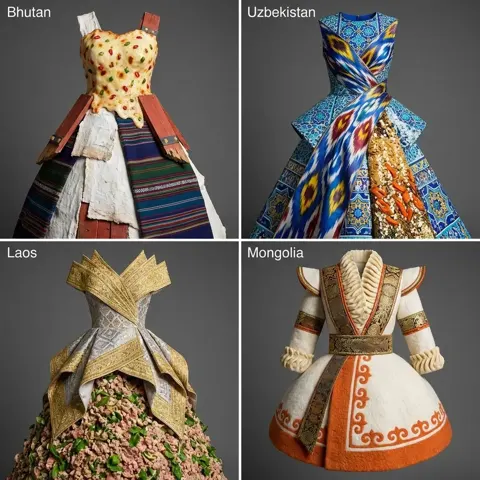
Modedesign-Raster nach Kulturankern aus vier Ländern
Vollständigen Prompt anzeigen ↗#391
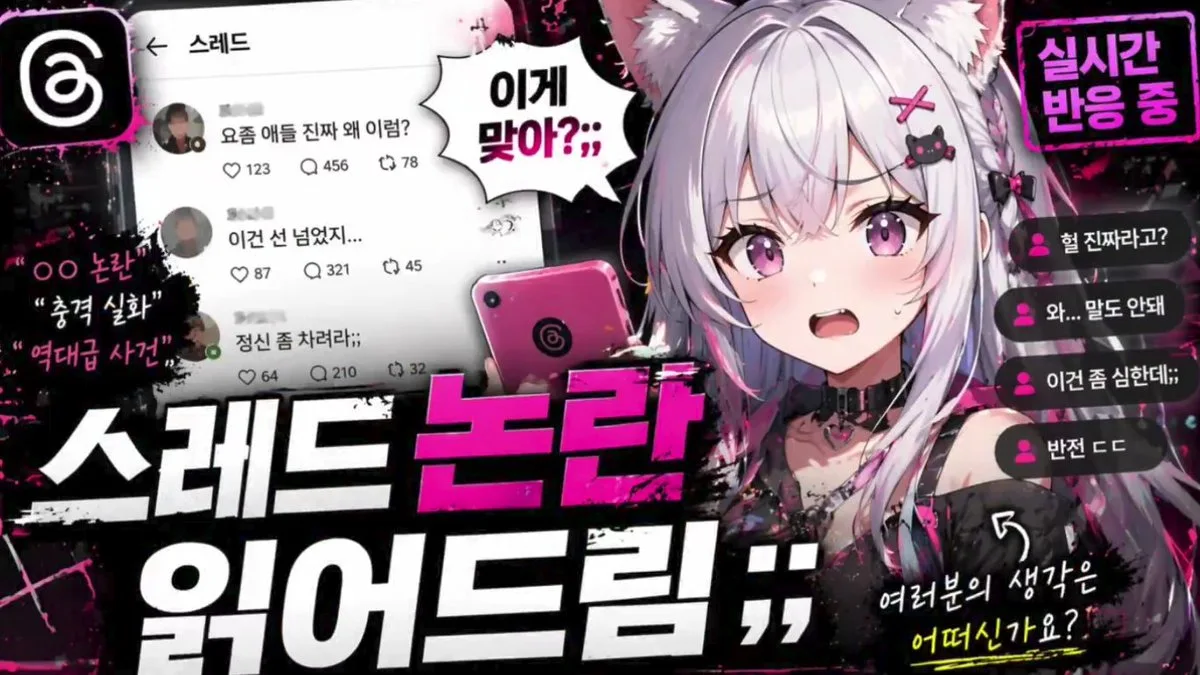
Klicken für Vollbild · Referenz des Originalbeispiels
@abdiisan ↗ · Beispiel #106
Originalinhalt beibehalten. Ergebnisse variieren je nach Modellversion, Referenzbildern und Parametern. Keine Garantie für identische Reproduktion.
Erst das Bild ansehen, dann den Original-Prompt kopieren; Platzhalter unten nach Wunsch anpassen.
{
  "type": "YouTube thumbnail graphic",
  "style": "anime, edgy, neon pink and black color scheme, grunge and splatter accents",
  "character": {
    "appearance": "anime girl, {argument name=\"hair color\" default=\"silver\"} hair, cat ears, purple eyes",
    "expression": "{argument name=\"expression\" default=\"shocked and sweating\"}, mouth open",
    "accessories": "black cat hairclip with pink cross, black choker with heart ring",
    "action": "holding a pink smartphone with a swirl logo"
  },
  "layout": {
    "main_title": {
      "position": "bottom center",
      "style": "huge, bold, 3D typography, grunge texture",
      "lines": [
        { "text": "{argument name=\"main title top\" default=\"스레드 논란\"}", "color": "neon pink" },
        { "text": "{argument name=\"main title bottom\" default=\"읽어드림 ;;\"}", "color": "white" }
      ]
    },
    "ui_elements": [
      {
        "type": "social media feed mockup",
        "position": "mid-left",
        "header": "← 스레드",
        "post_count": 3,
        "details": "avatars, Korean text, interaction icons for like, comment, repost"
      },
      {
        "type": "live chat mockup",
        "position": "right edge",
        "message_count": 4,
        "details": "pink user icons, Korean text"
      }
    ],
    "text_callouts": [
      {
        "type": "spiky speech bubble",
        "position": "center top",
        "text": "{argument name=\"speech bubble text\" default=\"이게 맞아?;;\"}"
      },
      {
        "type": "neon box",
        "position": "top right",
        "text": "실시간 반응 중"
      },
      {
        "type": "floating grunge text",
        "position": "far left",
        "line_count": 3,
        "text": ["OO 논란", "충격 실화", "역대급 사건"]
      },
      {
        "type": "handwritten text with arrow",
        "position": "bottom right",
        "text": "여러분의 생각은 어떠신가요?"
      }
    ],
    "logos": [
      {
        "type": "app icon",
        "position": "top left",
        "description": "white swirl logo on black rounded square"
      }
    ]
  }
}In dein bevorzugtes Bildgenerierungstool kopieren; Prompt Atelier dient zum Entdecken und Anpassen, nicht zum direkten Generieren.
Mehr Kreative Anwendungen-Beispiele