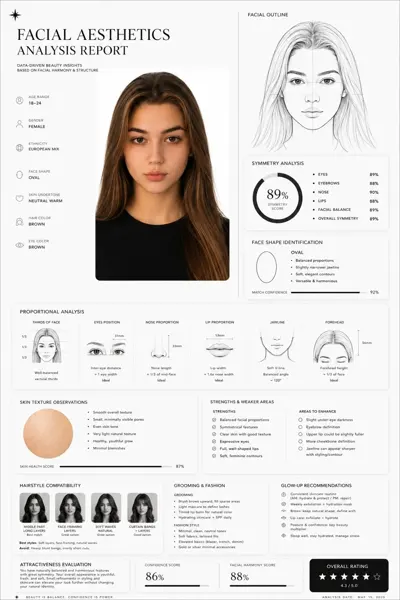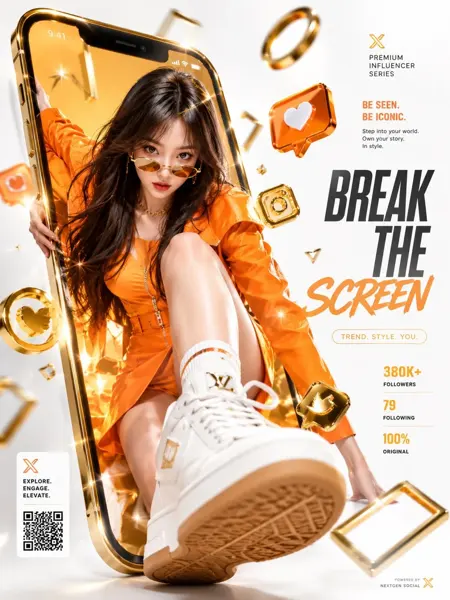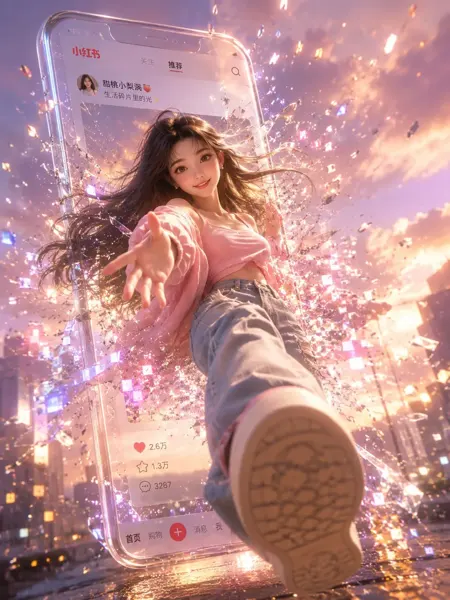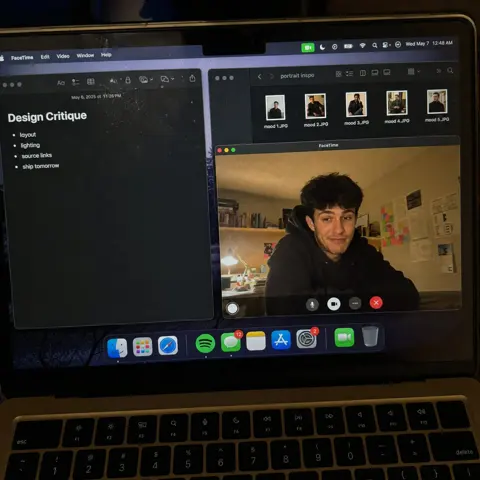
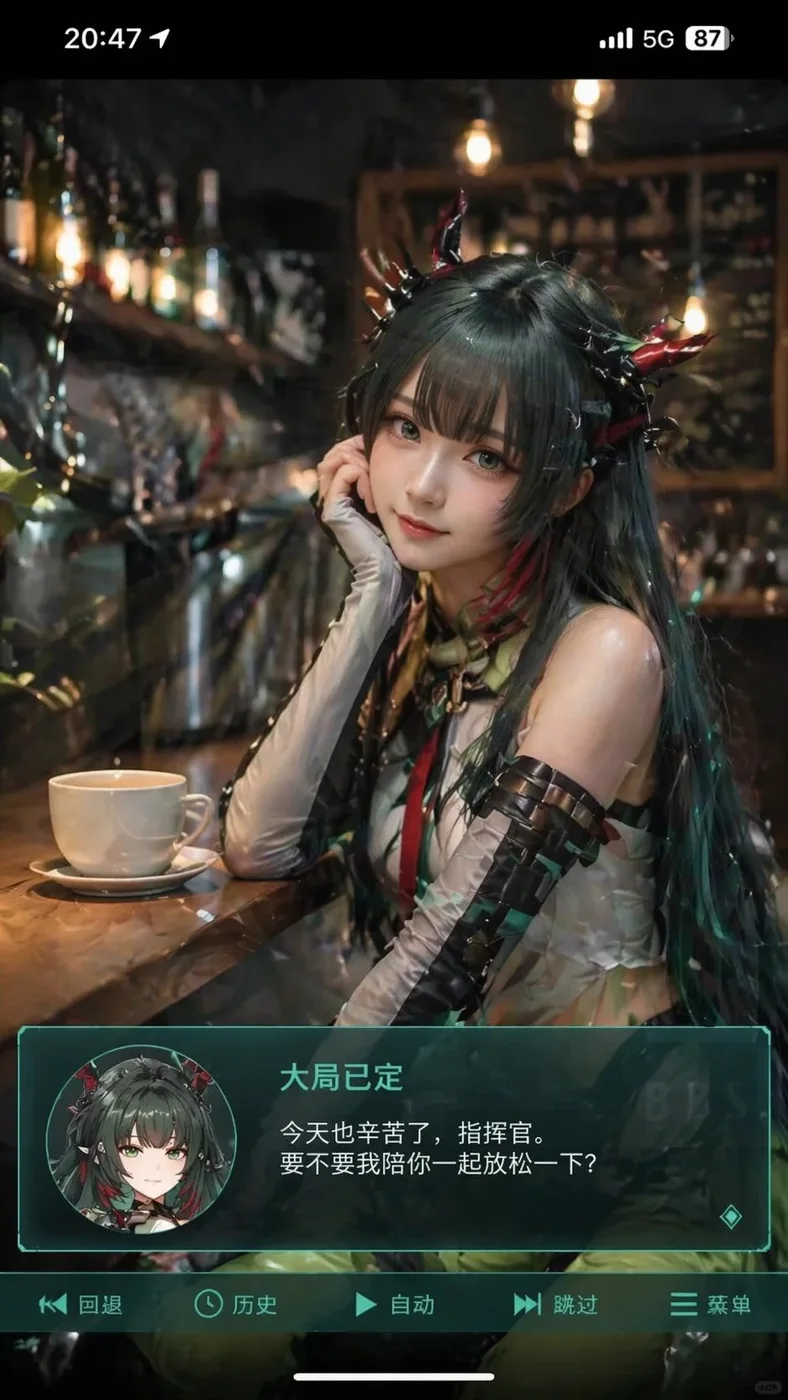
Click to view full image · Reference sample
Source
Source unavailable · Case #7
Original prompt preserved. Results vary depending on model version, reference image, and parameters; identical outputs are not guaranteed.
UI & Interfaces / PROMPT #7
App UI Mockup · #7
Review the image, then copy the prompt. If placeholders are present, customize them below.
01 / Customize your version
No placeholders detected. You can freely adjust the subject, color palette, text, and aspect ratio after copying.
02 / Full Prompt · Original
生成一张竖版手机截图风格的图片,整体比例接近 9:16。画面中心偏上是一位真人 coser,扮演上传图片中的二次元角色。人物为写实风格,但五官略带动漫感,皮肤细腻,眼睛稍大,表情温柔地看向镜头,坐在室内的休闲场景中,例如咖啡厅或酒吧吧台前,背景有符合场景的道具。画面最上方加入手机系统状态栏 UI,包括时间、电量、信号、网络等图标,让整张图看起来像手机截图。画面底部叠加一块宽大的半透明 galgame 风格对话框,对话框左侧放一个与画面人物对应的动漫或 Q 版头像;对话框右侧排版文字:第一行用较大字体显示与前面相同的角色名字,下面一到两行显示一段适合这个角色人设的、温柔治愈风格的简体中文台词,由你自动创作。再在对话框下方加一条操作栏,仿照 galgame UI。整体风格高清、细节丰富、光线柔和、二次元与真人写真自然融合。
Copy into your preferred AI image generator. Prompt Atelier provides prompt browsing and editing, but does not generate images directly.
03 / Pre-generation checklist
- Replace placeholders with specific details, and check whether reference images are needed.
- Specify exact wording for text elements, and proofread carefully after generation.
- Adjust only one element at a time—subject, lighting, or composition—to compare results easily.
Explore related inspiration
More in UI & Interfaces