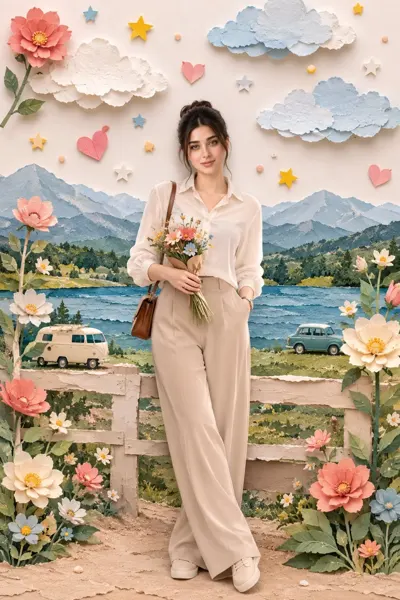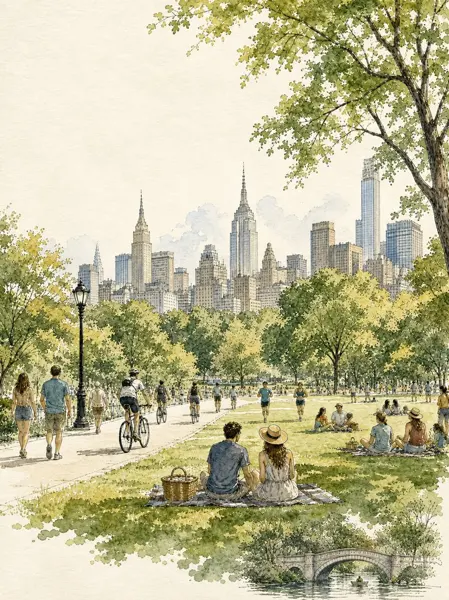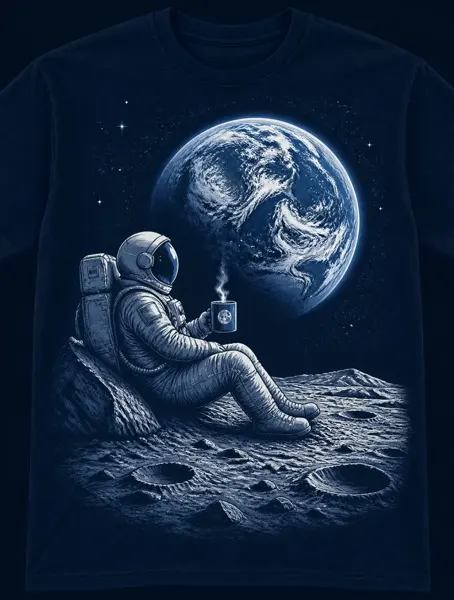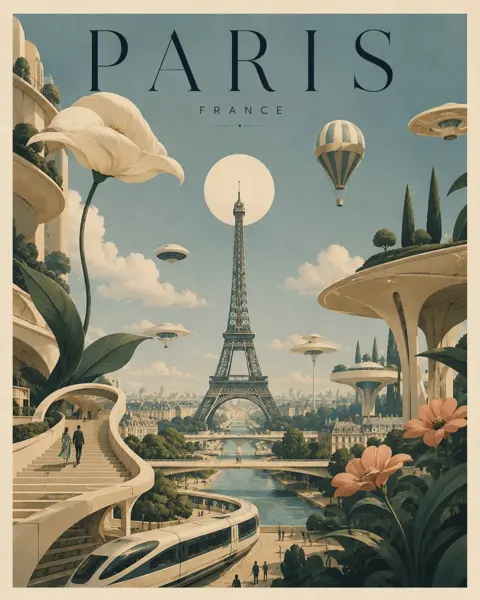
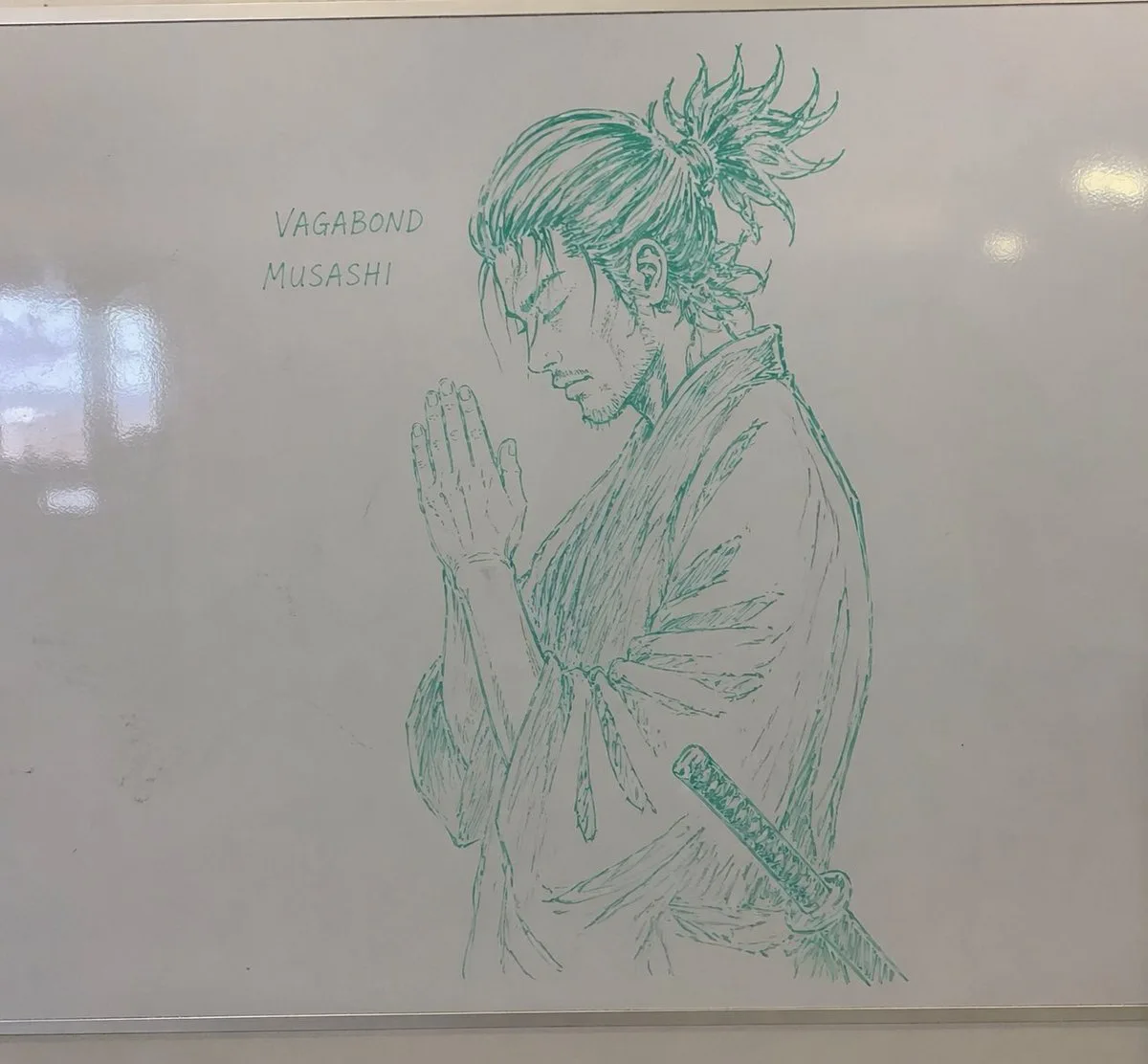
Click to view full image · Reference sample
Source
@nicdunz ↗ · Case #52
Original prompt preserved. Results vary depending on model version, reference image, and parameters; identical outputs are not guaranteed.
Illustration & Art / PROMPT #52
Realistic Photography Style · #52
Review the image, then copy the prompt. If placeholders are present, customize them below.
01 / Customize your version
No placeholders detected. You can freely adjust the subject, color palette, text, and aspect ratio after copying.
02 / Full Prompt · Original
A realistic photograph of a whiteboard with a highly detailed {argument name="marker color" default="green"} dry-erase marker drawing of {argument name="subject" default="a samurai with a messy topknot and facial hair, hands clasped in prayer"}. The character is drawn in a {argument name="art style" default="detailed manga sketch"} style, shown in profile with eyes closed, wearing a traditional kimono with a katana tucked into his belt. To the left of the character, handwritten text in all-caps reads "{argument name="text line 1" default="VAGABOND"}" with "{argument name="text line 2" default="MUSASHI"}" written directly below it. The whiteboard has a glossy surface with realistic light reflections and glare on the left side, and a thin metallic frame is visible at the bottom edge, giving the impression of an authentic classroom or office environment.Copy into your preferred AI image generator. Prompt Atelier provides prompt browsing and editing, but does not generate images directly.
03 / Pre-generation checklist
- Replace placeholders with specific details, and check whether reference images are needed.
- Specify exact wording for text elements, and proofread carefully after generation.
- Adjust only one element at a time—subject, lighting, or composition—to compare results easily.
Explore related inspiration
More in Illustration & Art