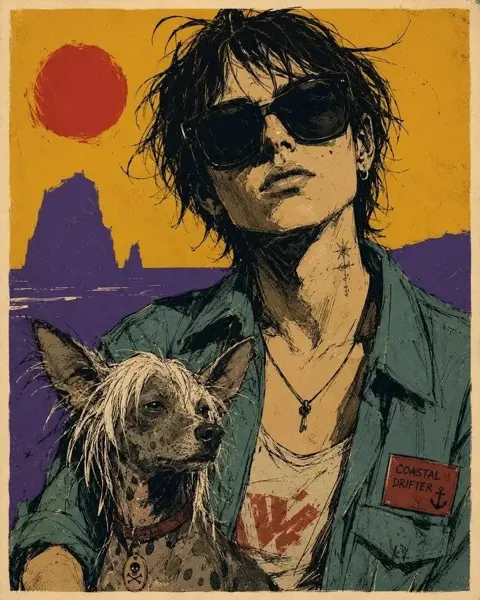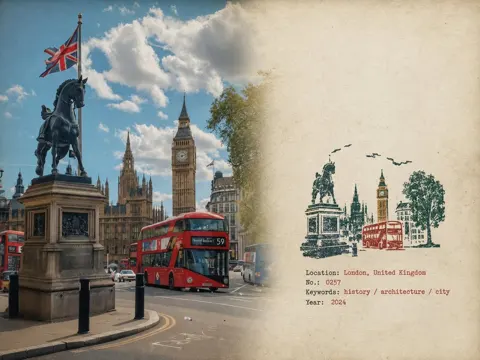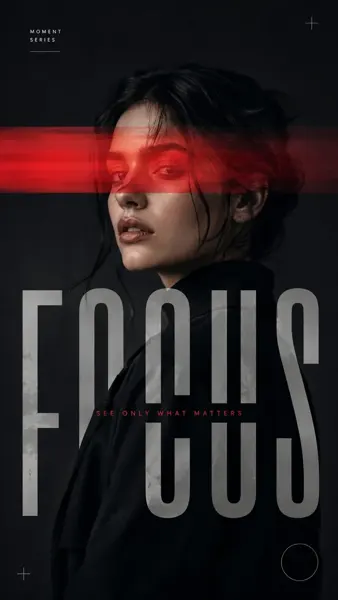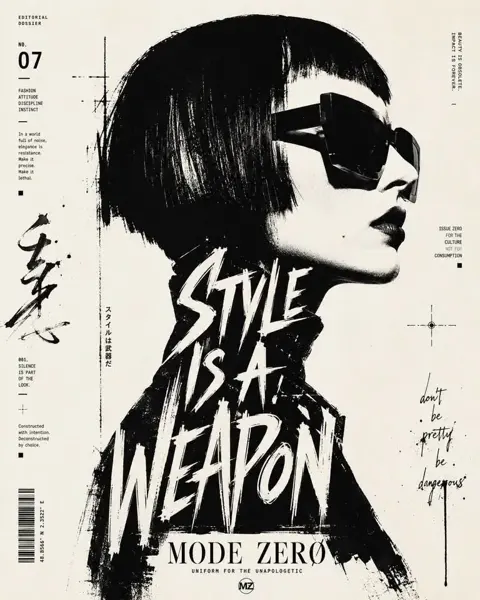
Click to view full image · Reference sample
Source
@AiwithLariab ↗ · Case #503
Original prompt preserved. Results vary depending on model version, reference image, and parameters; identical outputs are not guaranteed.
Posters & Typography / PROMPT #503
Neon Designer 3D Poster
Review the image, then copy the prompt. If placeholders are present, customize them below.
01 / Customize your version
No placeholders detected. You can freely adjust the subject, color palette, text, and aspect ratio after copying.
02 / Full Prompt · Original
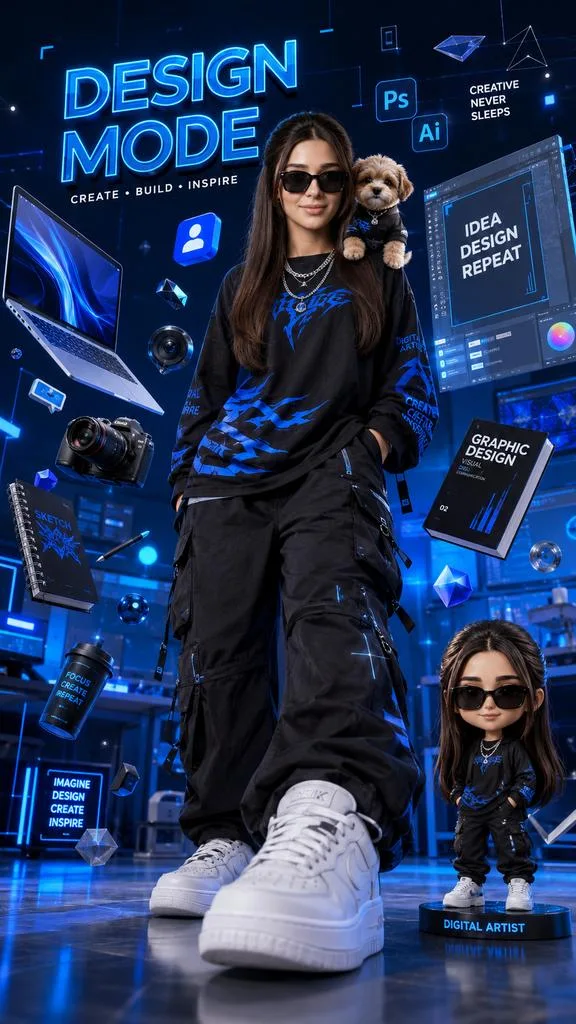
Create an ultra-detailed 3D stylized creative designer poster featuring a cool young digital artist standing confidently in the center of a futuristic blue neon studio. The character wears oversized black streetwear with electric-blue graphic accents, black cargo pants, layered silver chains, black sunglasses, and clean white sneakers. A cute fluffy puppy sits on the artist's shoulder. The camera angle is dramatic low-angle perspective, making the sneakers appear larger for a premium poster effect.

Surround the character with floating creative elements including a glowing laptop, professional camera, design books, notebooks, 3D icons, social media symbols, holographic UI panels, graphic design tools, and futuristic blue geometric shapes. Add motivational typography such as "DESIGN MODE", "CREATE • BUILD • INSPIRE", and "CREATIVE NEVER SLEEPS" integrated into the scene.

Include a collectible chibi mini-figure version of the character standing beside the main subject on a display base. Use cinematic blue lighting, glossy reflections, volumetric glow, depth of field, floating particles, luxury toy-photography aesthetics, high-end 3D rendering, Octane Render quality, ultra-sharp details, vibrant neon blue color palette, futuristic creator workspace atmosphere, premium commercial poster design, trending ArtStation style, masterpiece quality, 8K resolution, vertical 9:16 composition.
Copy into your preferred AI image generator. Prompt Atelier provides prompt browsing and editing, but does not generate images directly.
03 / Pre-generation checklist
- Replace placeholders with specific details, and check whether reference images are needed.
- Specify exact wording for text elements, and proofread carefully after generation.
- Adjust only one element at a time—subject, lighting, or composition—to compare results easily.
Explore related inspiration
More in Posters & Typography