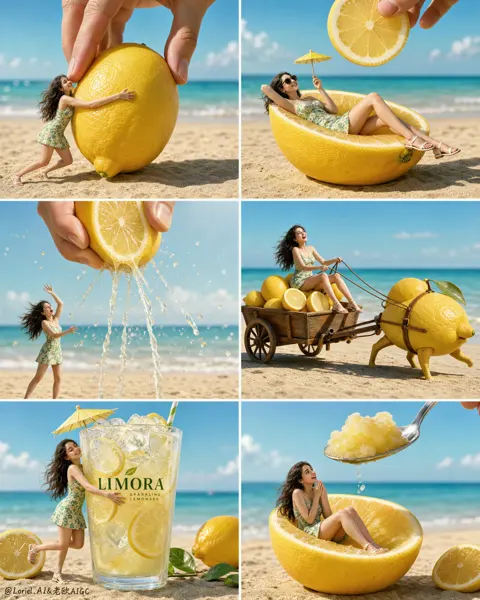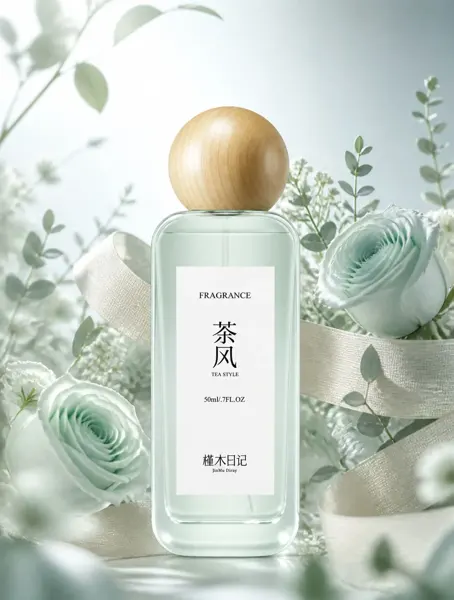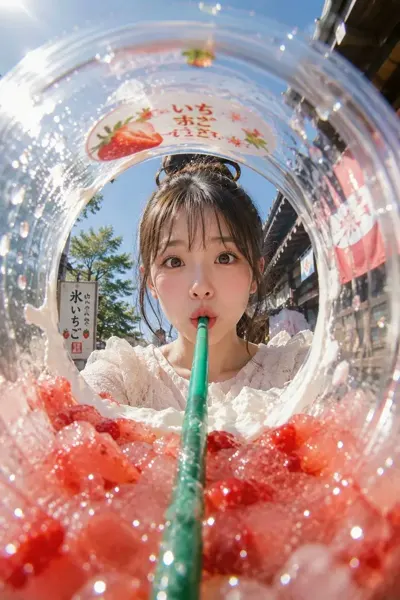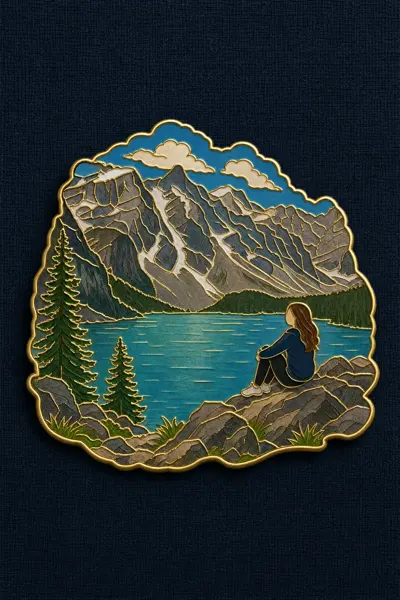
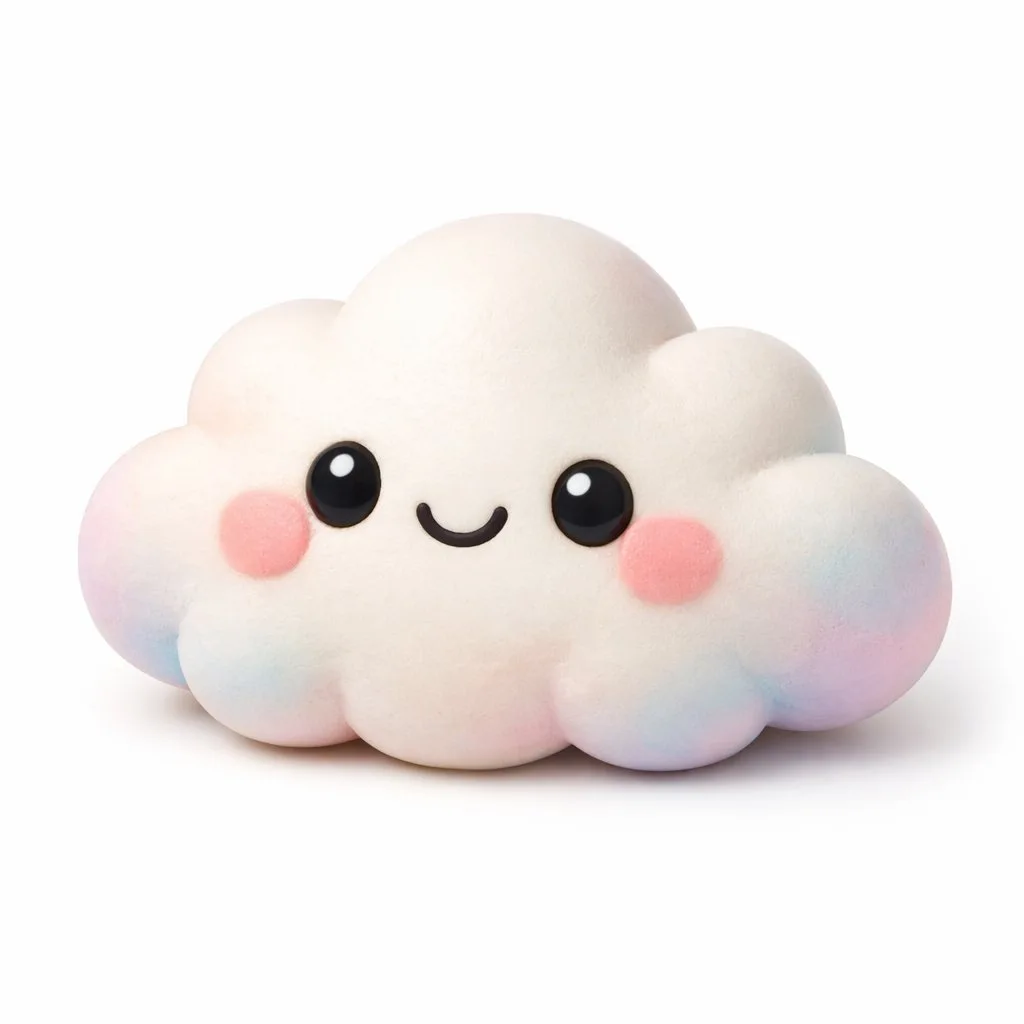
Click to view full image · Reference sample
Source
@yurunekofree ↗ · Case #33
Original prompt preserved. Results vary depending on model version, reference image, and parameters; identical outputs are not guaranteed.
Products & E-commerce / PROMPT #33
E-Commerce Product Display Design · #33
Review the image, then copy the prompt. If placeholders are present, customize them below.
01 / Customize your version
No placeholders detected. You can freely adjust the subject, color palette, text, and aspect ratio after copying.
02 / Full Prompt · Original
A 3D render of a cute kawaii {argument name="subject" default="cloud"} character on a pure white background. The character has a soft, matte, squishy texture resembling clay or a stress toy. It features large glossy black eyes with white highlights, a simple curved smile, and round pink blush on its cheeks. The edges and bottom of the figure have a subtle pastel gradient of {argument name="accent colors" default="pink, blue, and purple"}. Soft studio lighting, minimalist icon style, casting a gentle shadow.Copy into your preferred AI image generator. Prompt Atelier provides prompt browsing and editing, but does not generate images directly.
03 / Pre-generation checklist
- Replace placeholders with specific details, and check whether reference images are needed.
- Specify exact wording for text elements, and proofread carefully after generation.
- Adjust only one element at a time—subject, lighting, or composition—to compare results easily.
Explore related inspiration
More in Products & E-commerce