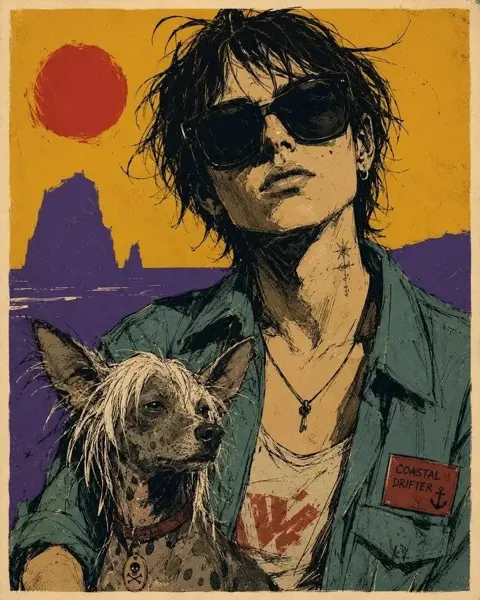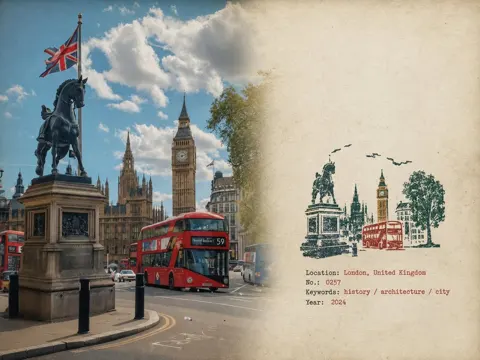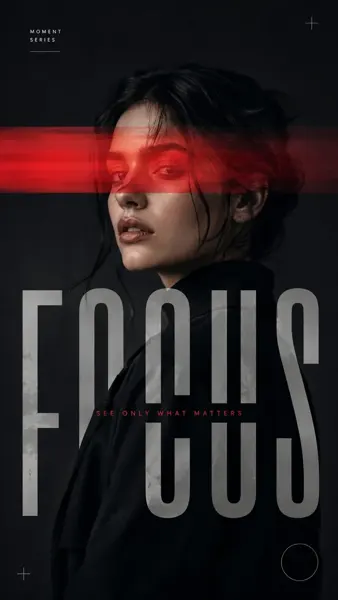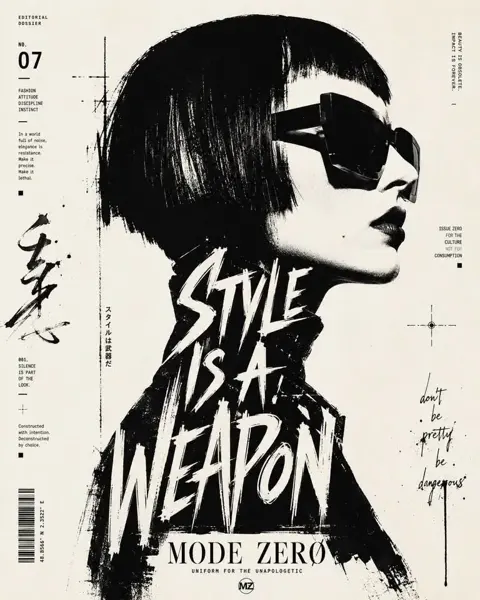
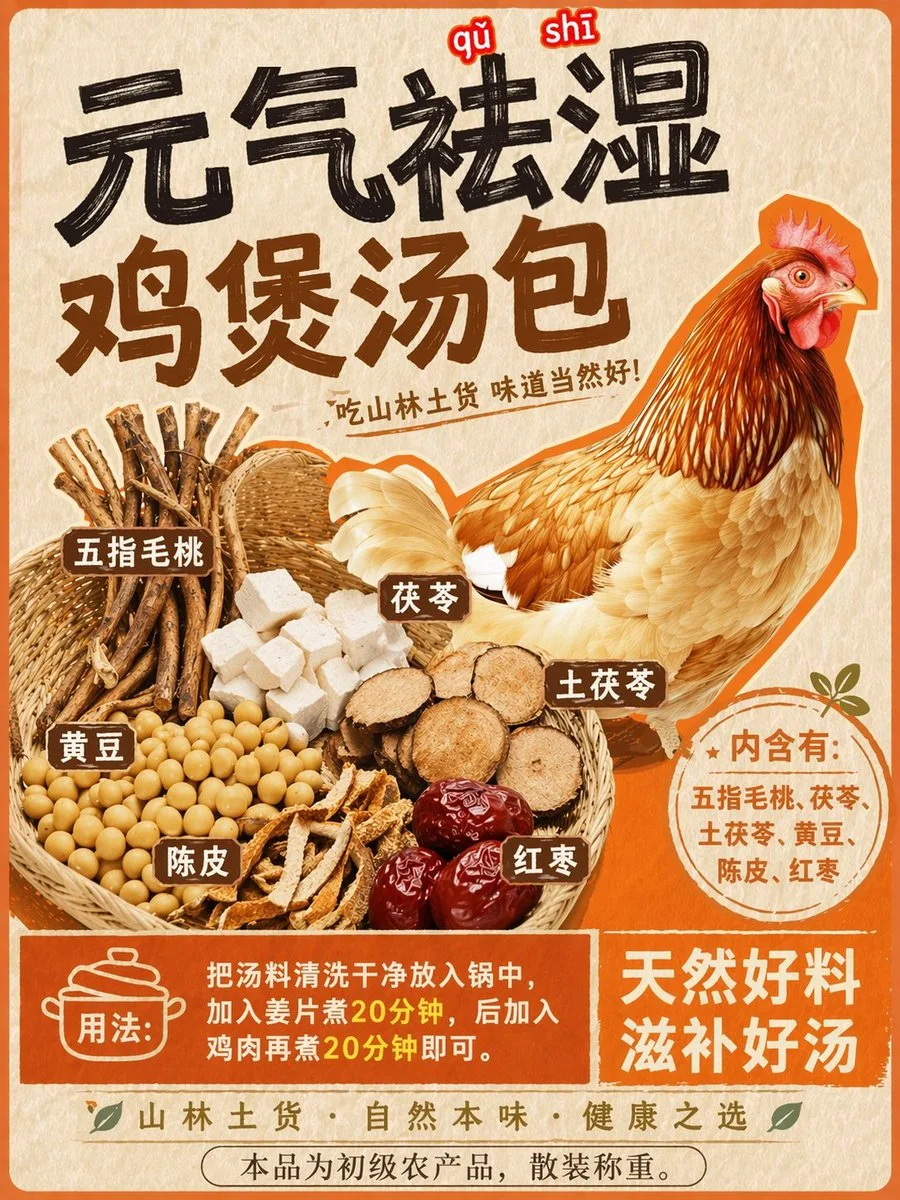
Click to view full image · Reference sample
Source
@xzjken ↗ · Case #153
Original prompt preserved. Results vary depending on model version, reference image, and parameters; identical outputs are not guaranteed.
Posters & Typography / PROMPT #153
Themed Poster Layout Design · #153
Review the image, then copy the prompt. If placeholders are present, customize them below.
01 / Customize your version
No placeholders detected. You can freely adjust the subject, color palette, text, and aspect ratio after copying.
02 / Full Prompt · Original
Using REFERENCE_0 as the base style and preserving the central chicken illustration, transform the image into a product packaging label for a herbal soup mix. Shift the chicken to the right side. Replace the top text with a large, bold black brush-stroke headline {argument name="main headline" default="元气祛湿 鸡煲汤包"} and a smaller subtitle {argument name="subtitle" default="吃山林土货 味道当然好!"}. On the left side, add a new woven basket containing exactly 6 distinct piles of ingredients: woody root sticks, white square cubes, round sliced brown roots, yellow soybeans, dried orange peel strips, and dark red dates. Attach 6 small brown rectangular labels with white text to these ingredients. Below the chicken, add a circular orange badge containing the text {argument name="ingredients list" default="内含有:五指毛桃、茯苓、土茯苓、黄豆、陈皮、红枣"}. At the bottom, create a solid orange rectangular banner featuring a cooking pot icon, the text {argument name="usage instructions" default="用法:把汤料清洗干净放入锅中,加入姜片煮20分钟,后加入鸡肉再煮20分钟即可。"}, and a secondary slogan {argument name="bottom slogan" default="天然好料 滋补好汤"}.Copy into your preferred AI image generator. Prompt Atelier provides prompt browsing and editing, but does not generate images directly.
03 / Pre-generation checklist
- Replace placeholders with specific details, and check whether reference images are needed.
- Specify exact wording for text elements, and proofread carefully after generation.
- Adjust only one element at a time—subject, lighting, or composition—to compare results easily.
Explore related inspiration
More in Posters & Typography