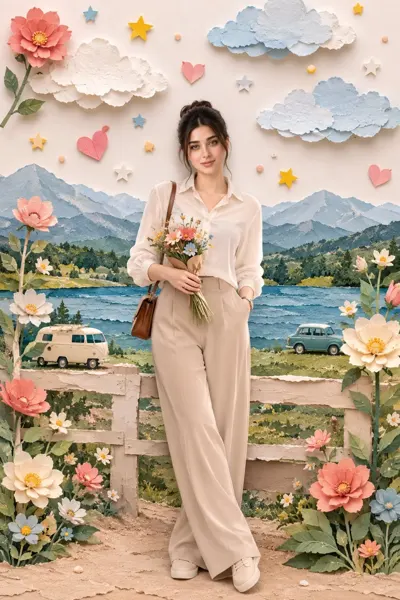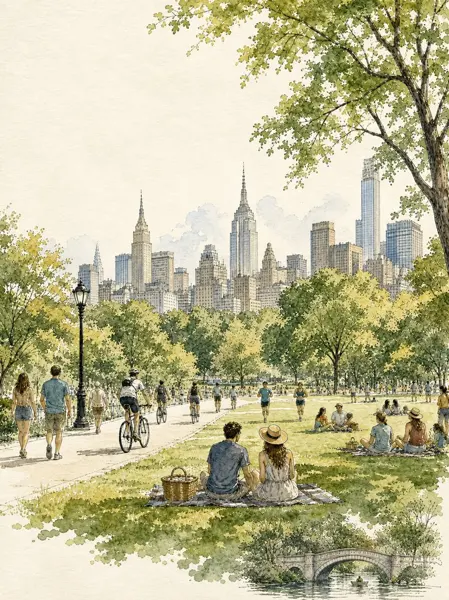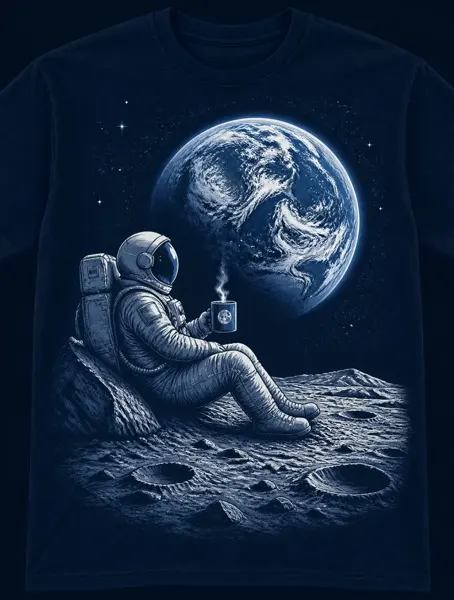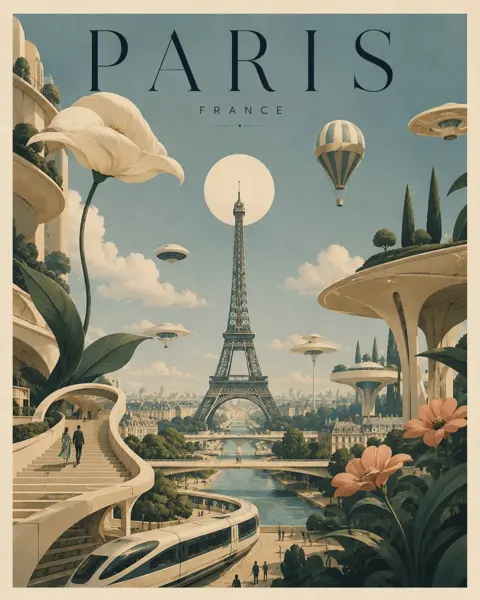
Click to view full image · Reference sample
Source
@loilokoji ↗ · Case #121
Original prompt preserved. Results vary depending on model version, reference image, and parameters; identical outputs are not guaranteed.
Illustration & Art / PROMPT #121
Architectural Space Scene · #121
Review the image, then copy the prompt. If placeholders are present, customize them below.
01 / Customize your version
No placeholders detected. You can freely adjust the subject, color palette, text, and aspect ratio after copying.
02 / Full Prompt · Original
{
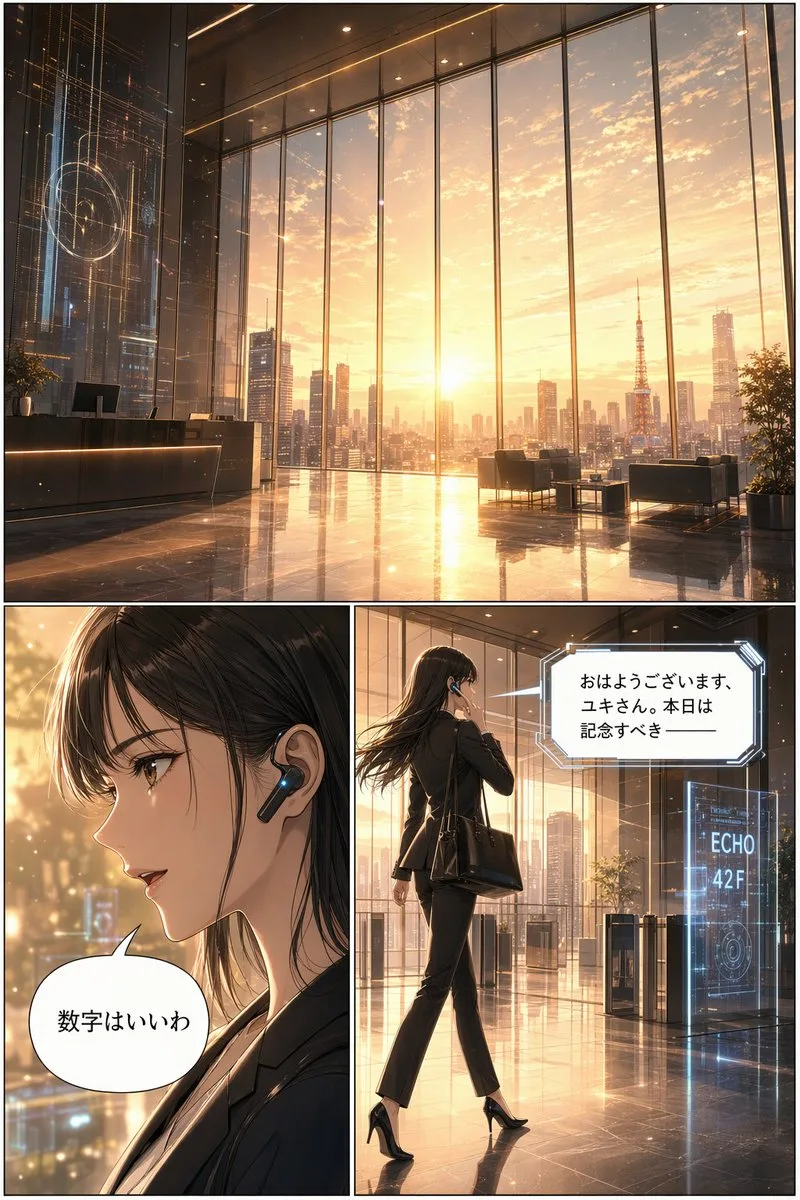
  "type": "3-panel manga page",
  "style": "anime, highly detailed, cinematic lighting, futuristic corporate",
  "layout": {
    "structure": "1 wide top panel, 2 square bottom panels"
  },
  "panels": [
    {
      "position": "top",
      "shot": "wide landscape",
      "scene": "Futuristic corporate lobby with floor-to-ceiling windows",
      "lighting": "{argument name=\"time of day\" default=\"sunrise\"}",
      "background": "City skyline featuring {argument name=\"landmark\" default=\"Tokyo Tower\"}",
      "details": "Holographic displays, polished reflective floor, reception desk, lounge chairs"
    },
    {
      "position": "bottom left",
      "shot": "close-up profile",
      "character": "Young woman, dark hair, black business suit",
      "accessories": "Futuristic black earpiece with glowing blue light",
      "speech_bubble": {
        "style": "standard rounded",
        "text": "{argument name=\"character dialogue\" default=\"数字はいいわ\"}"
      }
    },
    {
      "position": "bottom right",
      "shot": "full body, walking away, touching earpiece",
      "character": "Same woman, black suit, black heels, carrying a black tote bag",
      "environment": "Approaching security gates",
      "holographic_sign": "{argument name=\"floor sign\" default=\"ECHO 42F\"}",
      "speech_bubble": {
        "style": "futuristic angular",
        "text": "{argument name=\"AI dialogue\" default=\"おはようございます、ユキさん。本日は記念すべき ──\"}"
      }
    }
  ]
}
Copy into your preferred AI image generator. Prompt Atelier provides prompt browsing and editing, but does not generate images directly.
03 / Pre-generation checklist
- Replace placeholders with specific details, and check whether reference images are needed.
- Specify exact wording for text elements, and proofread carefully after generation.
- Adjust only one element at a time—subject, lighting, or composition—to compare results easily.
Explore related inspiration
More in Illustration & Art