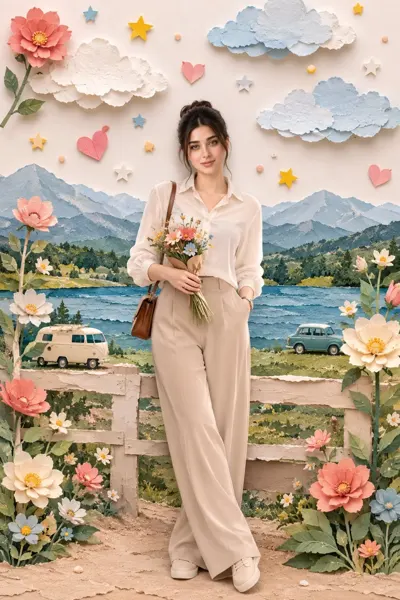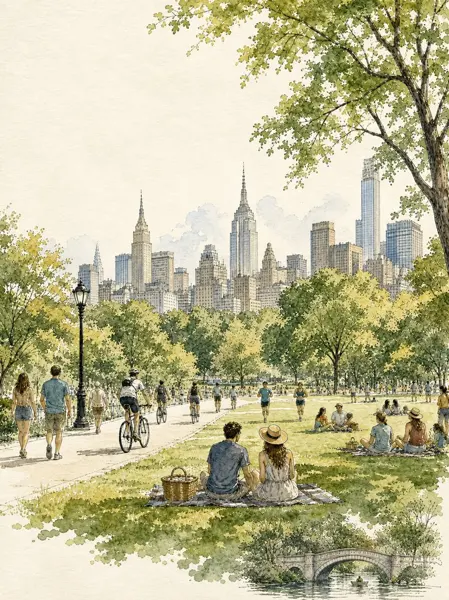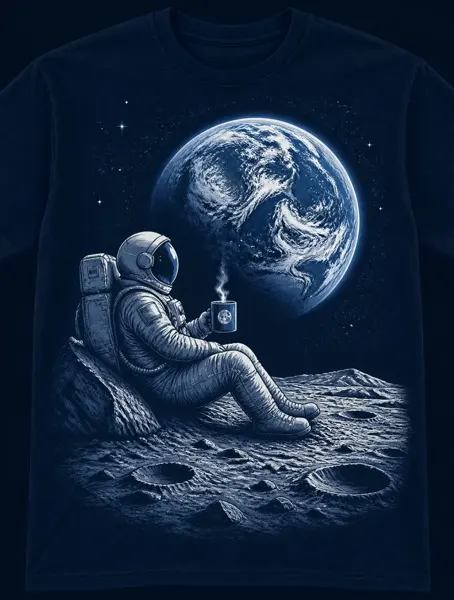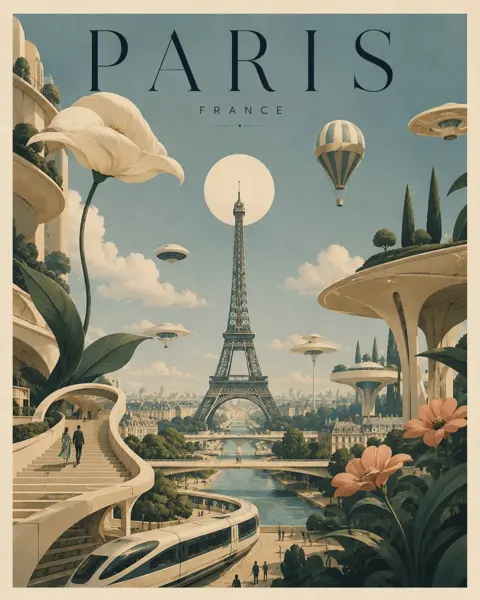
Click to view full image · Reference sample
Source
@gamemangaanime ↗ · Case #116
Original prompt preserved. Results vary depending on model version, reference image, and parameters; identical outputs are not guaranteed.
Illustration & Art / PROMPT #116
Themed Poster Layout Design · #116
Review the image, then copy the prompt. If placeholders are present, customize them below.
01 / Customize your version
No placeholders detected. You can freely adjust the subject, color palette, text, and aspect ratio after copying.
02 / Full Prompt · Original
{
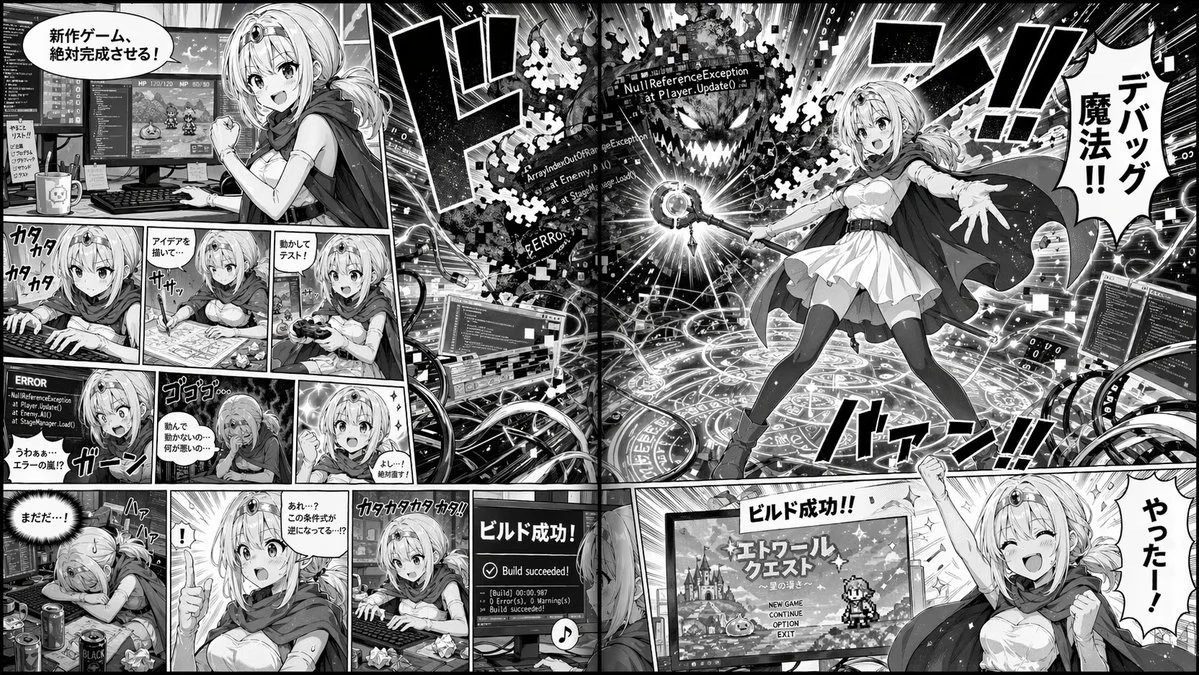
  "type": "2-page manga spread",
  "style": "monochrome anime manga, screentones",
  "theme": "{argument name=\"main action\" default=\"fantasy mage developing a video game\"}",
  "character": "{argument name=\"character appearance\" default=\"anime girl with blonde hair, tiara, cape, white dress, thigh-highs\"}",
  "layout": {
    "left_page": {
      "panel_count": 11,
      "rows": [
        {"panels": 1, "action": "Determined at dual-monitor desk, speech bubble: '新作ゲーム、絶対完成させる!'"},
        {"panels": 3, "action": "Typing, drawing on tablet, testing with controller"},
        {"panels": 3, "action": "Shocked at ERROR screen, depressed, determined again"},
        {"panels": 4, "action": "Exhausted, sudden realization, furious typing, monitor showing 'Build succeeded!'"}
      ]
    },
    "right_page": {
      "panel_count": 2,
      "panels": [
        {"type": "large splash", "action": "Casting magic from a glowing circle at a code-error monster labeled '{argument name=\"error text\" default=\"NullReferenceException\"}'. Speech bubble: '{argument name=\"spell text\" default=\"デバッグ魔法!!\"}'"},
        {"type": "bottom banner", "action": "Cheering in front of RPG title screen. Speech bubble: '{argument name=\"success text\" default=\"やったー!\"}'"}
      ]
    }
  }
}
Copy into your preferred AI image generator. Prompt Atelier provides prompt browsing and editing, but does not generate images directly.
03 / Pre-generation checklist
- Replace placeholders with specific details, and check whether reference images are needed.
- Specify exact wording for text elements, and proofread carefully after generation.
- Adjust only one element at a time—subject, lighting, or composition—to compare results easily.
Explore related inspiration
More in Illustration & Art